The Story
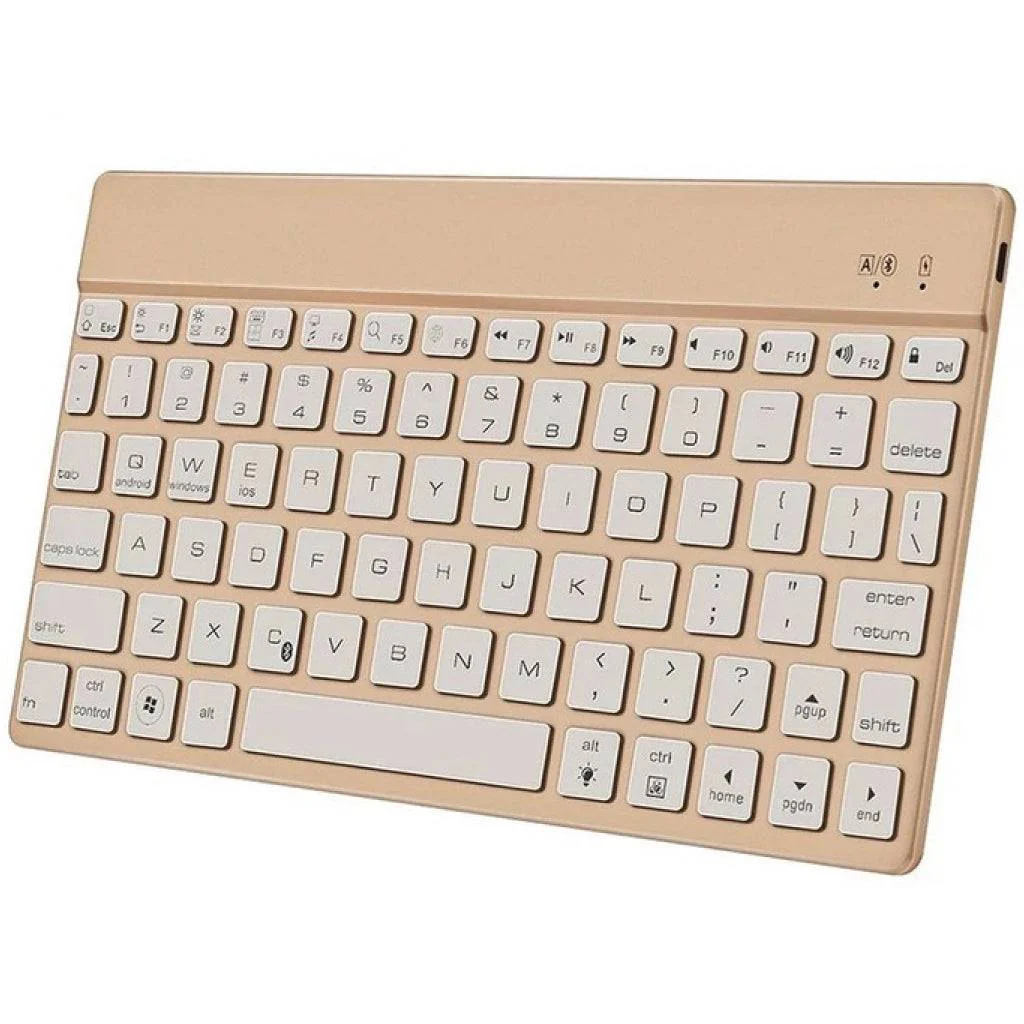
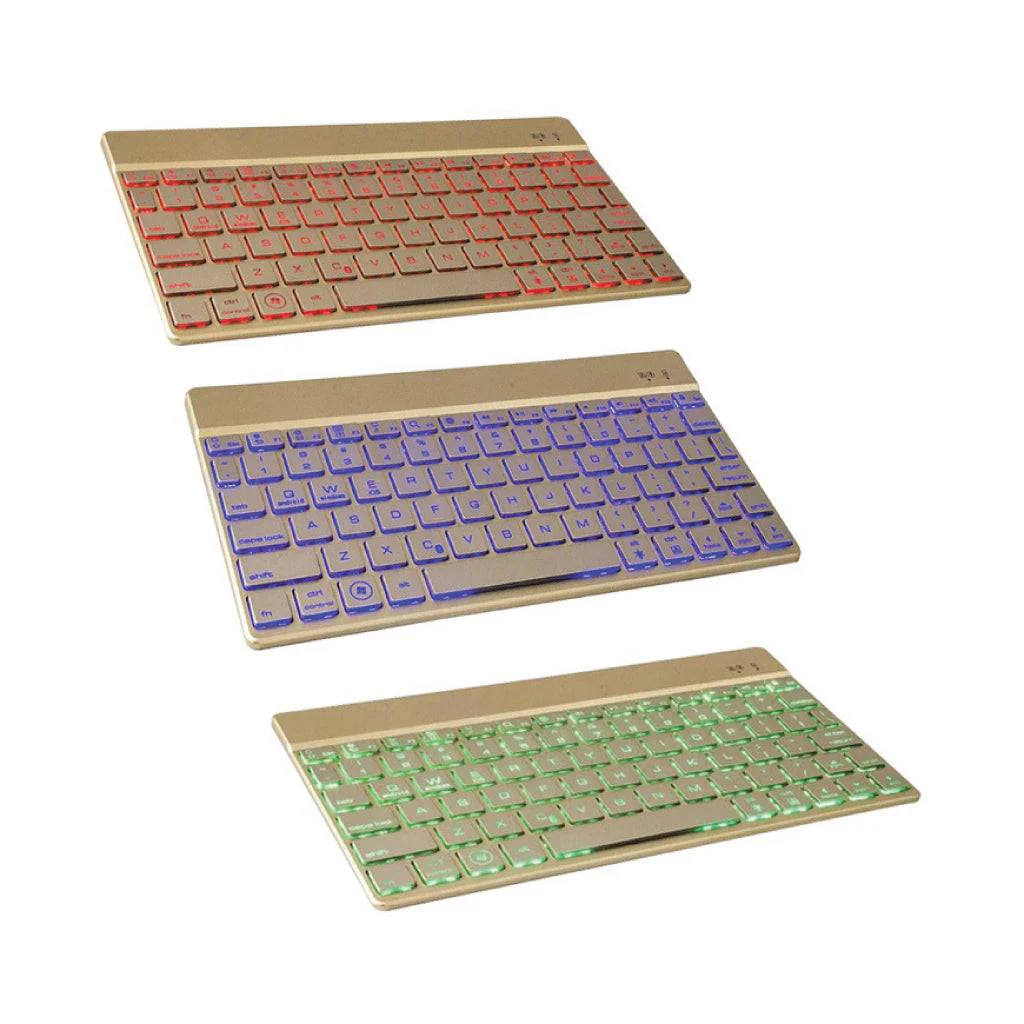
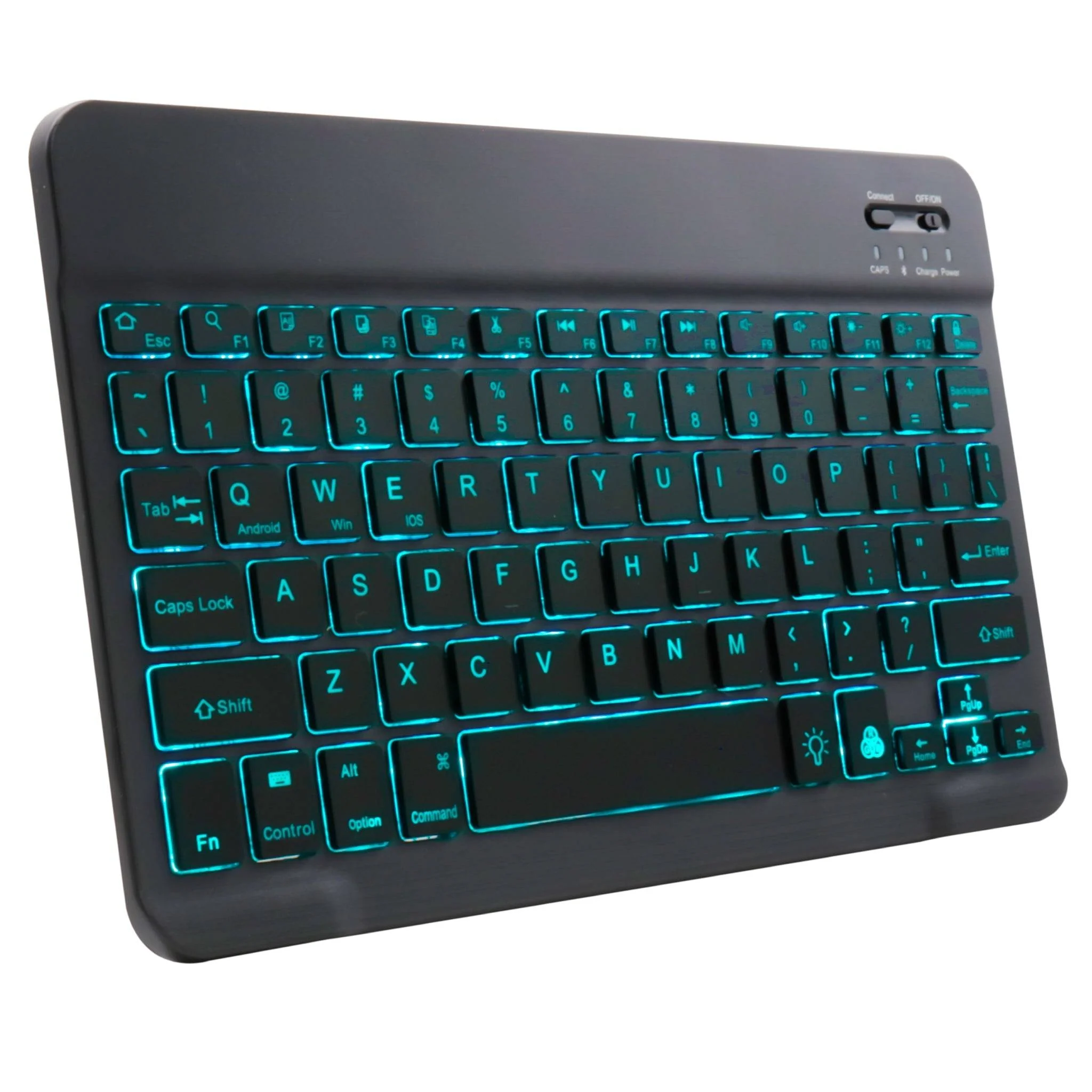
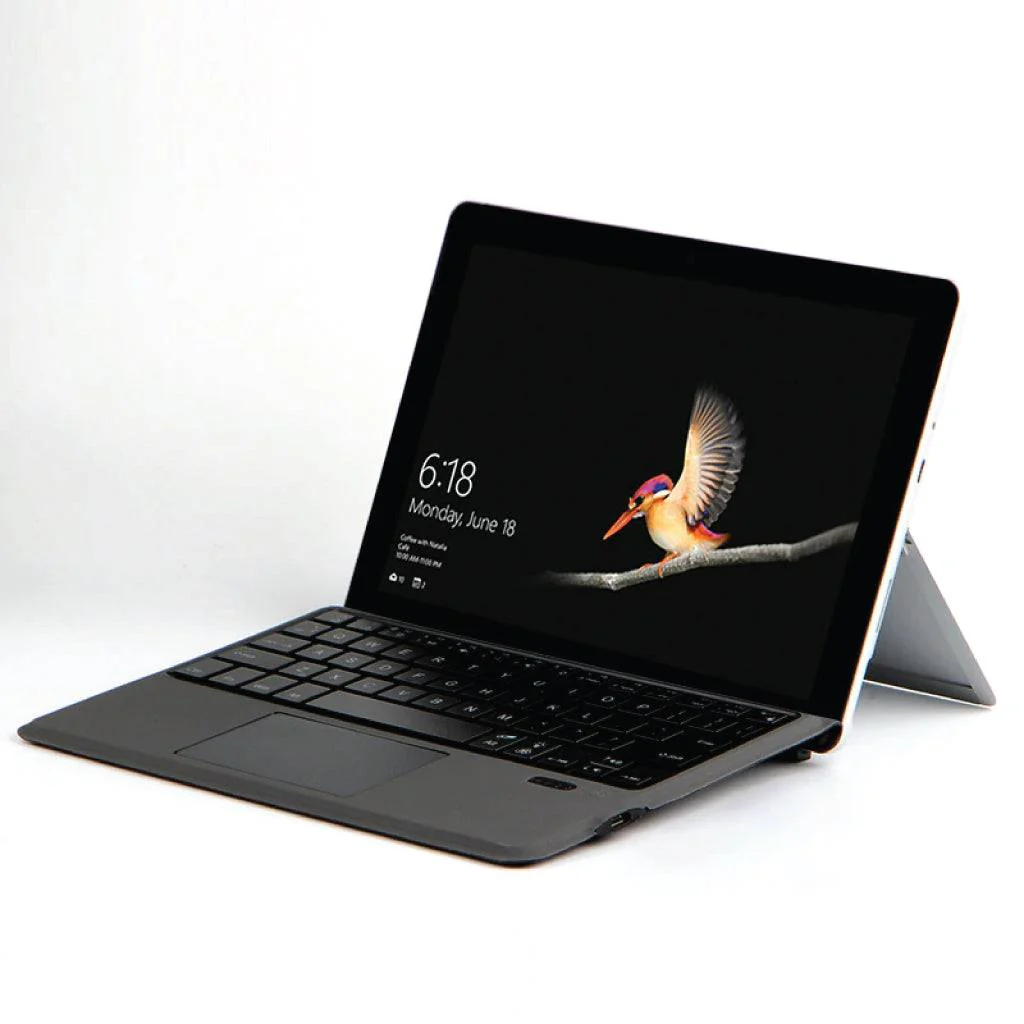
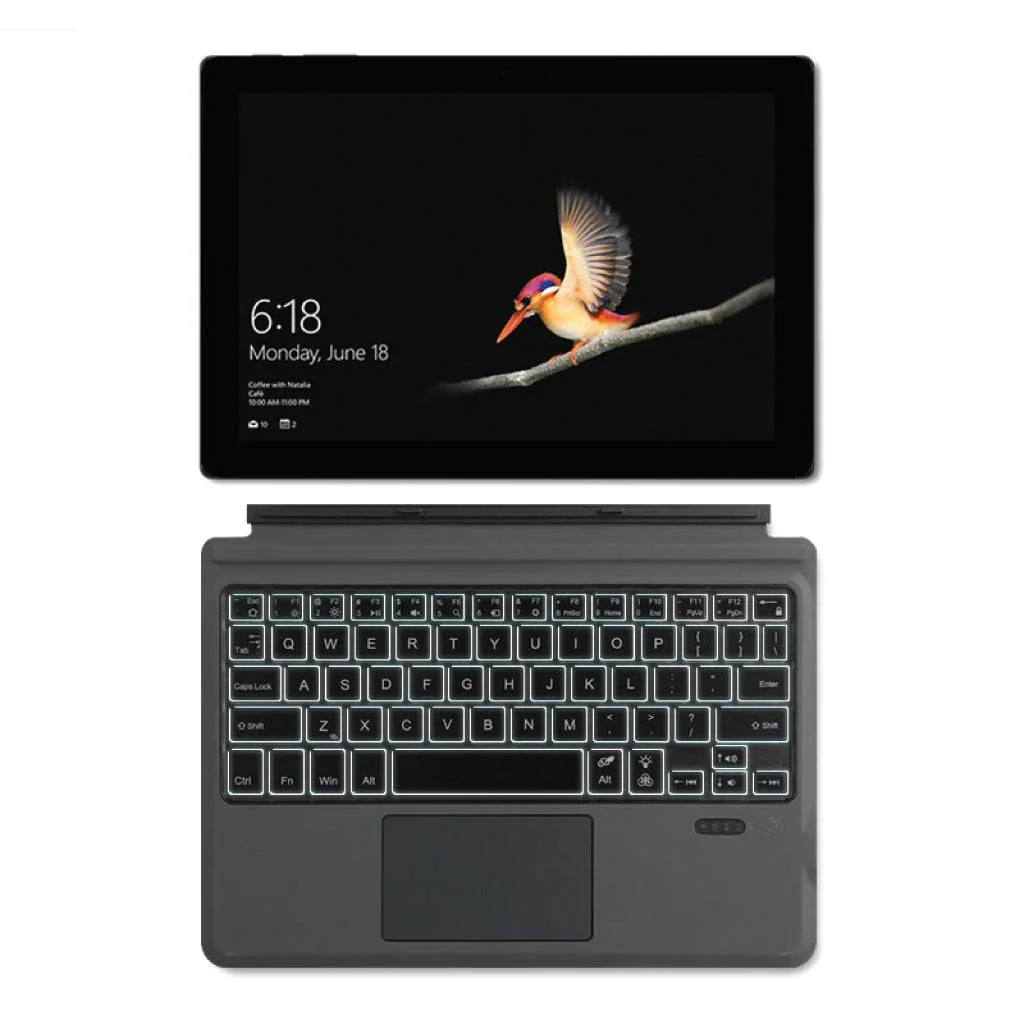
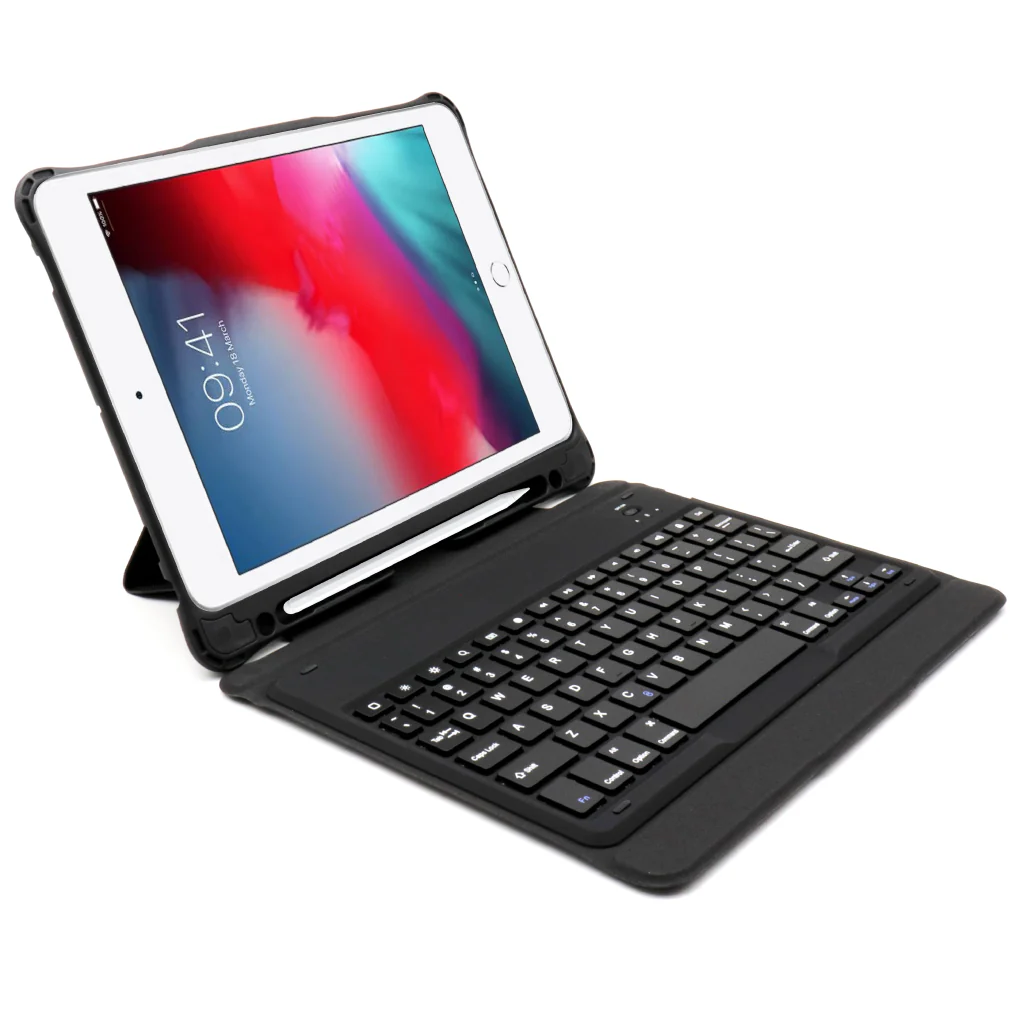
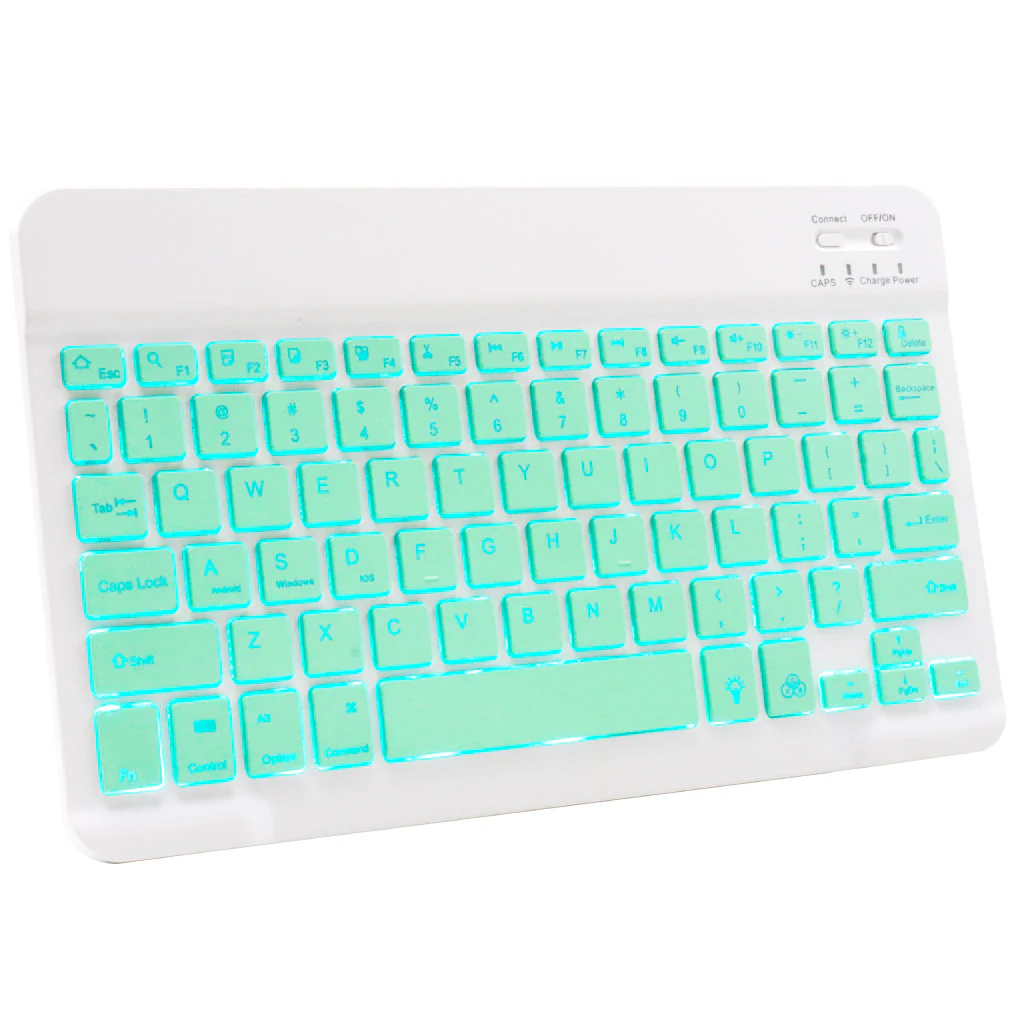
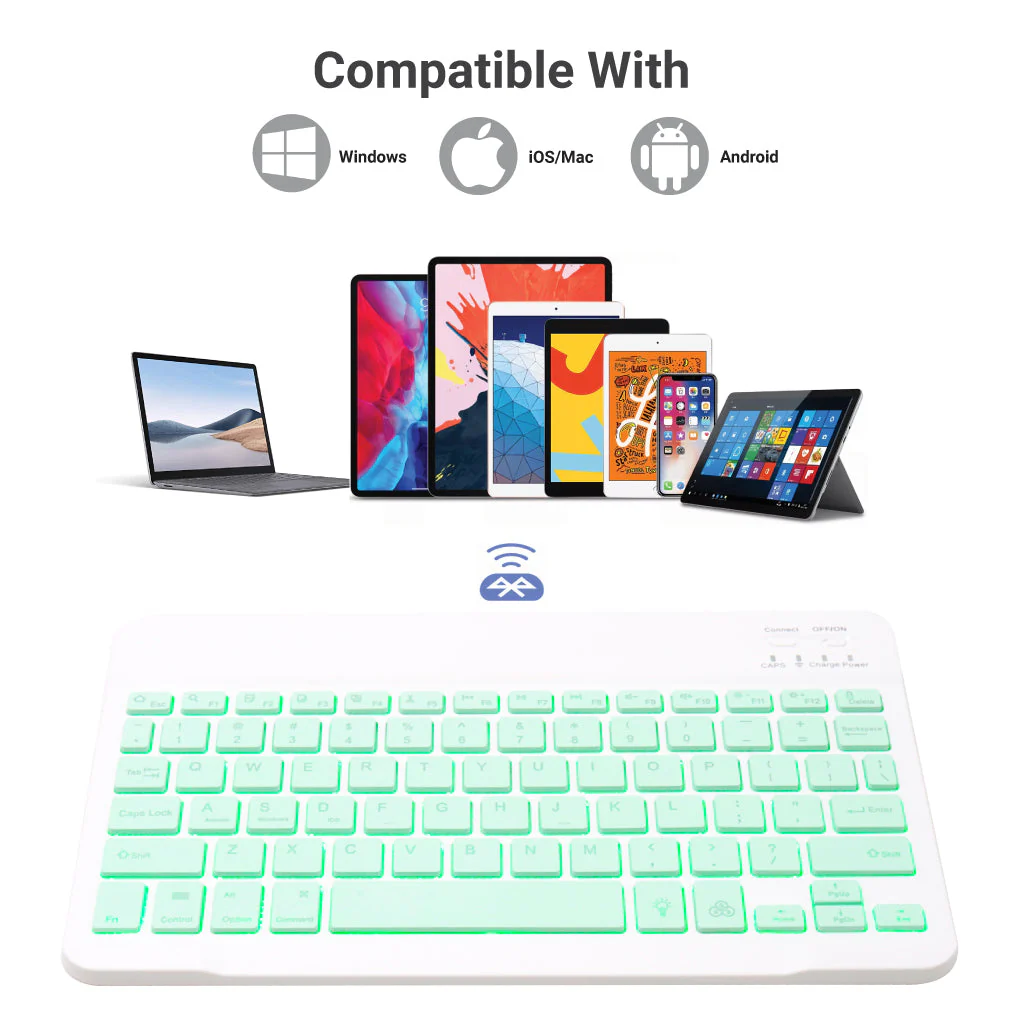
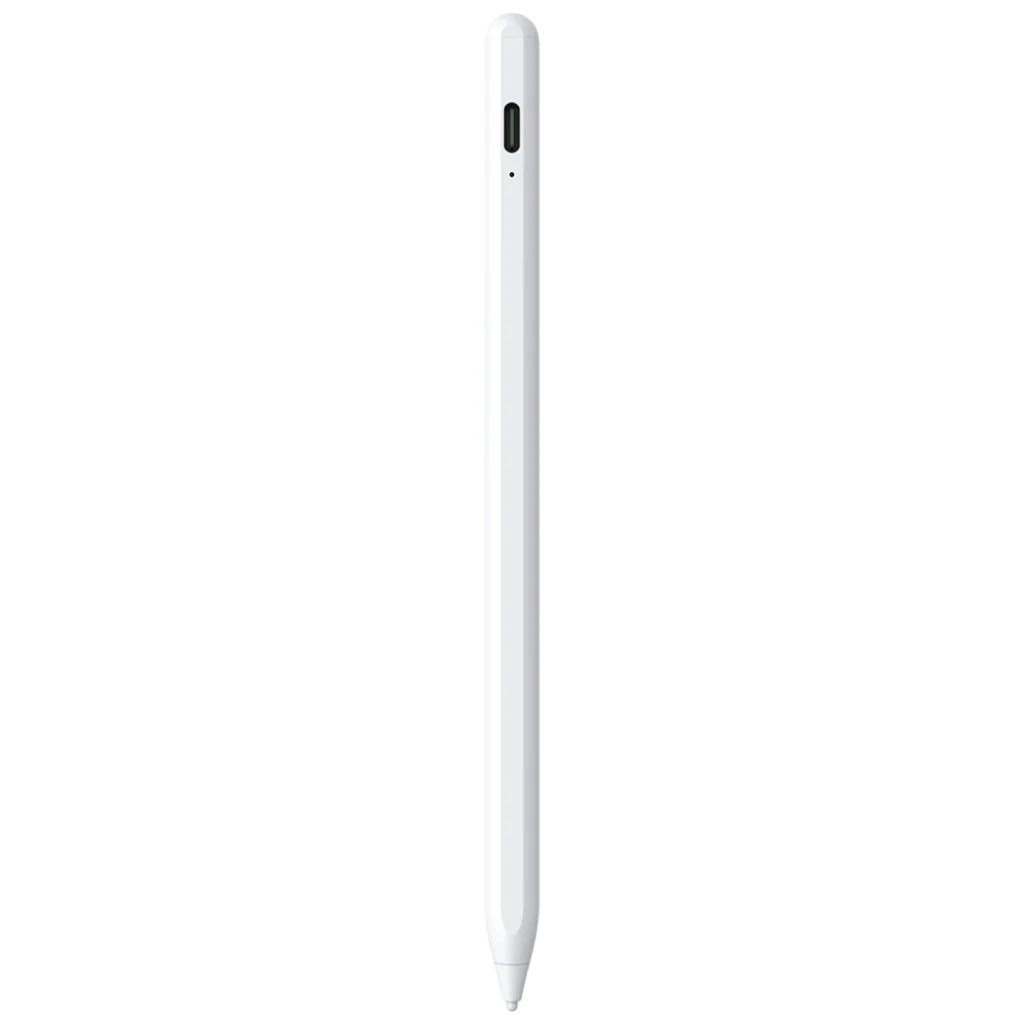
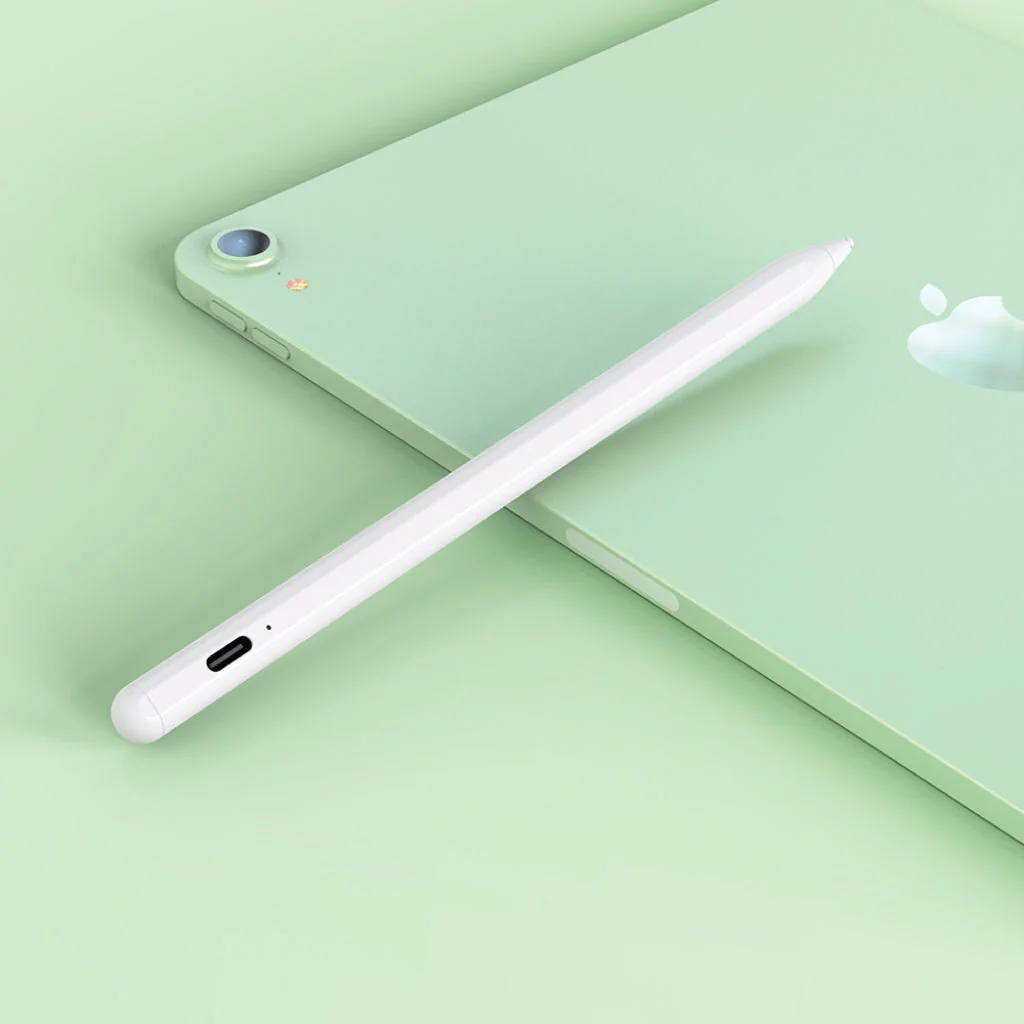
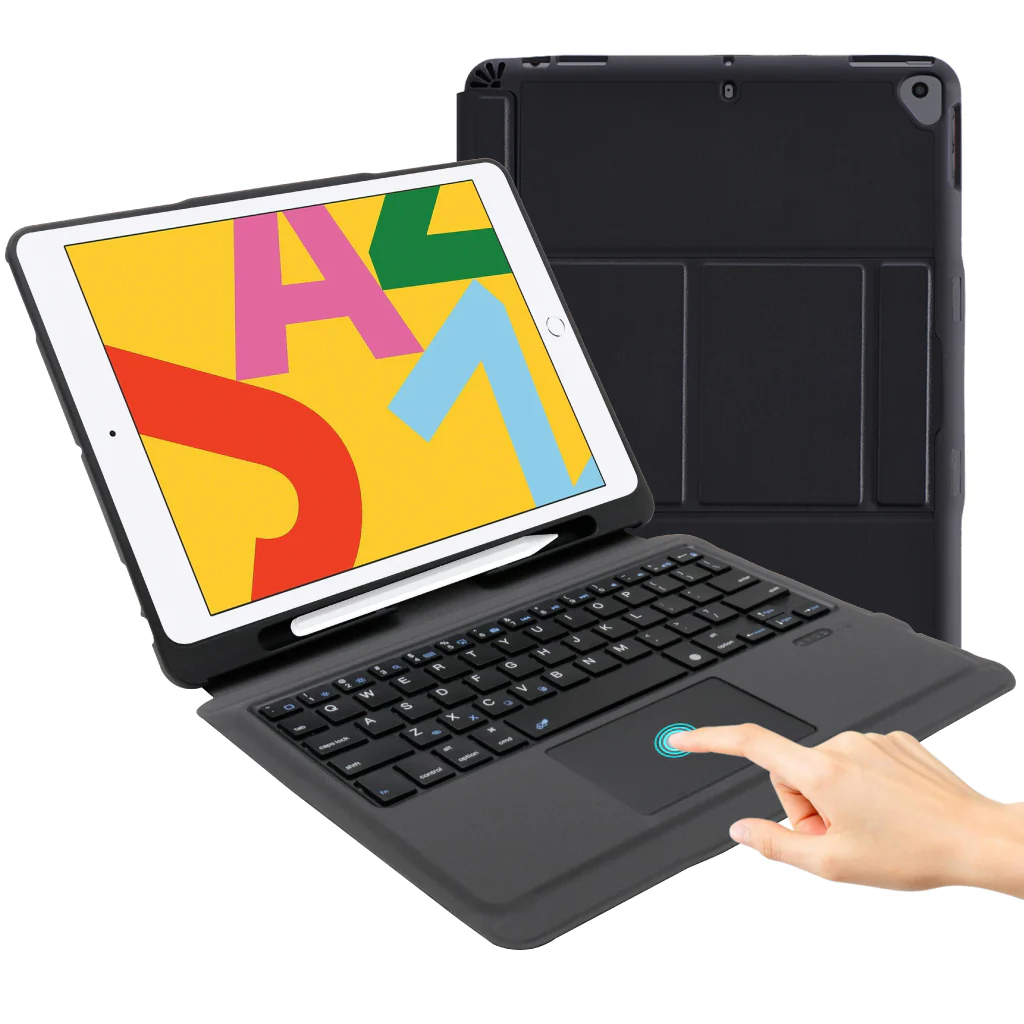
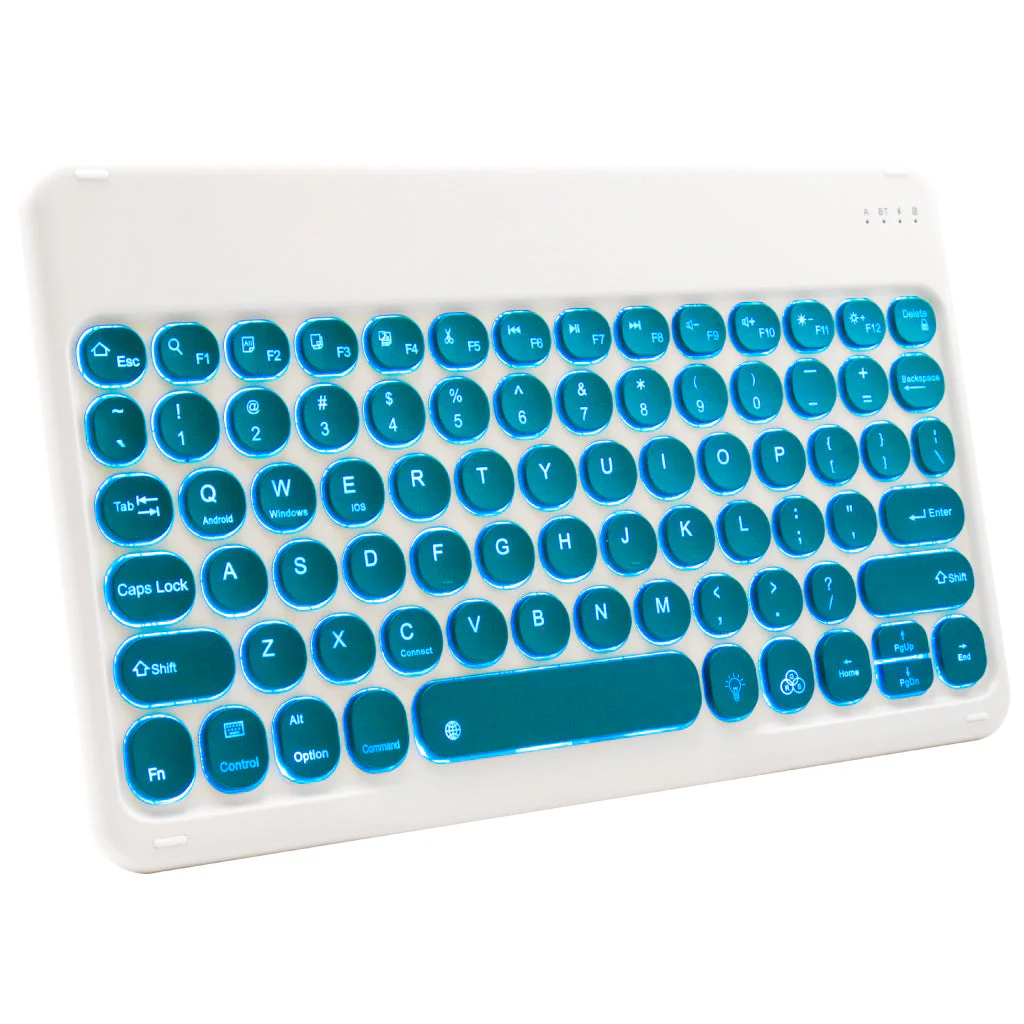
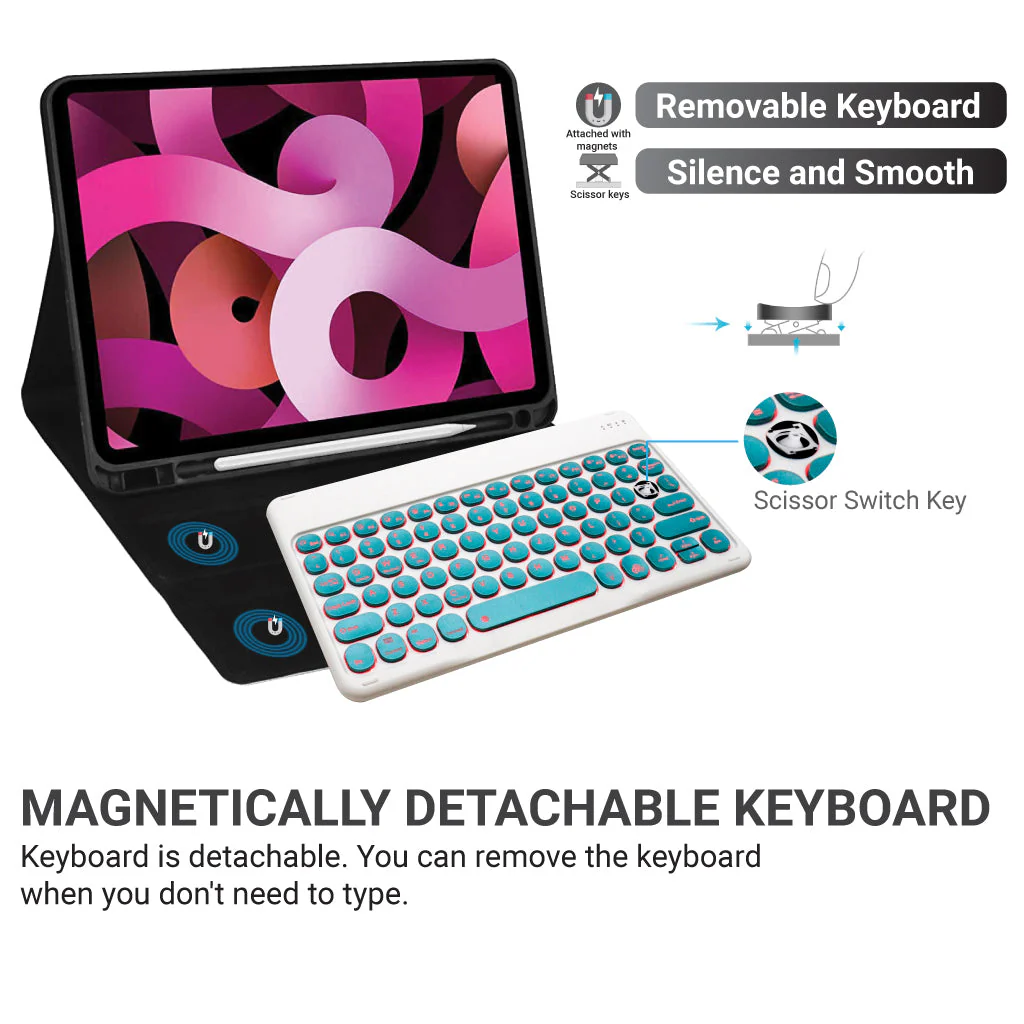
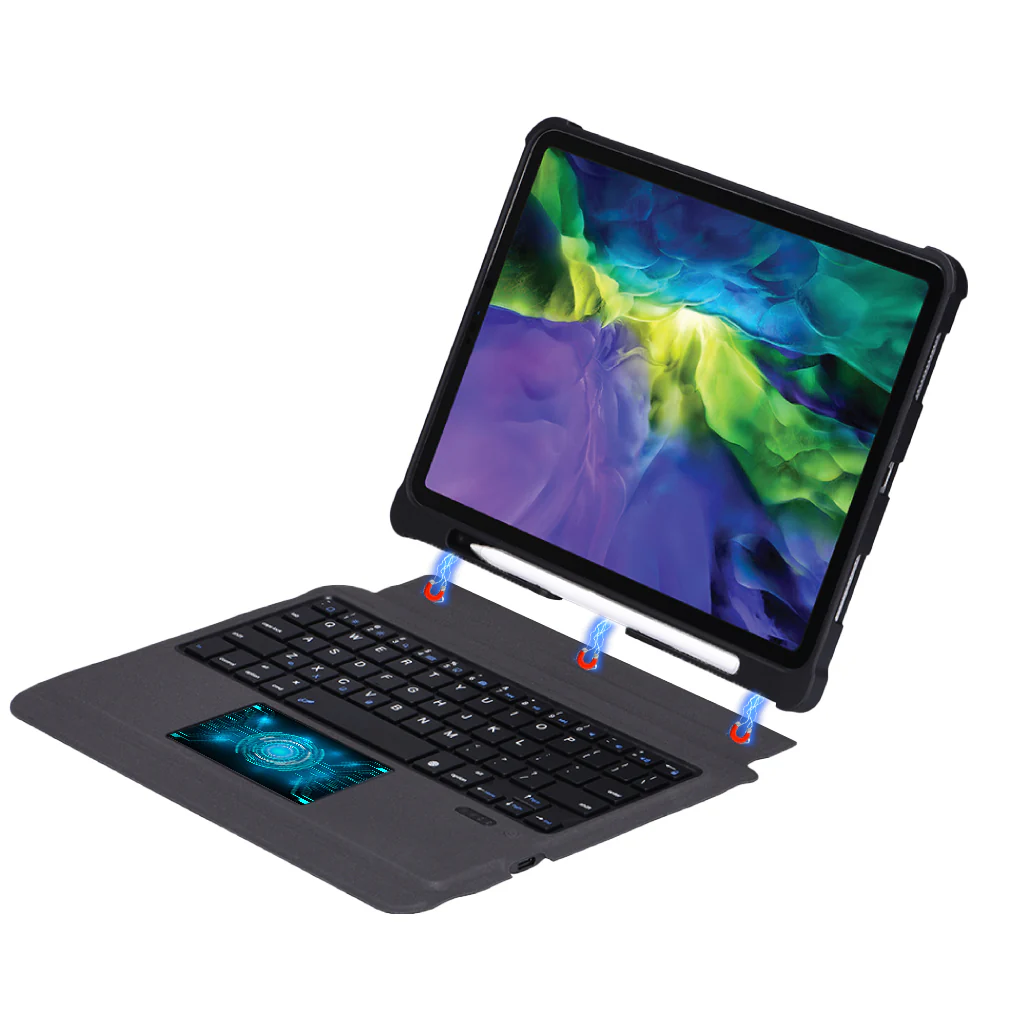
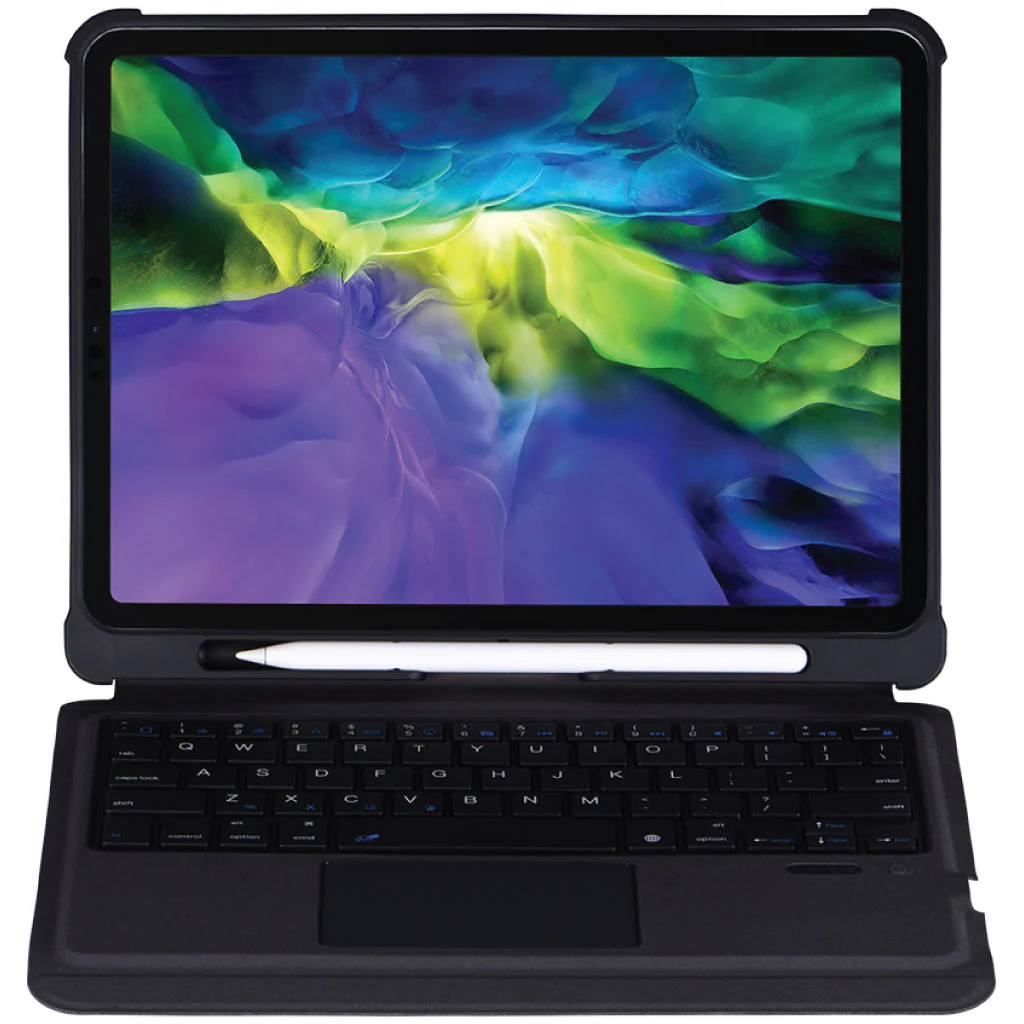
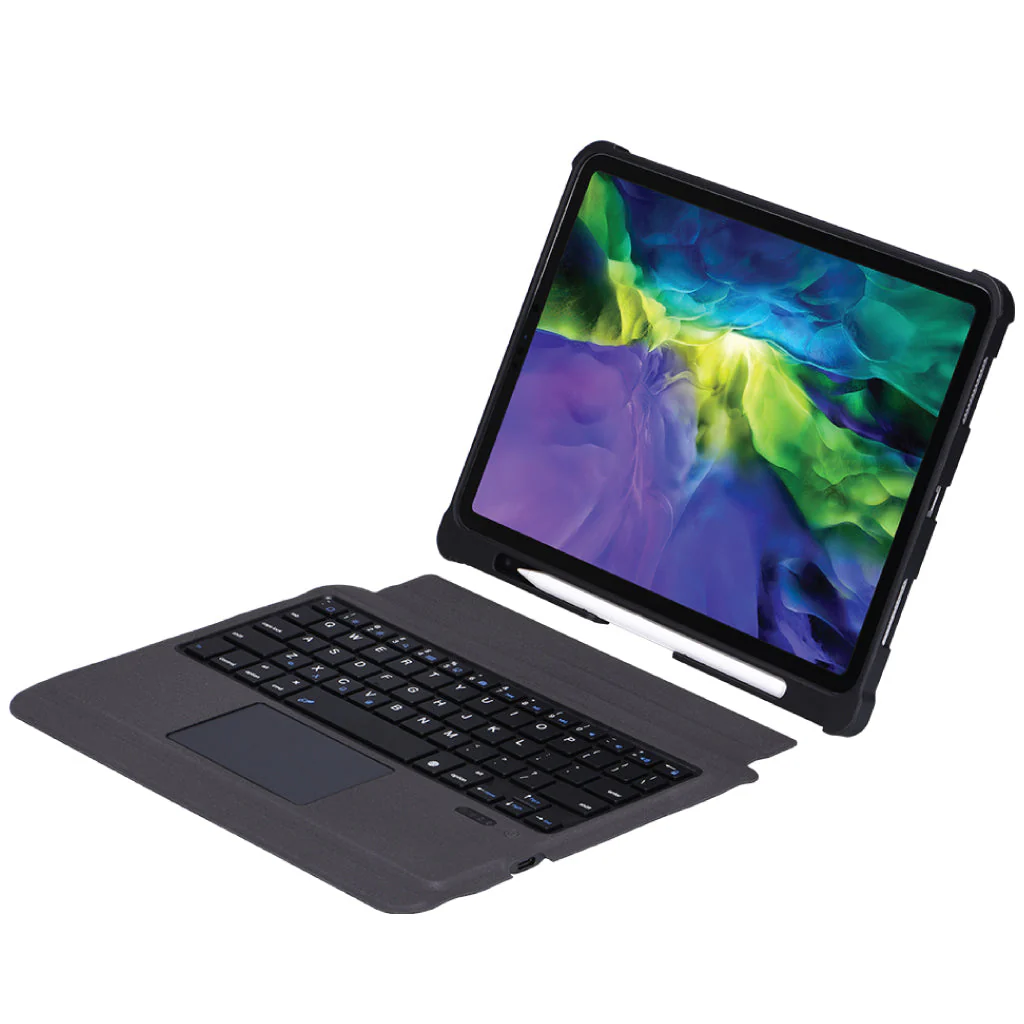
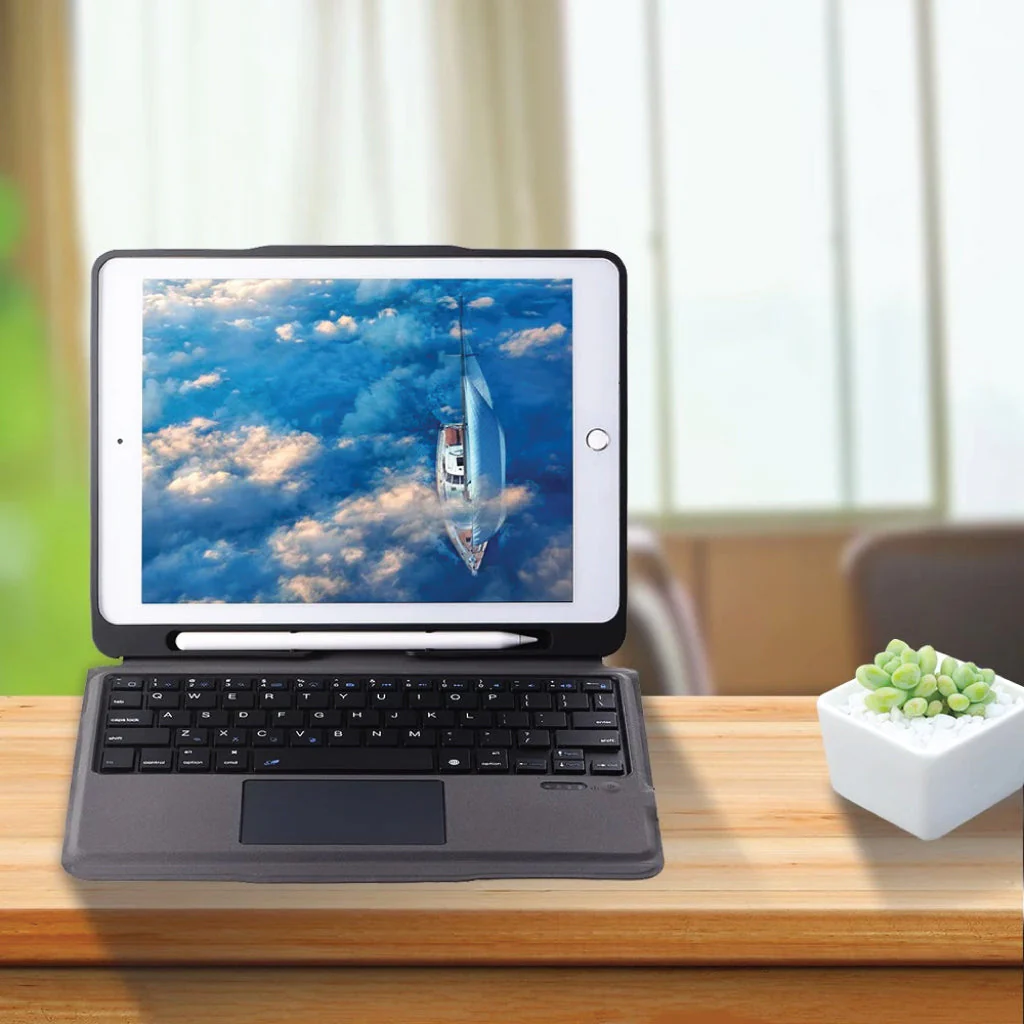
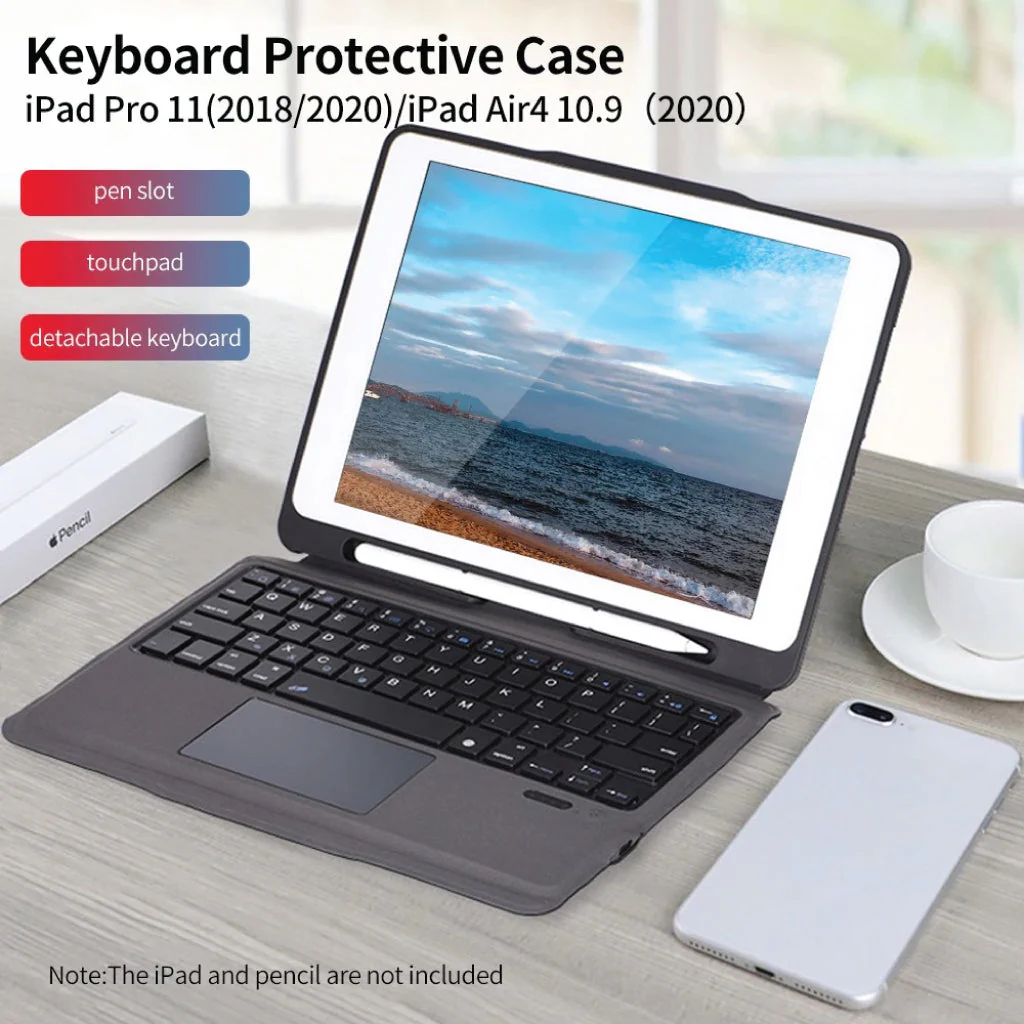
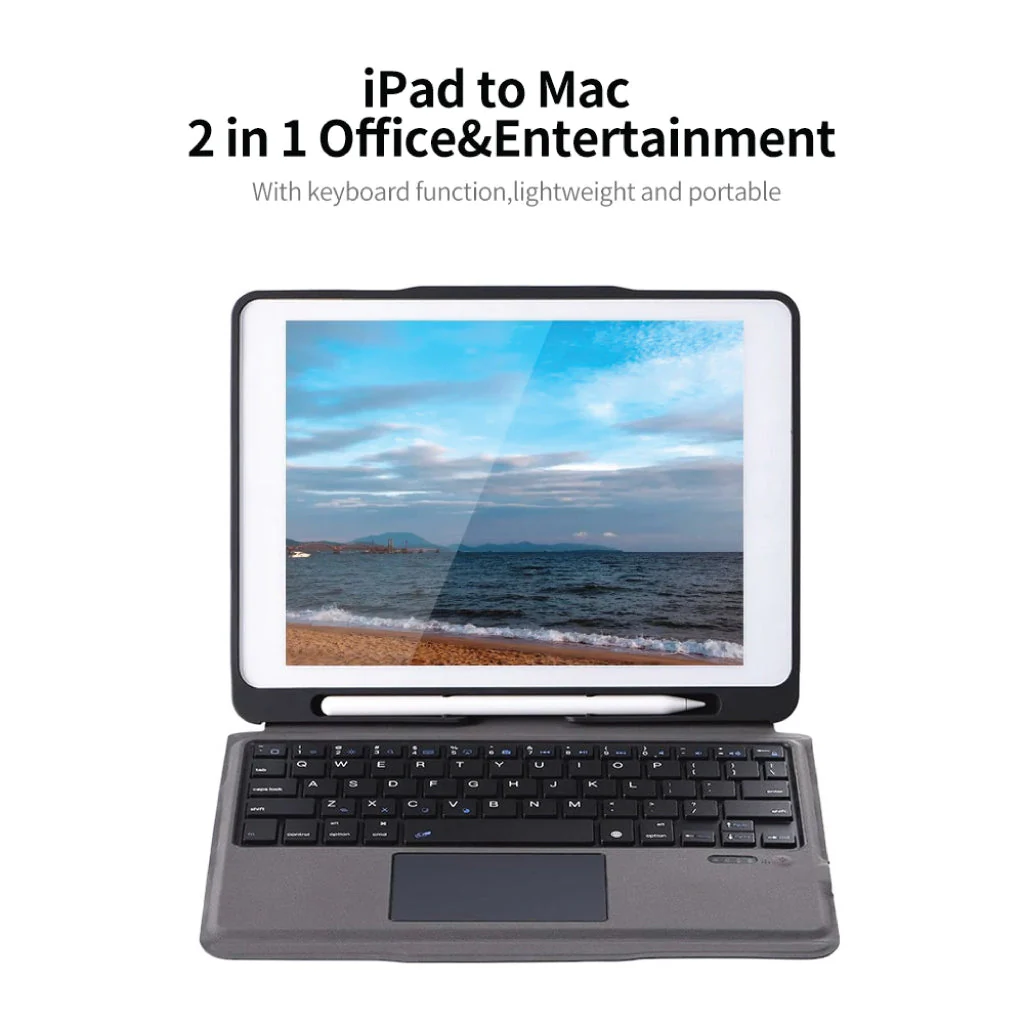
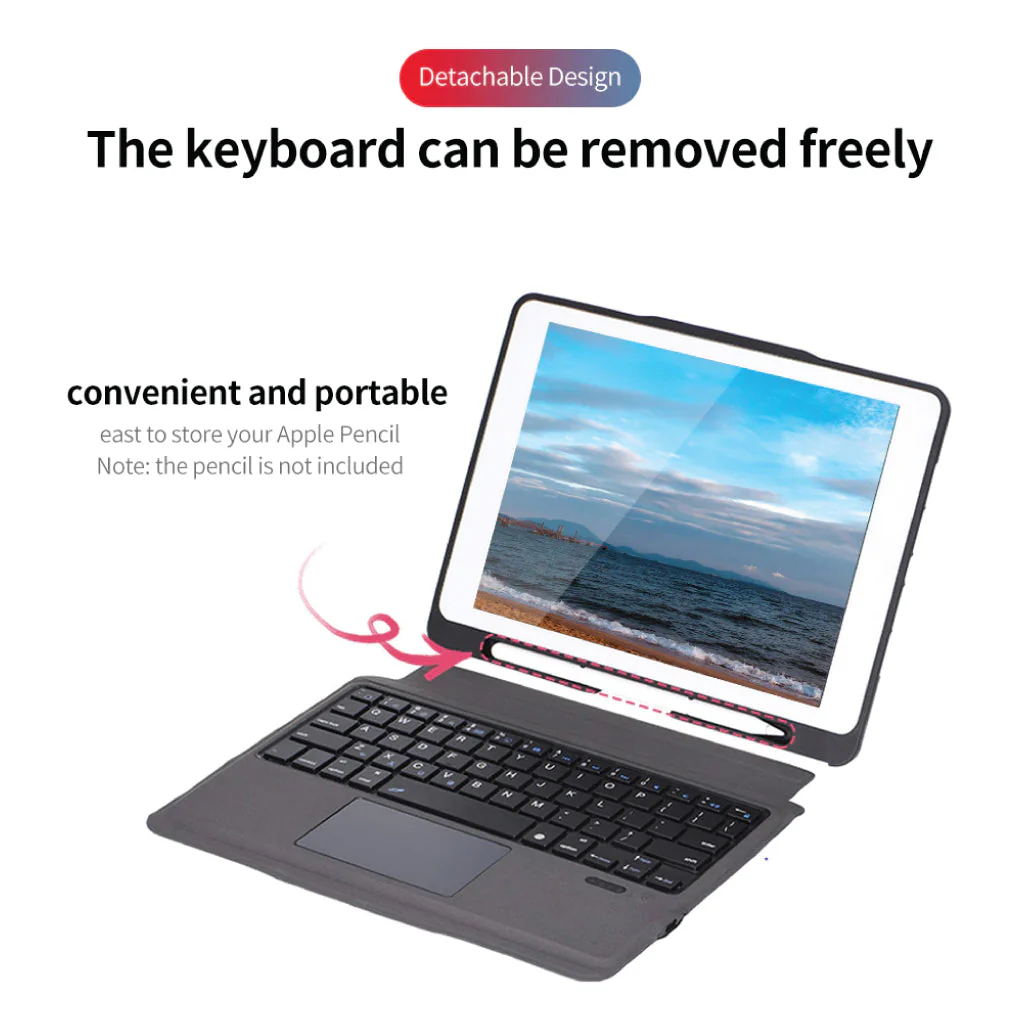
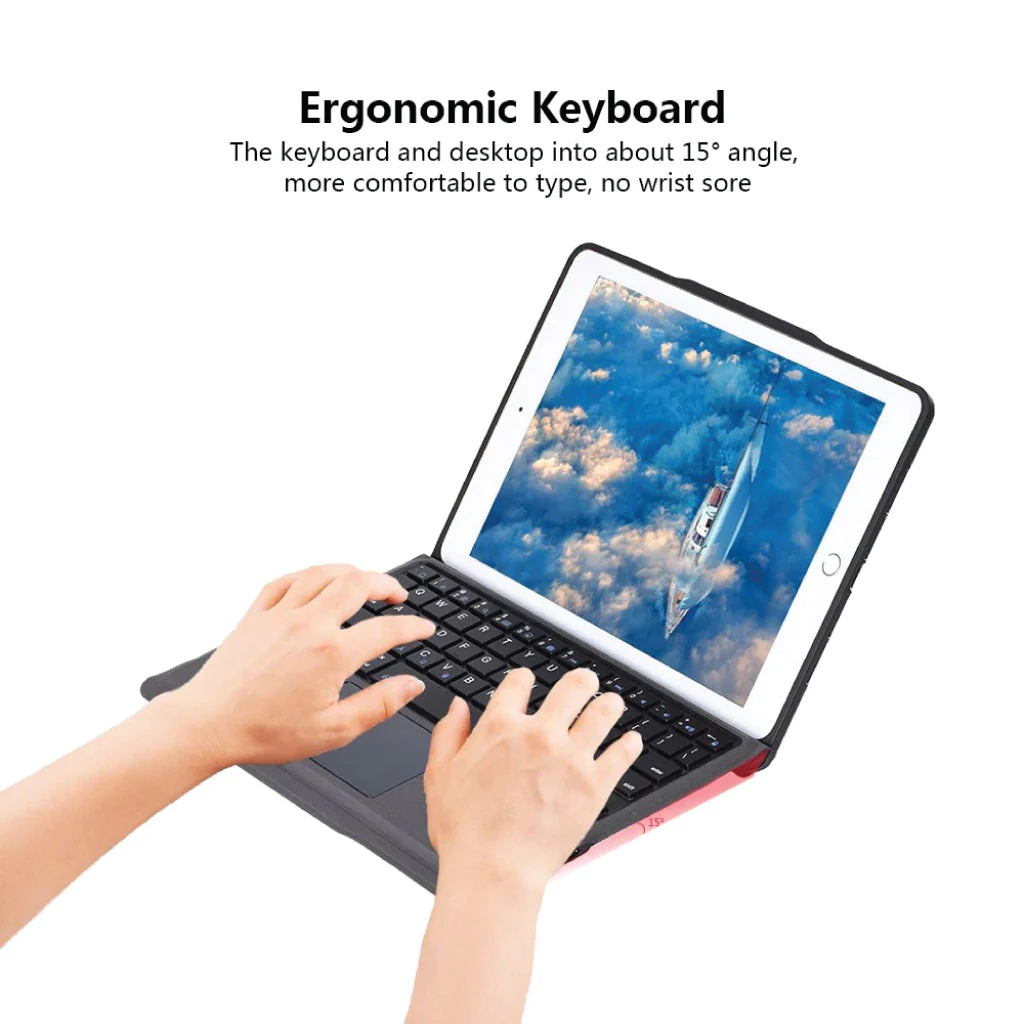
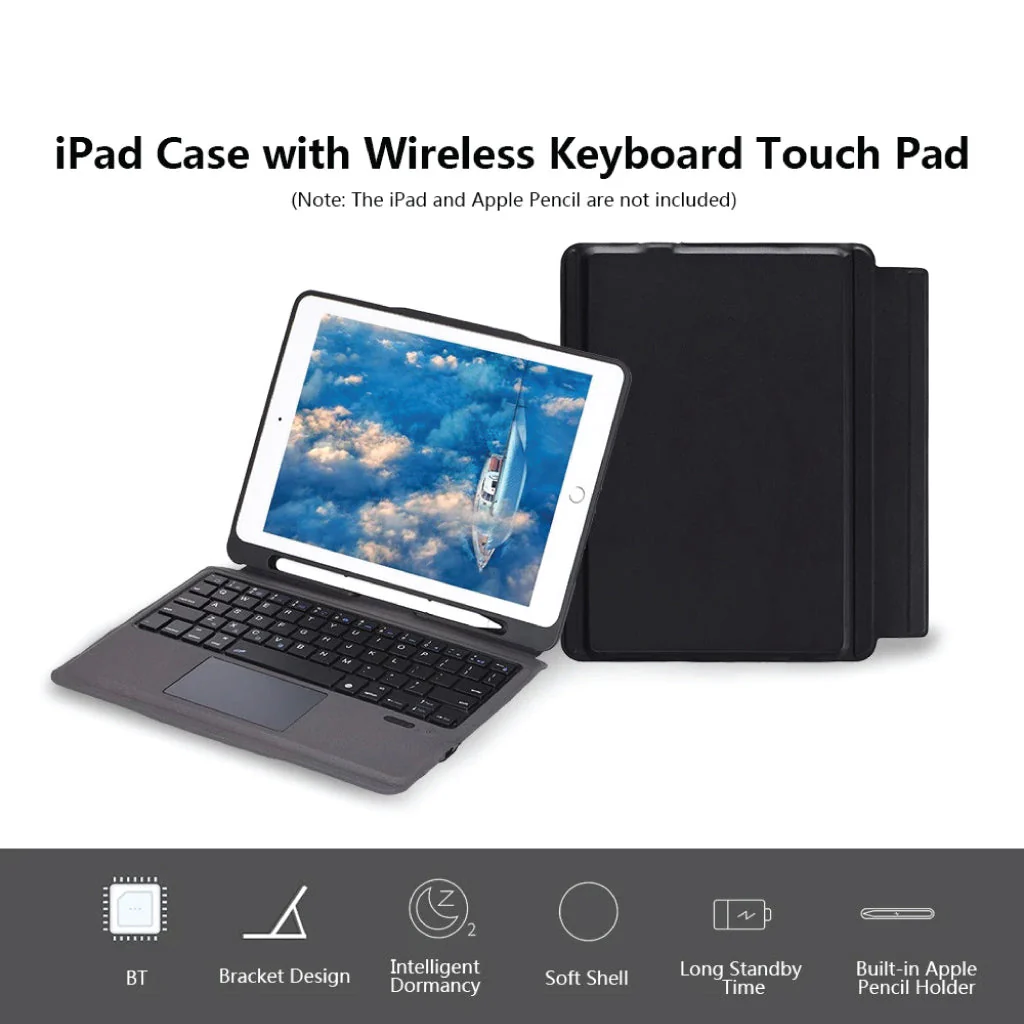
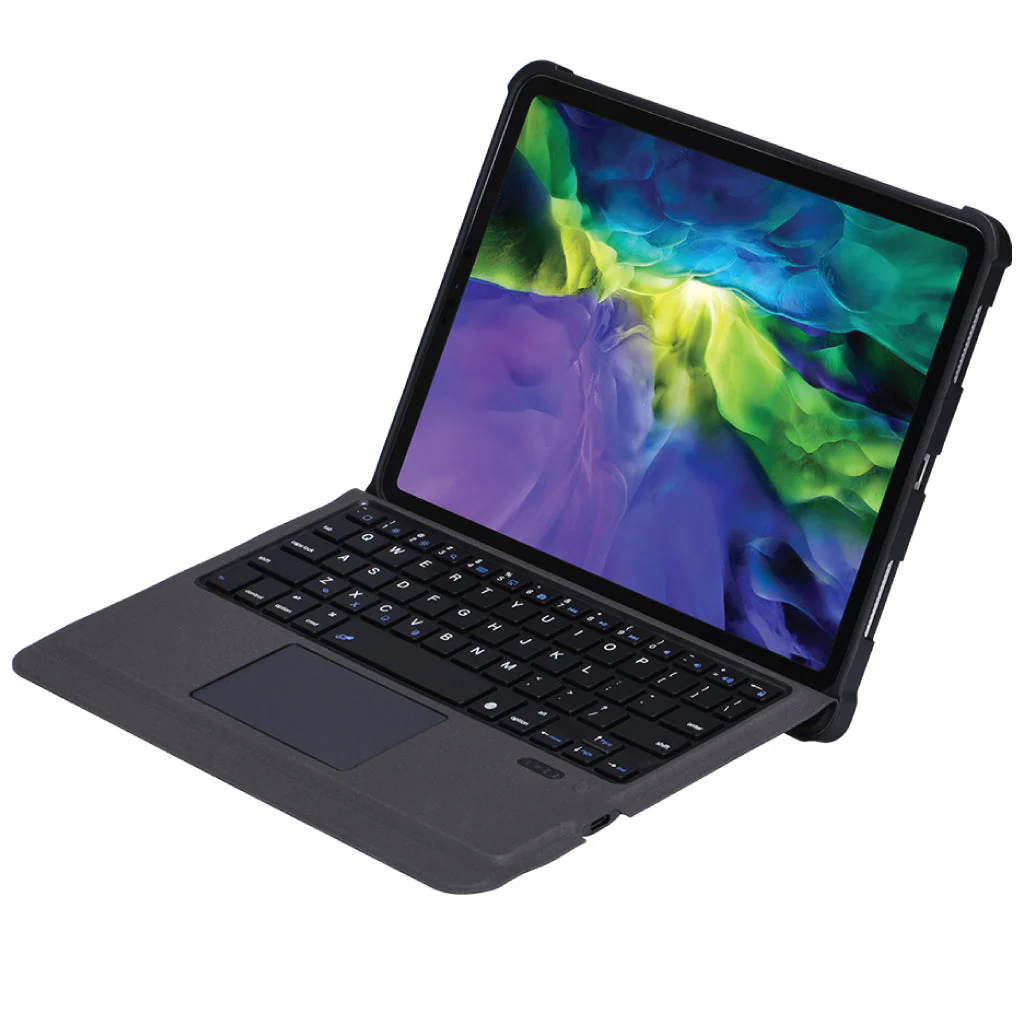
DESIGNED FOR iPad – This high-quality Keyboard Case for iPadis specifically designed for iPad Air 10.9 (4th Gen) (A2324, A2072, A2325, A2316) (5th Gen) (A2588, A2589, A2591). The keyboard is easy to use. Pen or iPad NOT included.
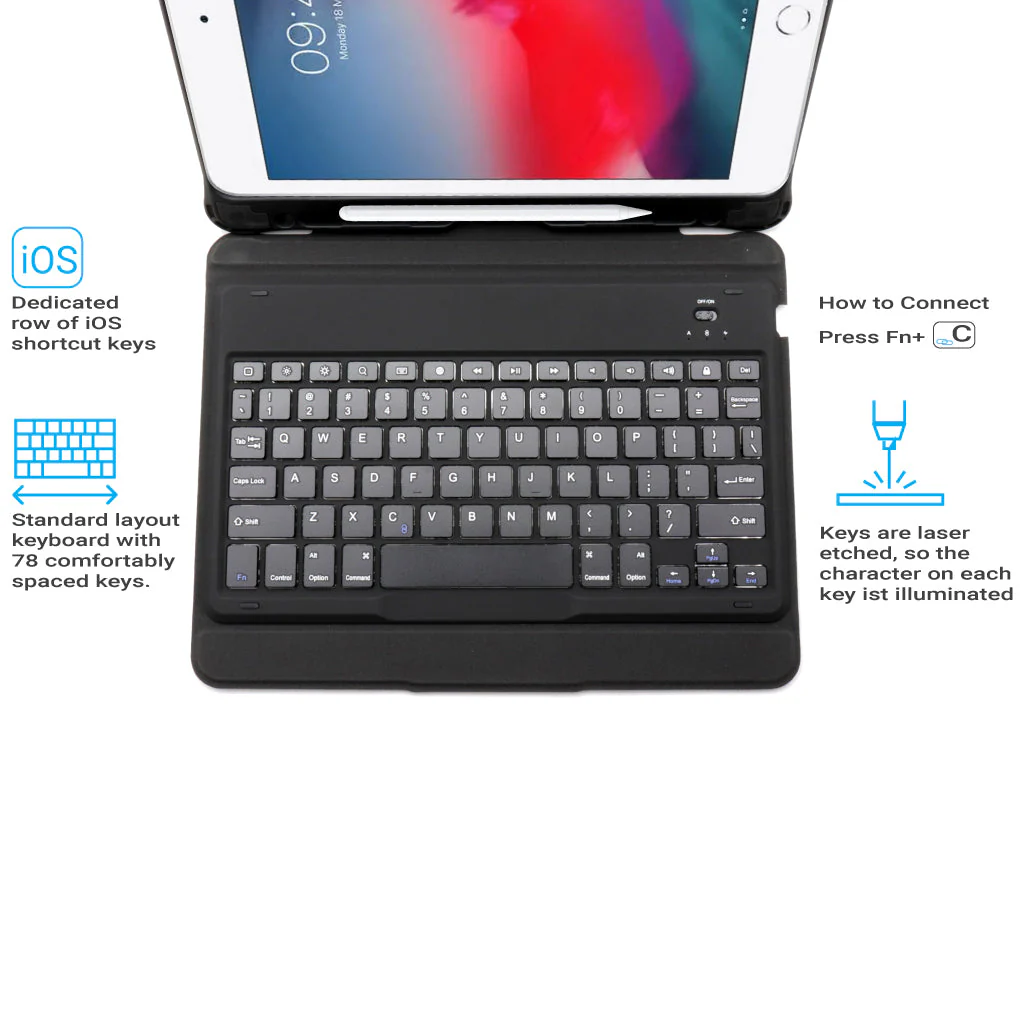
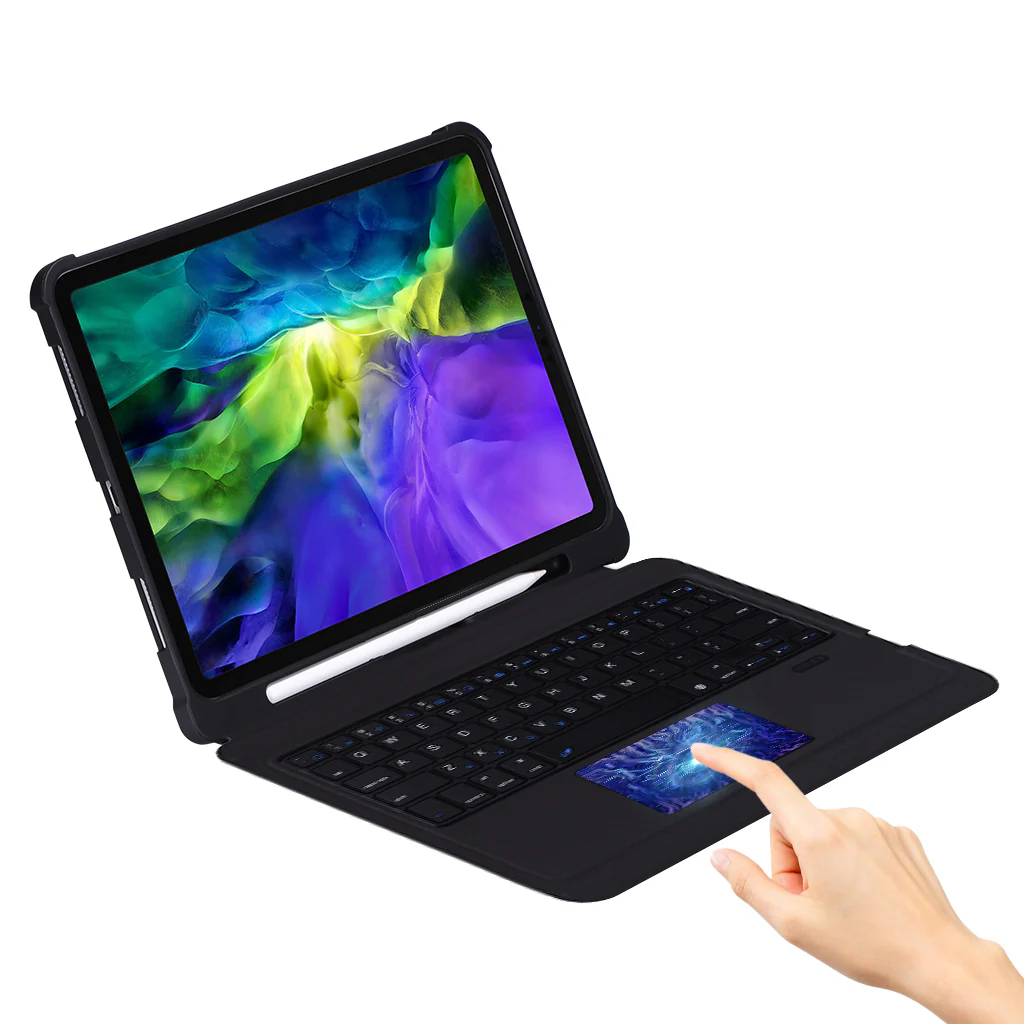
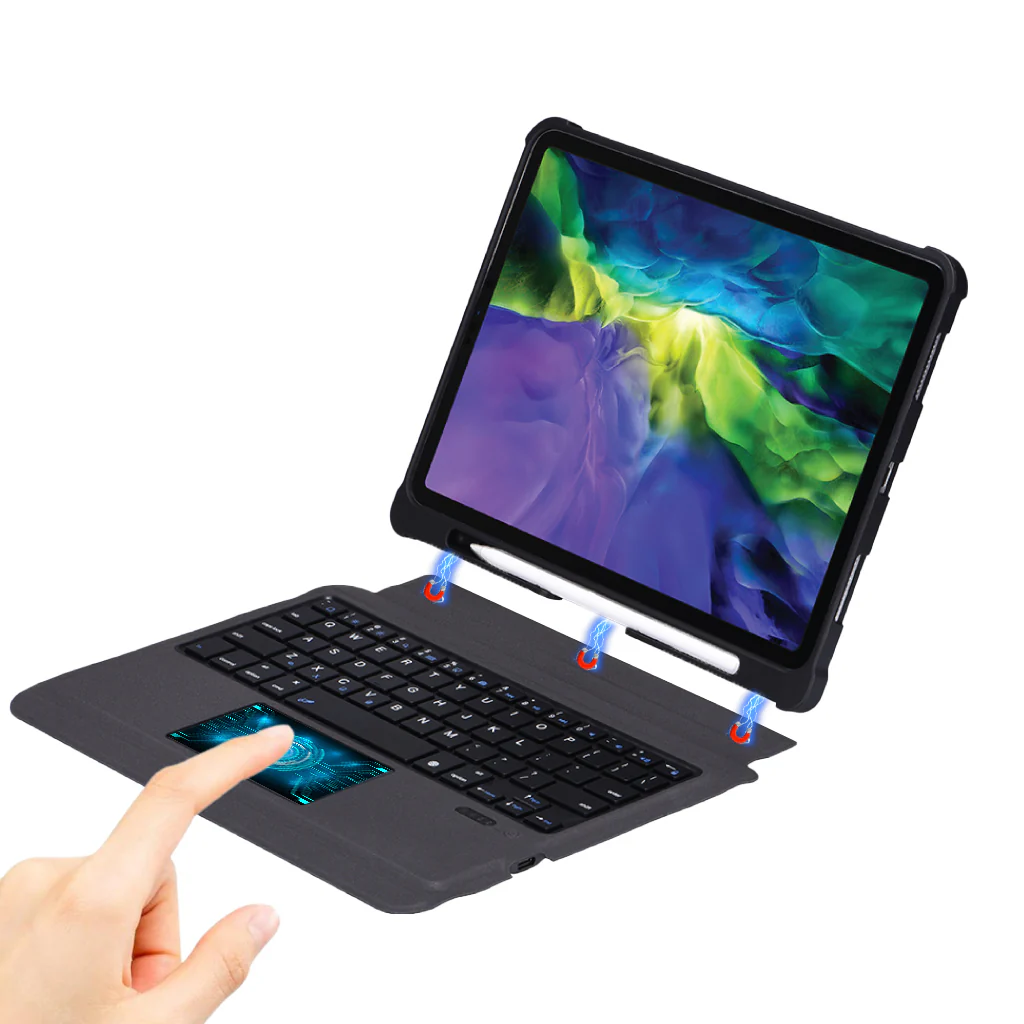
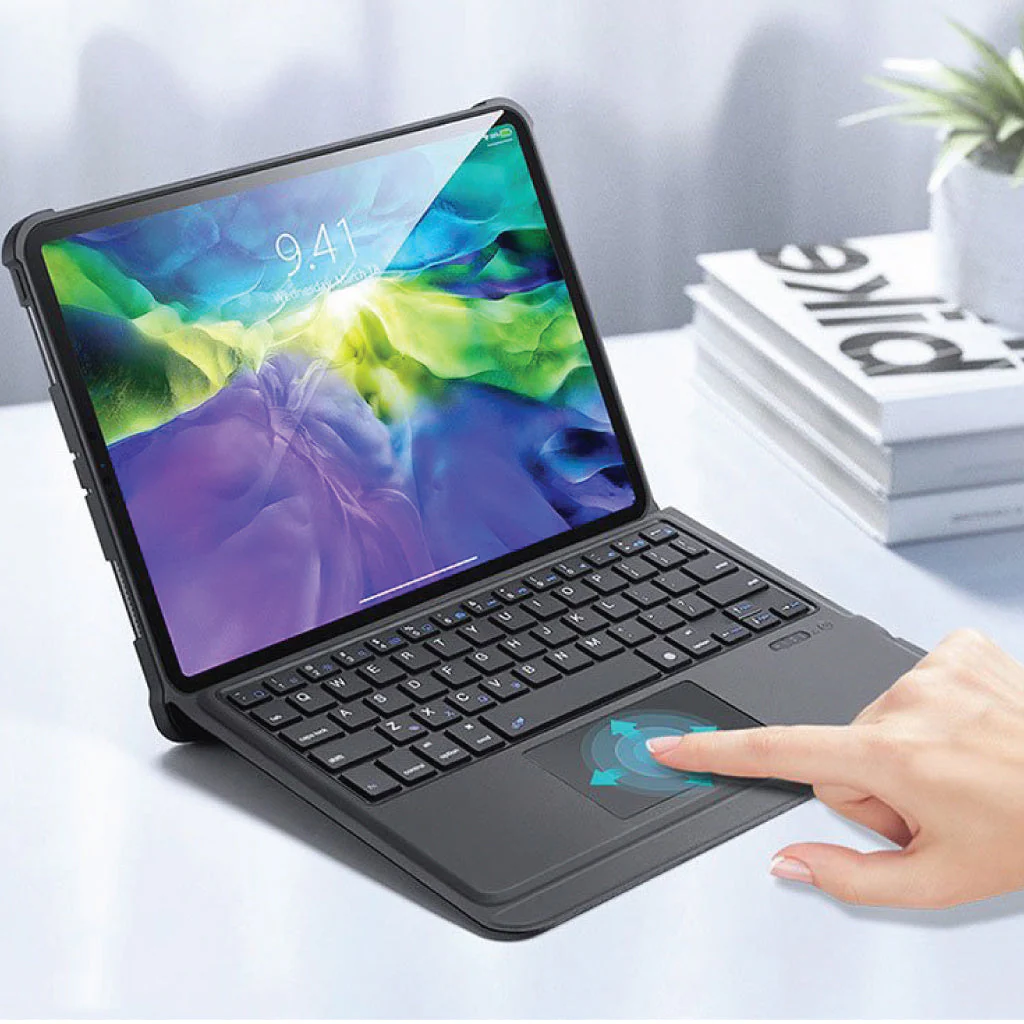
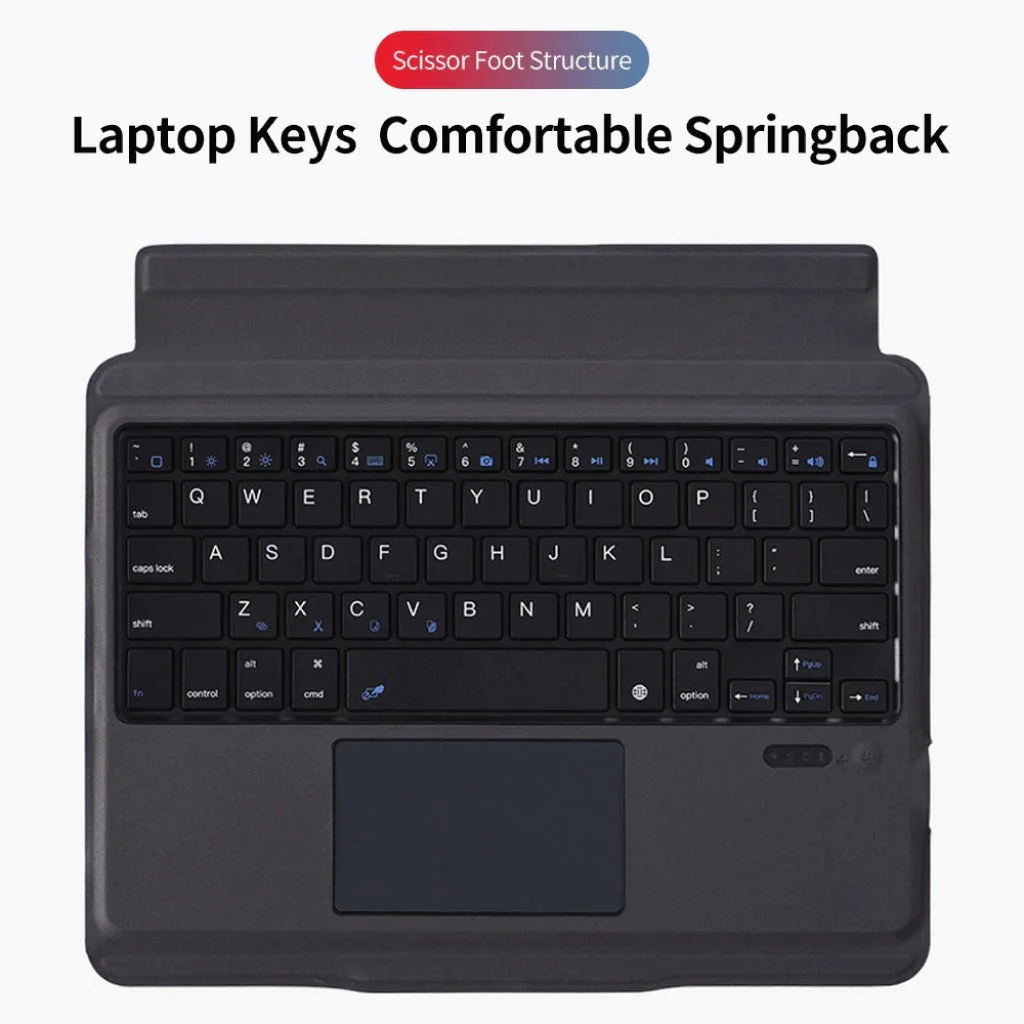
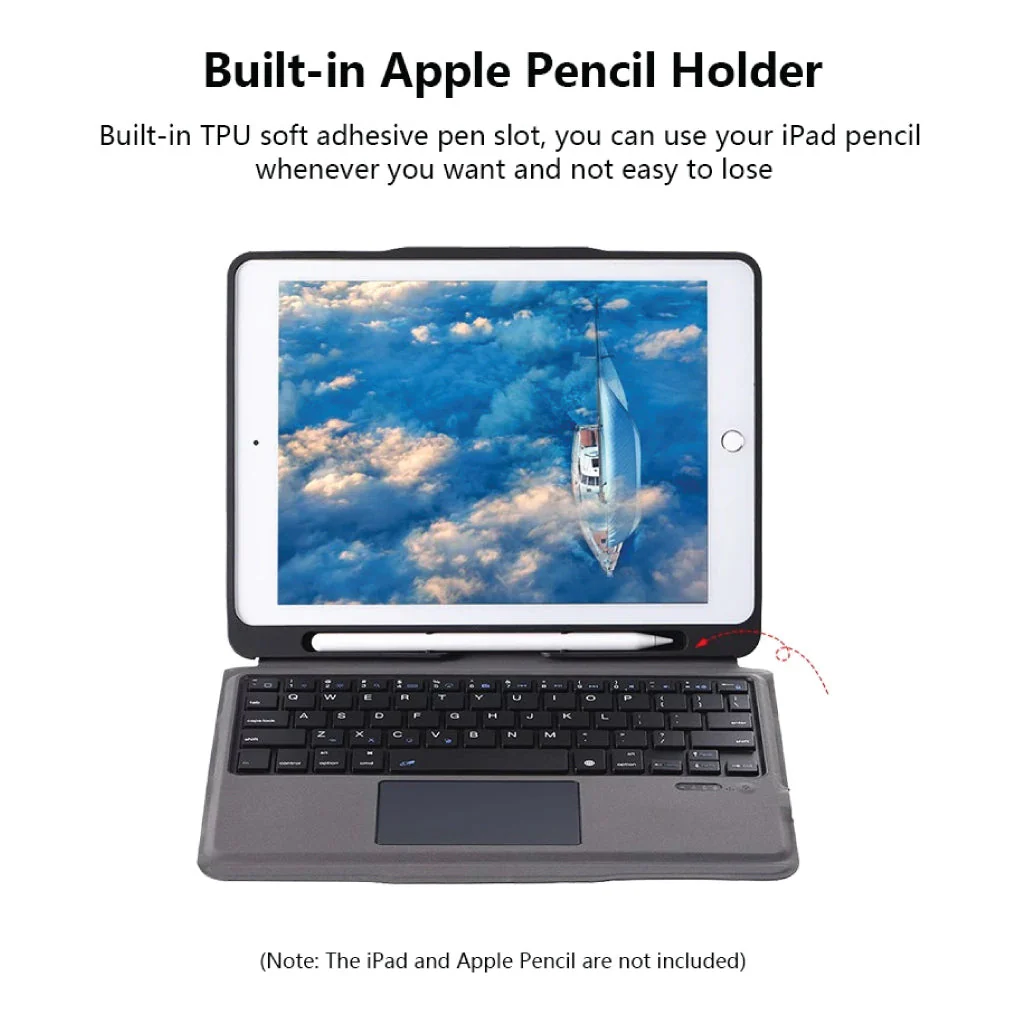
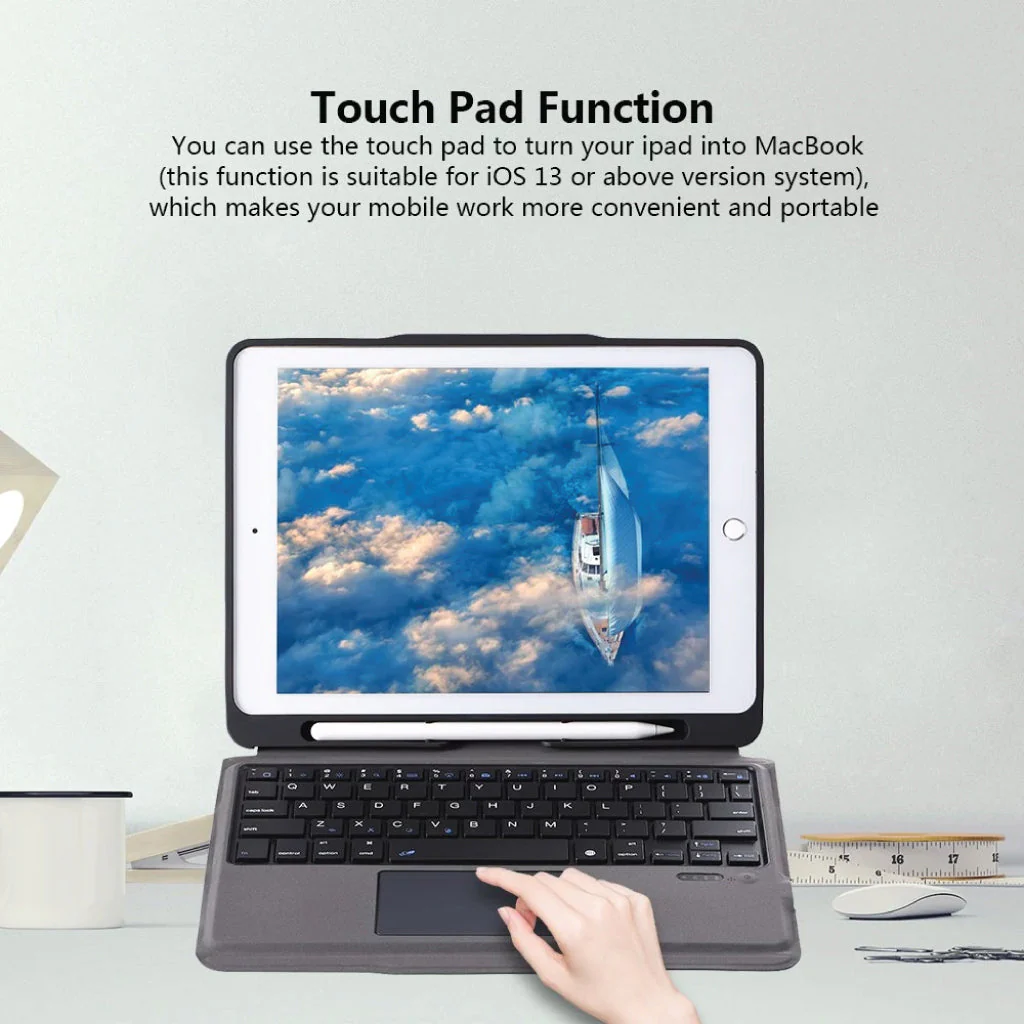
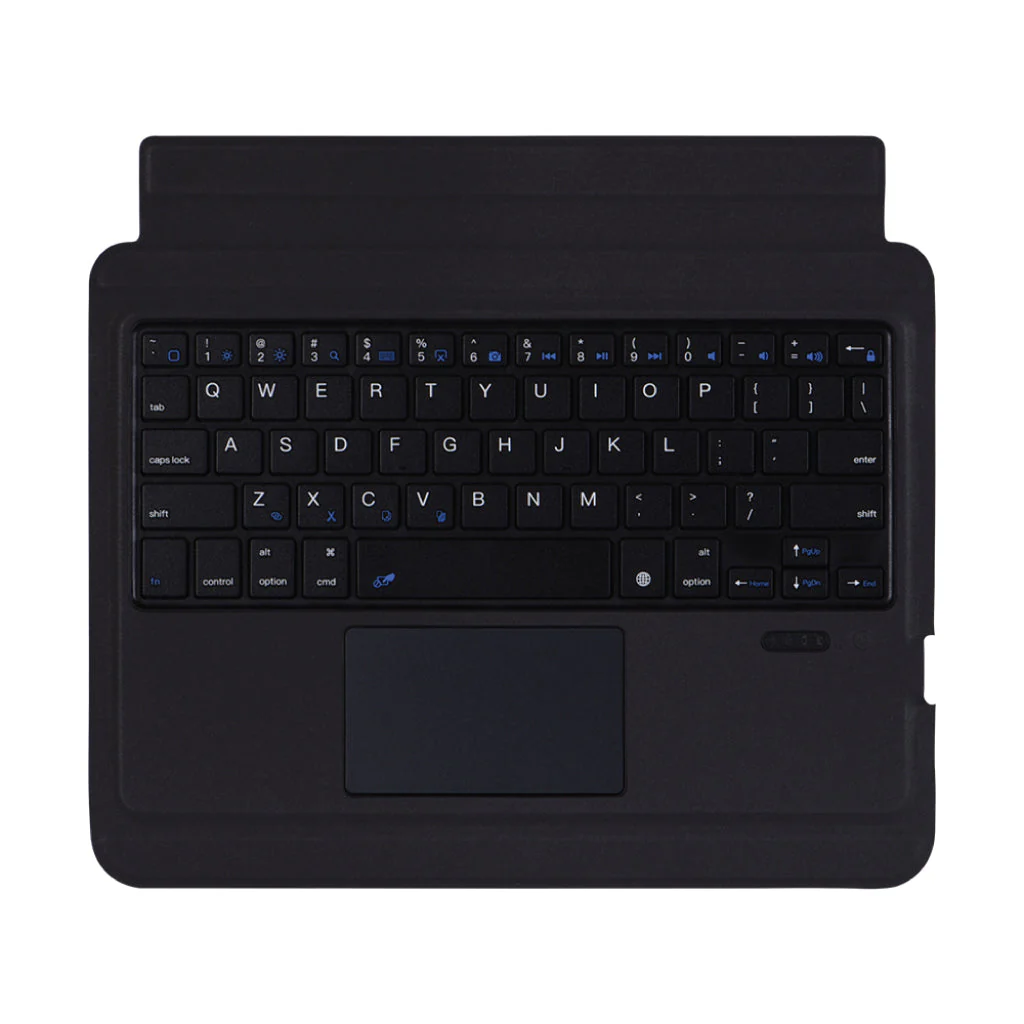
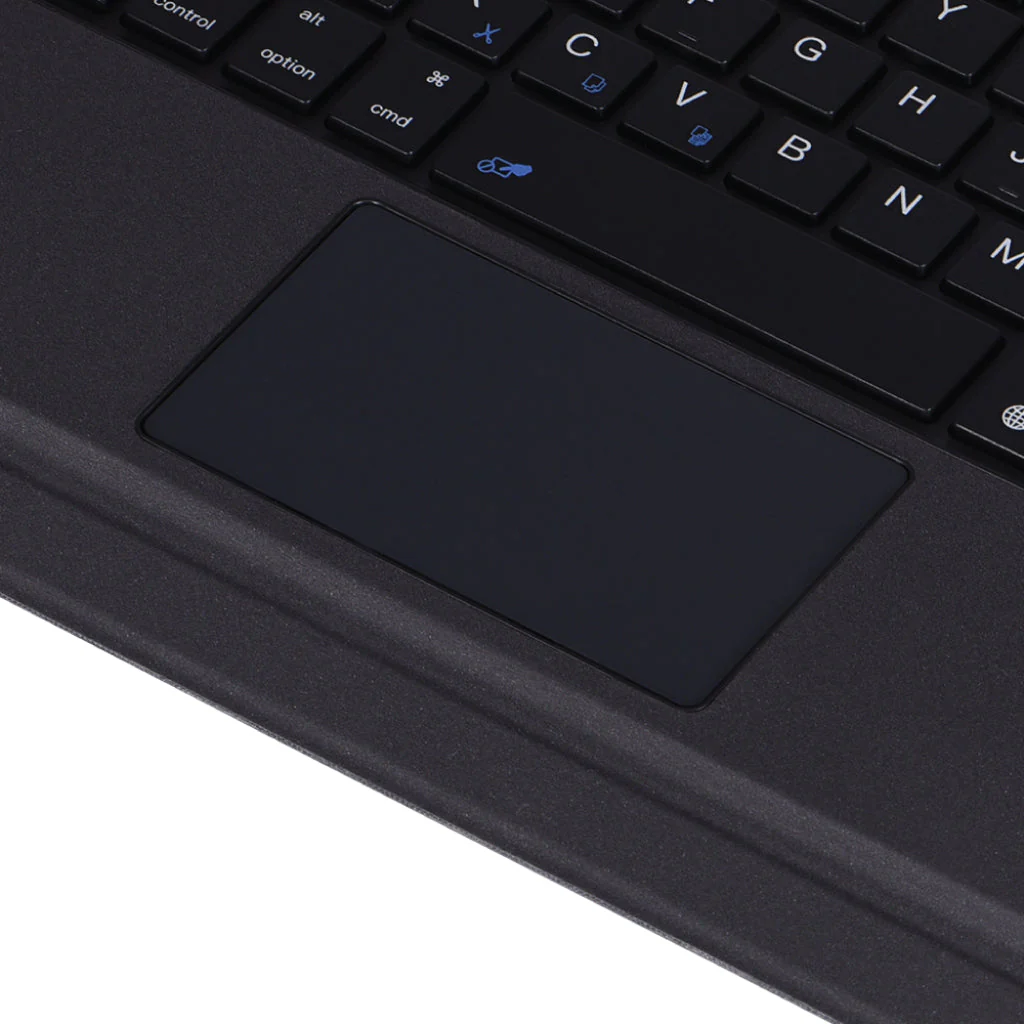
MULTI-TOUCH TRACKPAD – You can quickly and easily navigate your iPad with the built-in precision trackpad. Full multi-touch gesture support lets you redefine productivity by allowing you to edit documents, build presentations, and browse the web with unparalleled speed.
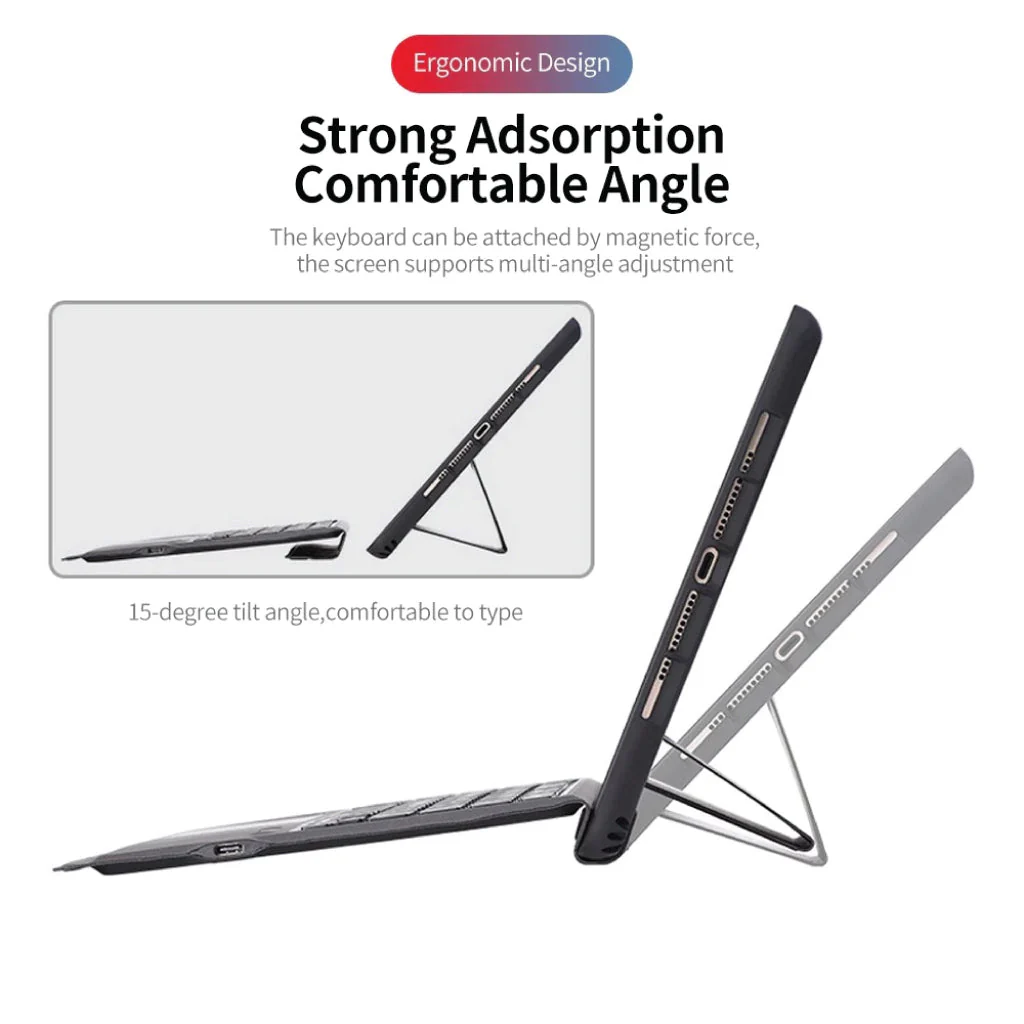
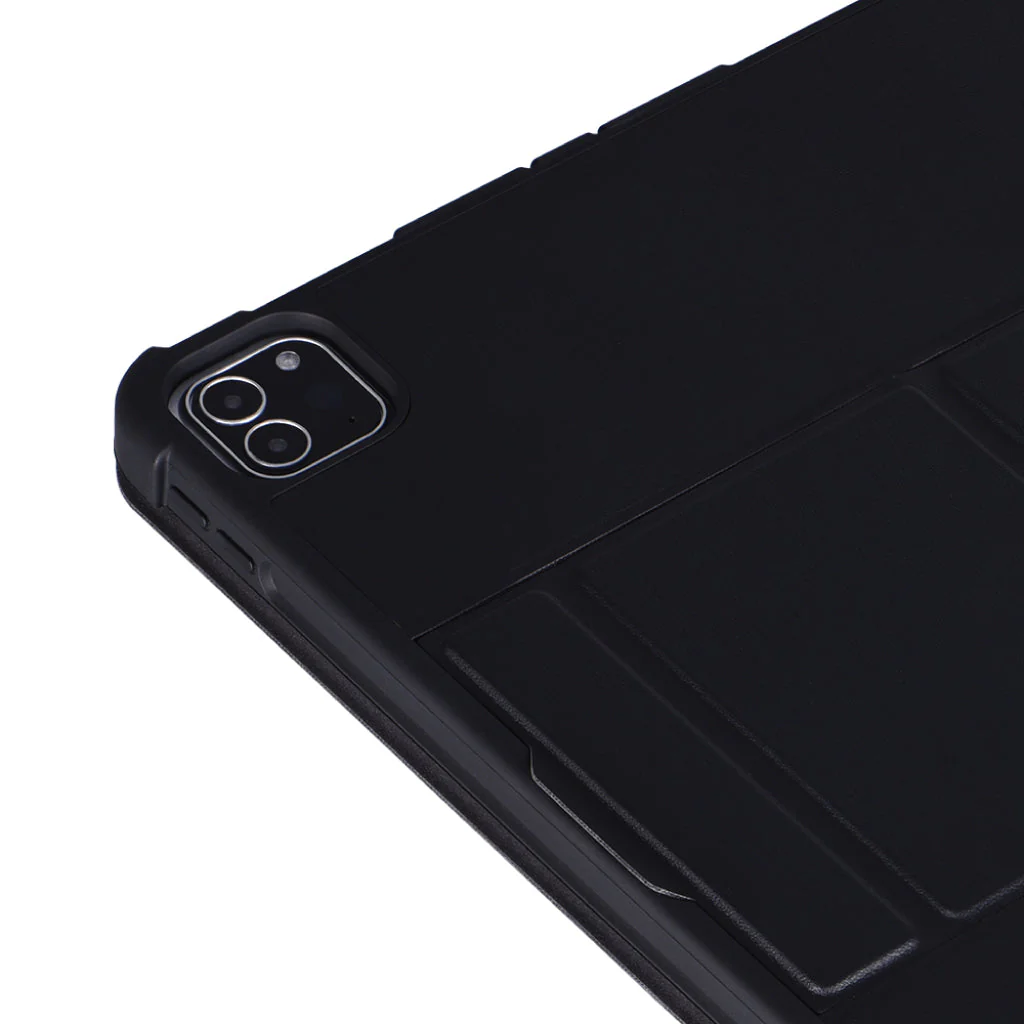
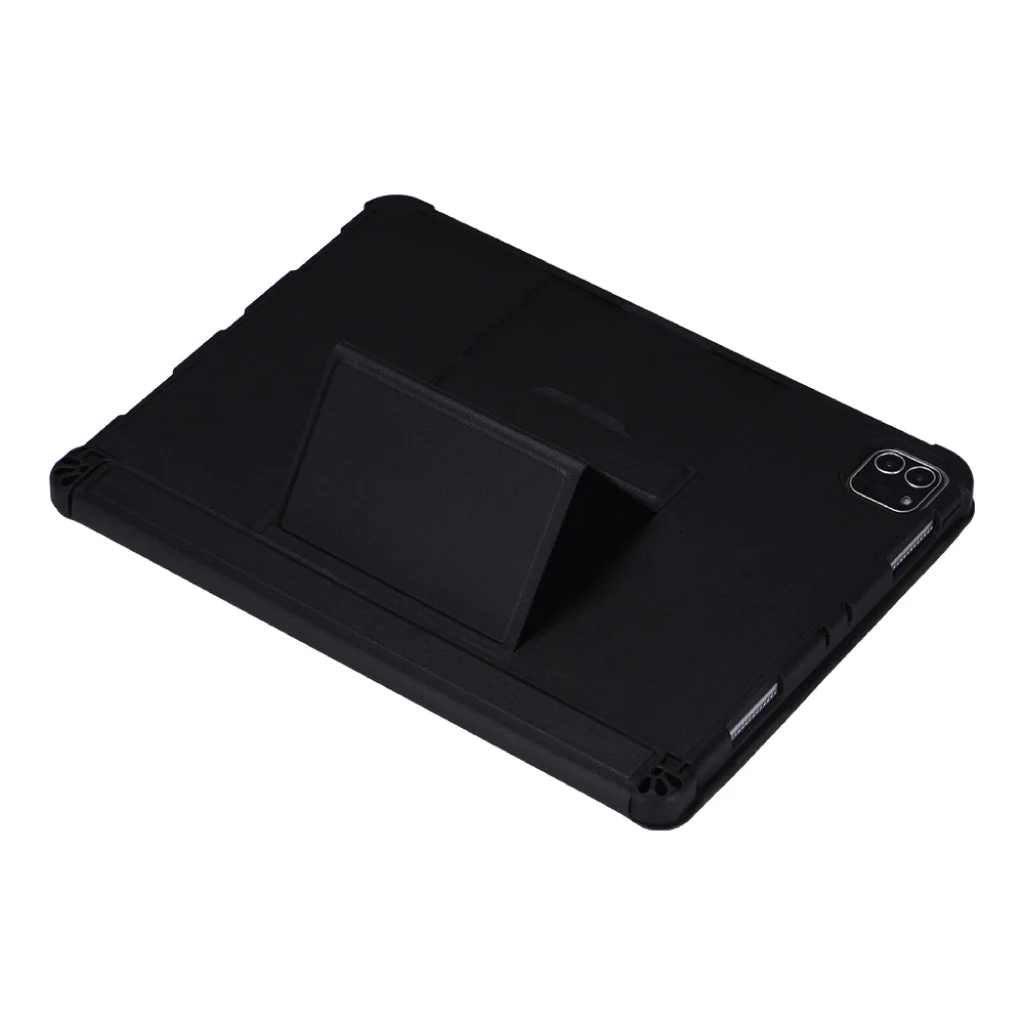
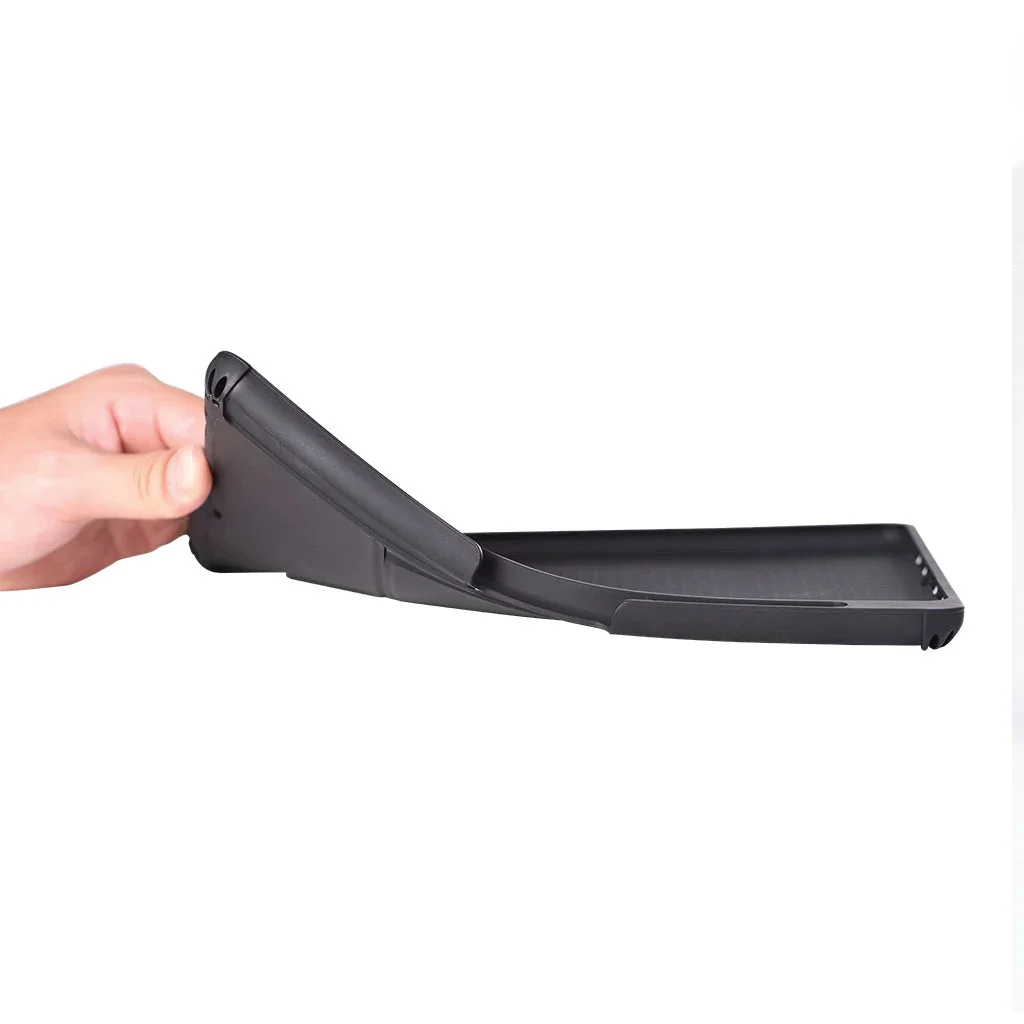
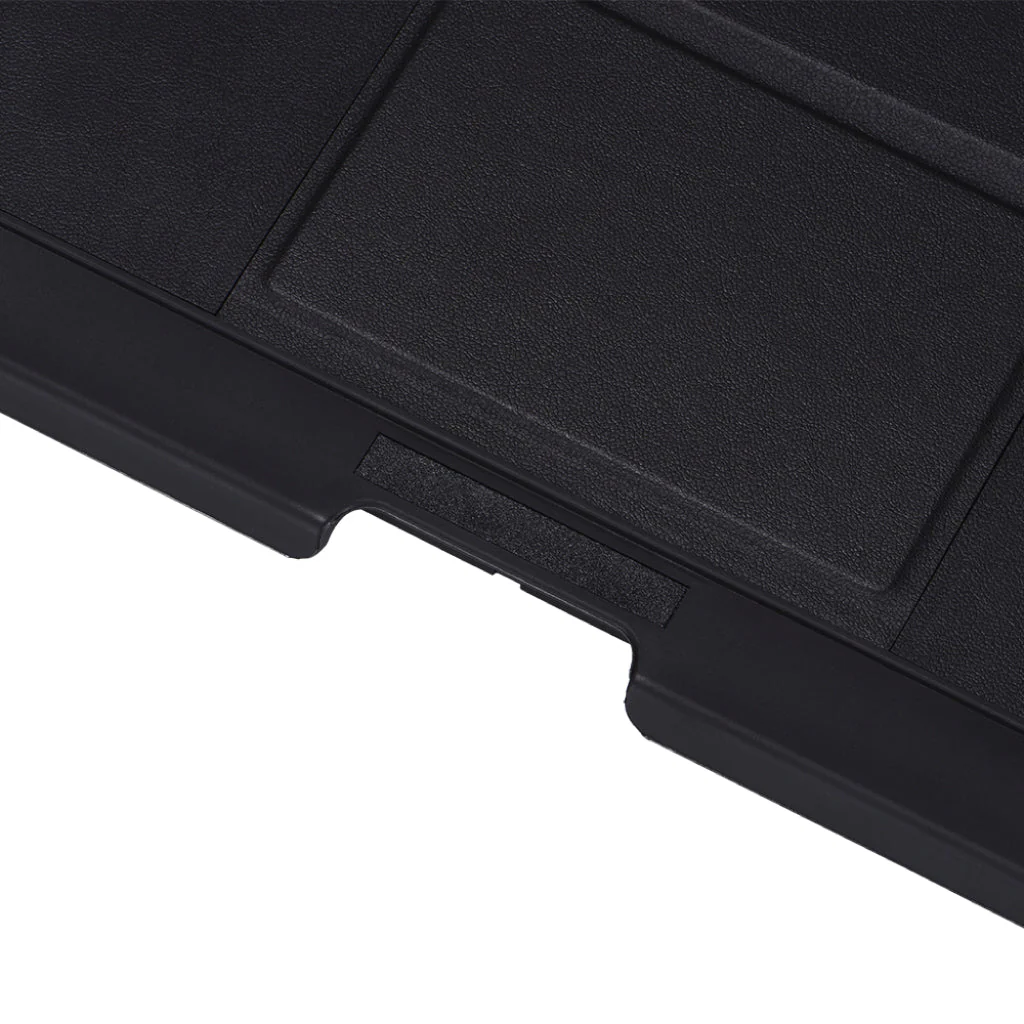
SUPERIOR QUALITY – Built with the Highest Quality Material, This Keyboard Case for iPad Protects your New iPad against Scratches, Bumps, and Accidental Drops. Keeping your precious device Safe and Sound.
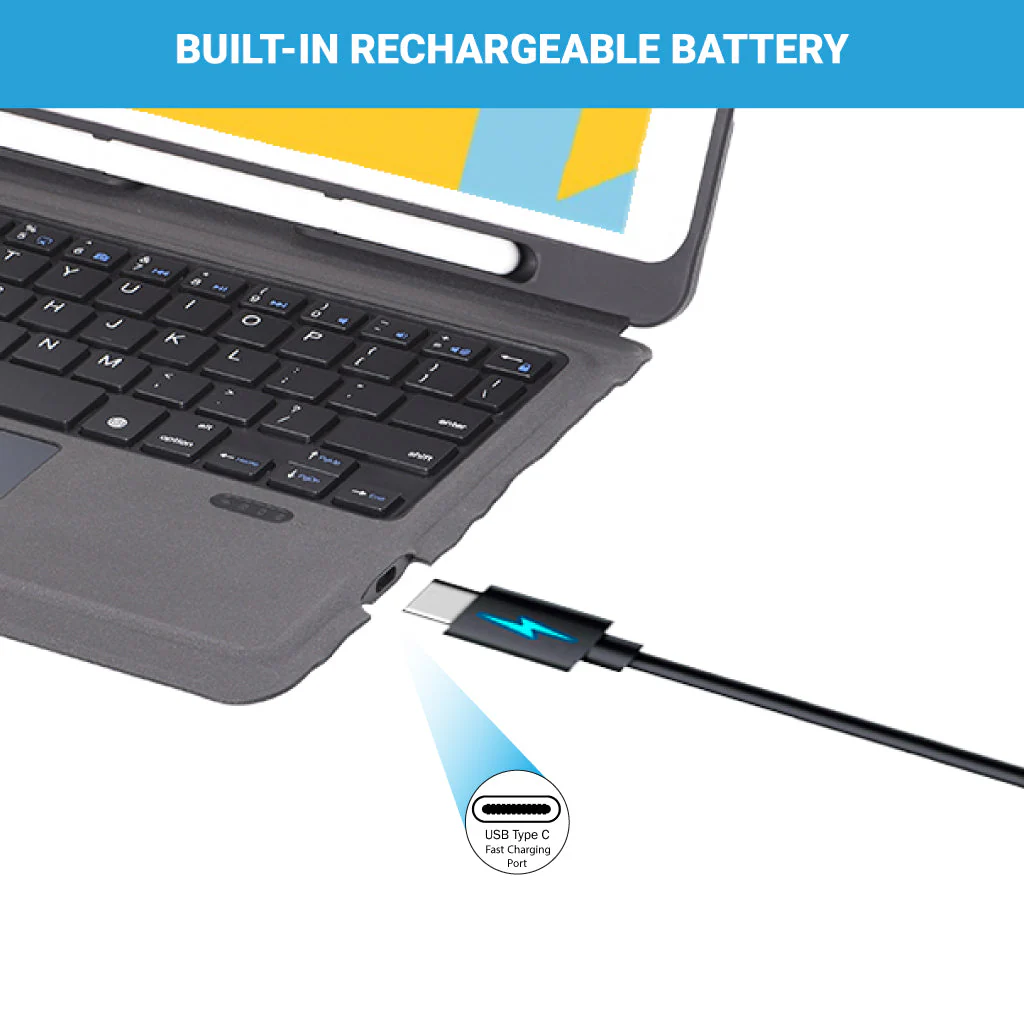
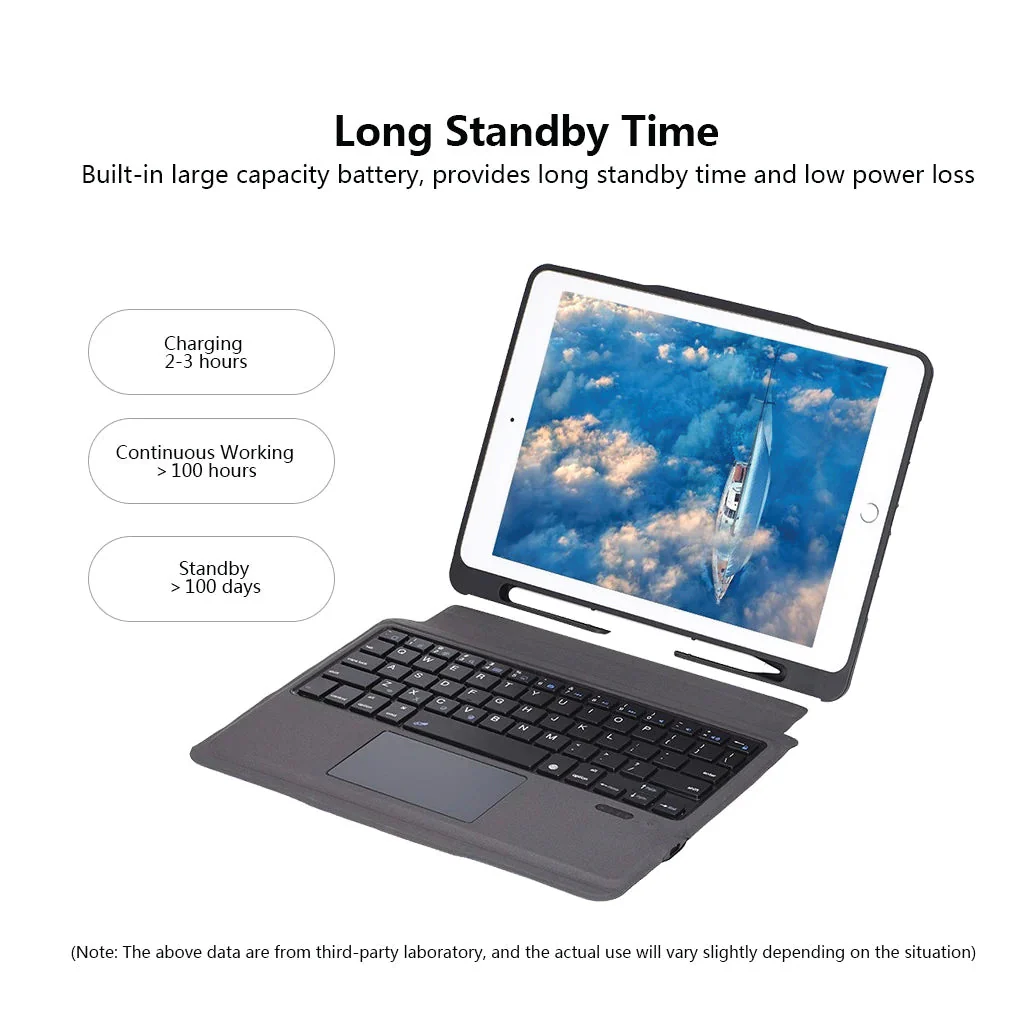
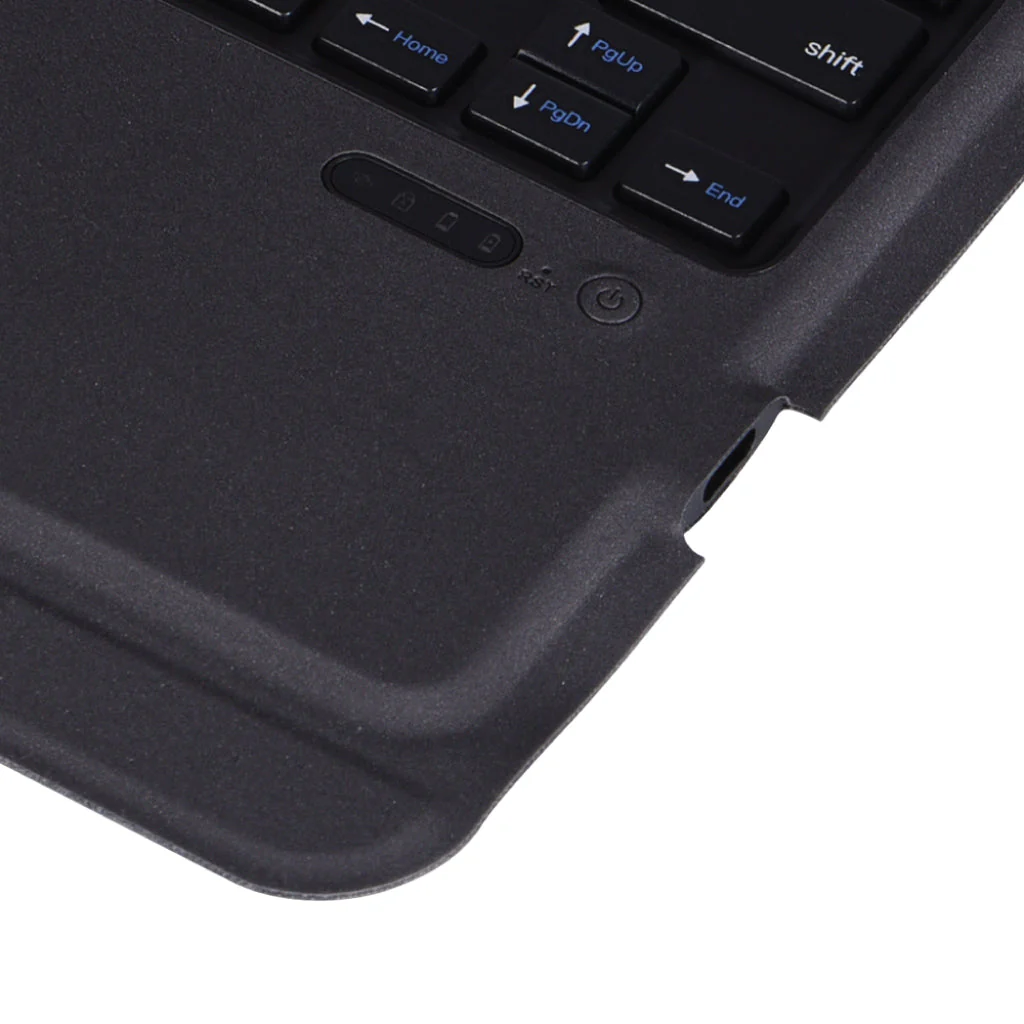
LONG-LASTING BATTERY – This Keyboard Case for iPad has an in-built 500 mAh capacity rechargeable battery. Auto sleep and wake function protects your iPad battery life as you open or close the iPad cover, your iPad would automatically wake up or sleep.
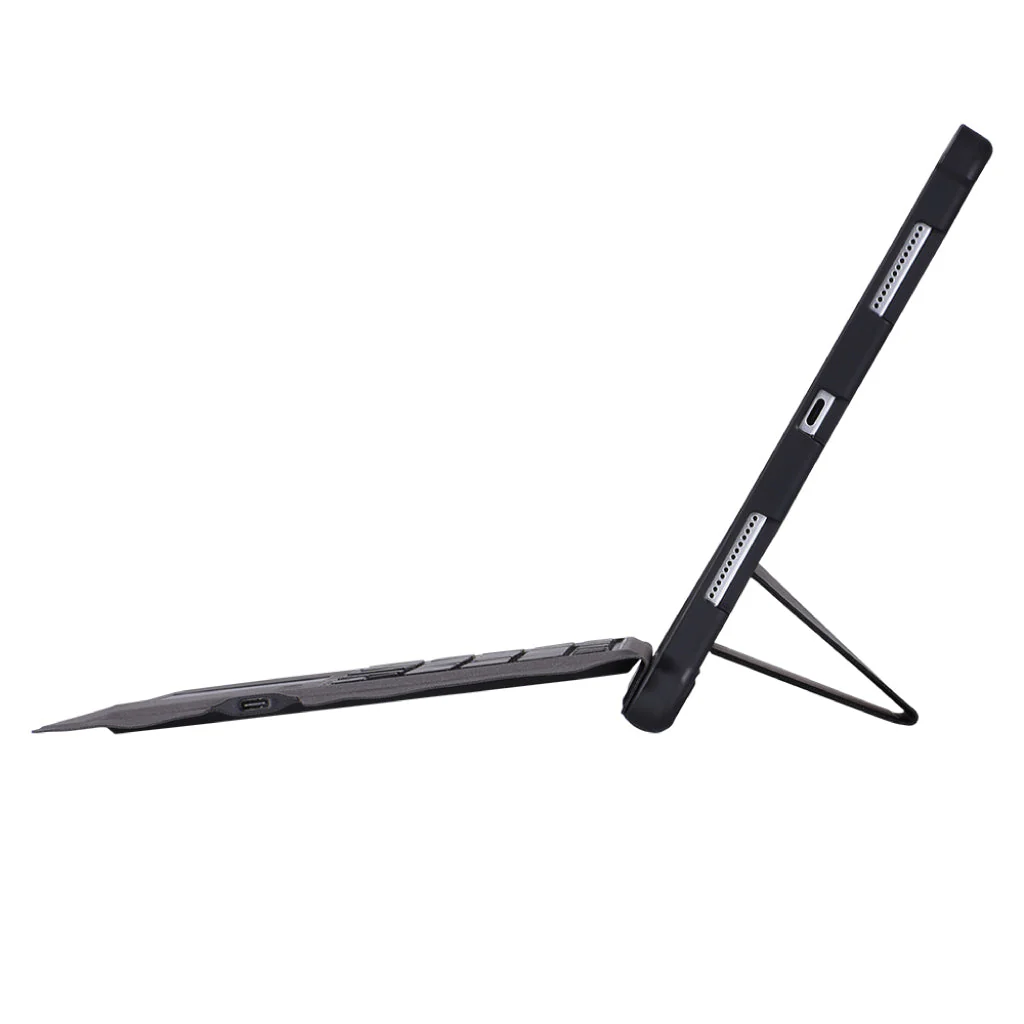
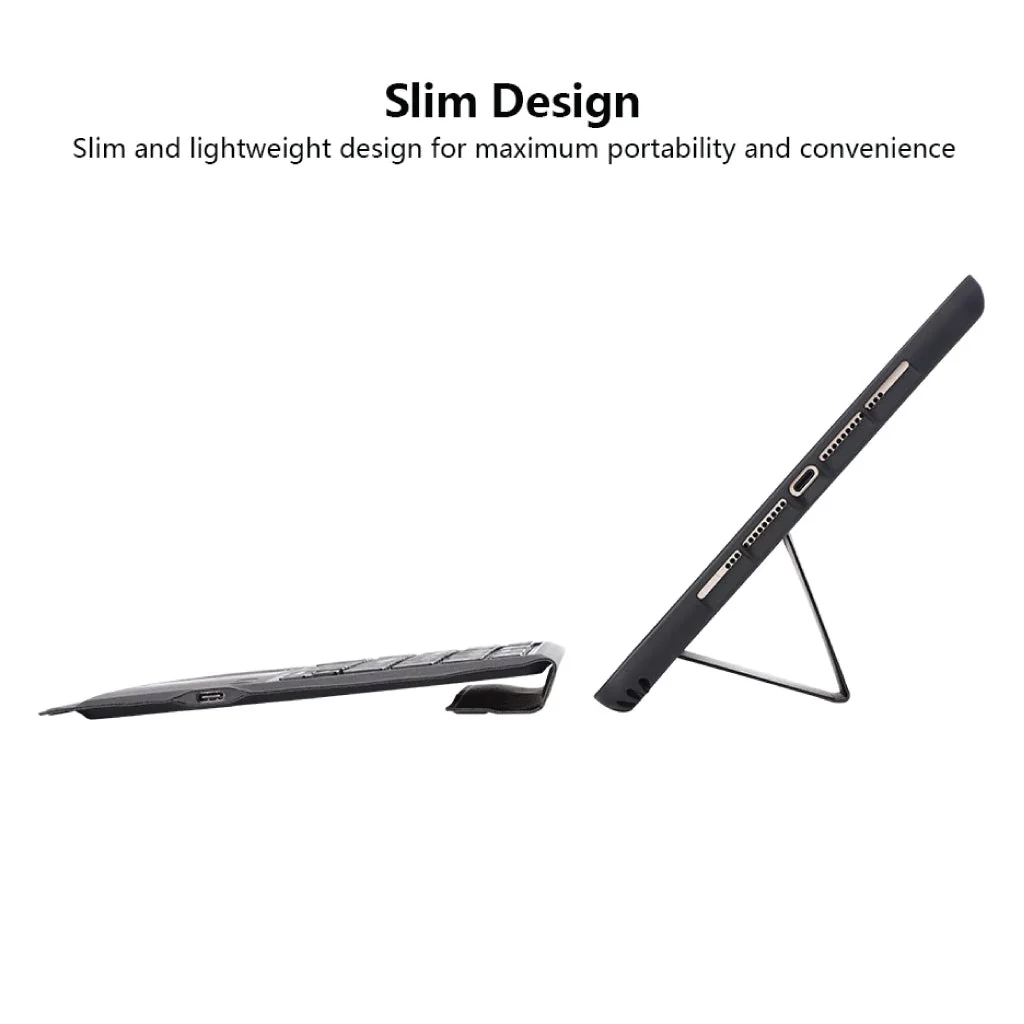
TYPE C CHARGING PORT – You can easily charge your keyboard with USB-C corded cable which is included in the package and uses the keyboard for a long time after one charge.
HOW TO CONNECT
Step 1: Before first use, we recommend charging the keyboard for a minimum of 4 to 6 hours.
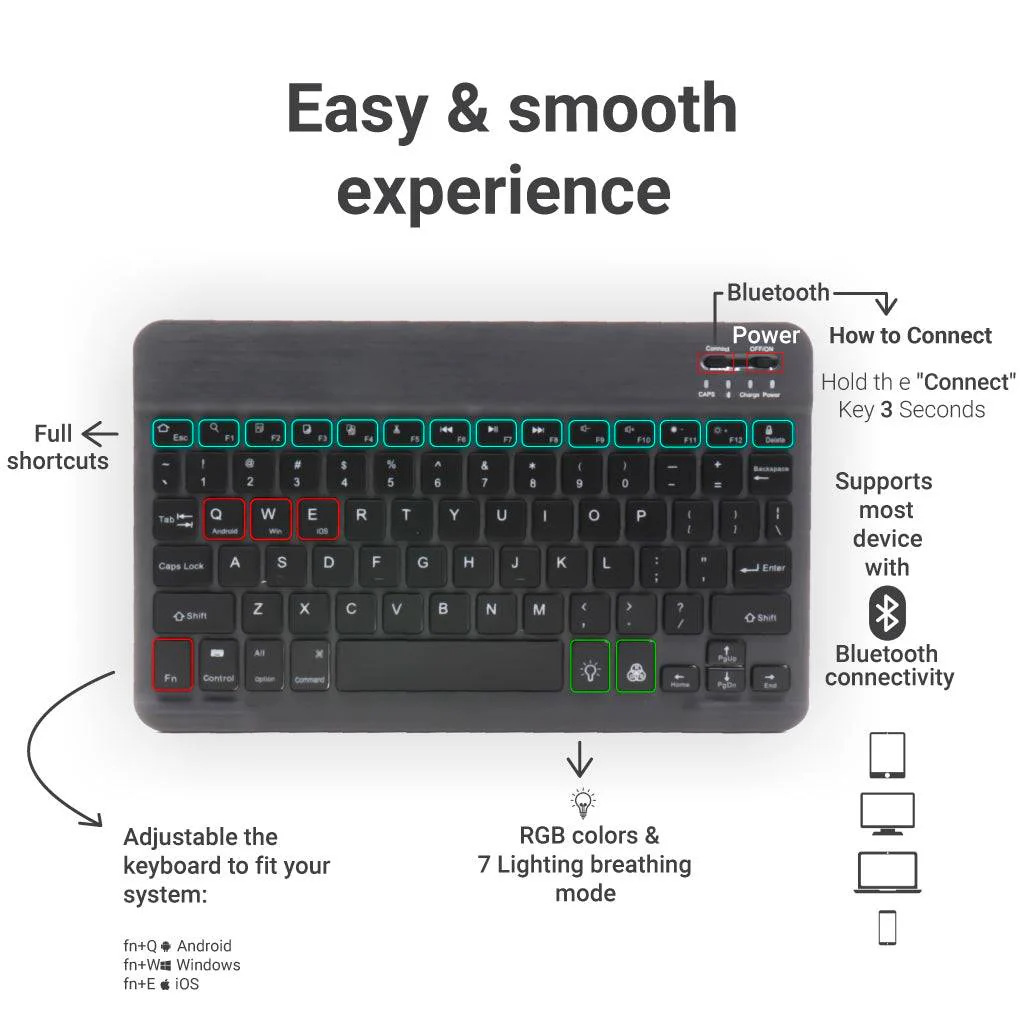
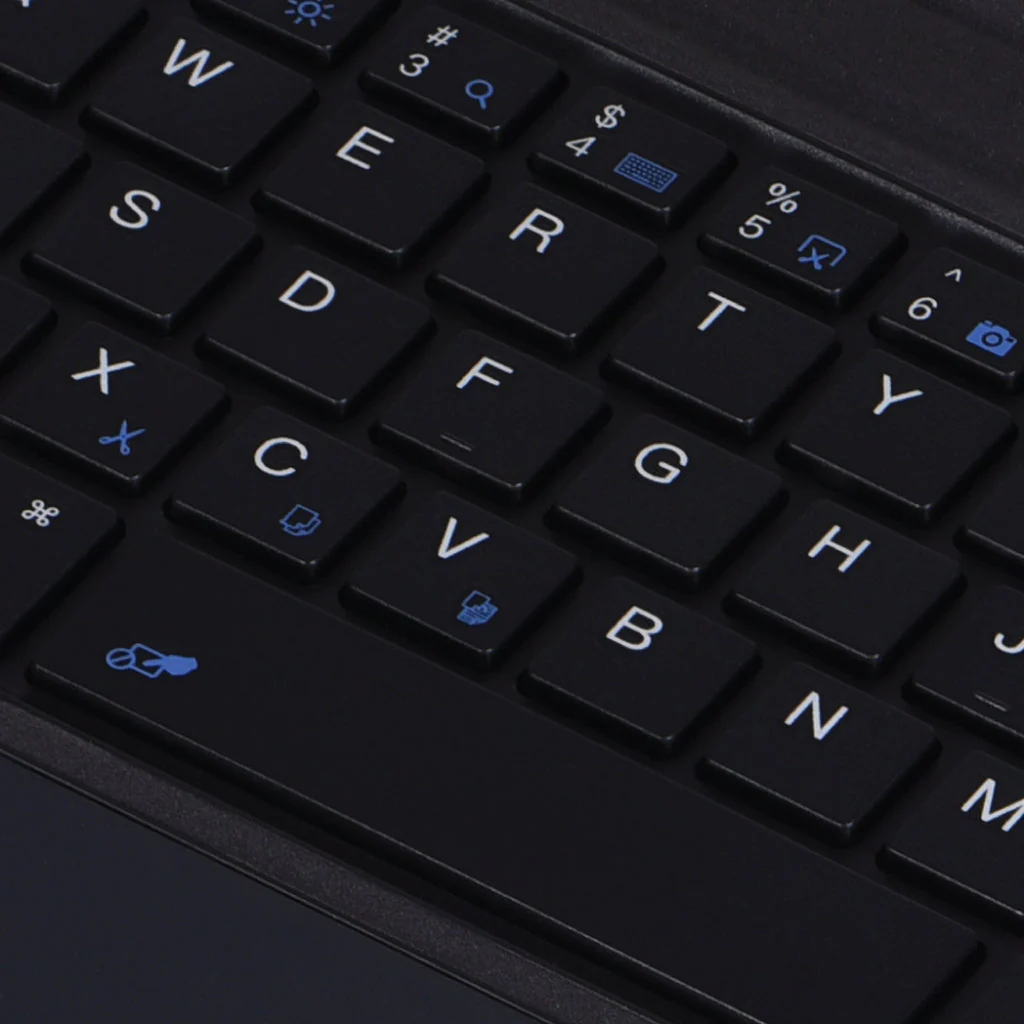
Step 2: Please press the ‘Fn+Z’ Keys to start pairing on the keyboard. The blue light will start blinking on the keyboard to show the keyboard is in pairing mode.
Step 3: On your source device, select the ‘Settings’ icon.
Step 4: Navigate to the ‘Bluetooth’ settings and turn on Bluetooth.
Step 5: Select ‘Refresh’ from the settings bar. Your keyboard (Bluetooth Keyboard) will show in the ‘Available Devices section.
Step 6: Select the keyboard and press Pair or hit enter. You are now connected.
DISCLAIMER: Kindly use the keyboard with a 5V/1 Amp power adapter only. It will improve the life span of your gear and their batteries.
Details & Craftsmanship
Every detail has been carefully considered to bring you the perfect product.
Details & Craftsmanship
Every detail has been carefully considered to bring you the perfect product.
Details & Craftsmanship
Every detail has been carefully considered to bring you the perfect product.
Details & Craftsmanship
Every detail has been carefully considered to bring you the perfect product.
Details & Craftsmanship
Every detail has been carefully considered to bring you the perfect product.
Details & Craftsmanship
Every detail has been carefully considered to bring you the perfect product.
Details & Craftsmanship
Every detail has been carefully considered to bring you the perfect product.
Details & Craftsmanship
Every detail has been carefully considered to bring you the perfect product.
Details & Craftsmanship
Every detail has been carefully considered to bring you the perfect product.
Details & Craftsmanship
Every detail has been carefully considered to bring you the perfect product.
Details & Craftsmanship
Every detail has been carefully considered to bring you the perfect product.
Details & Craftsmanship
Every detail has been carefully considered to bring you the perfect product.
Details & Craftsmanship
Every detail has been carefully considered to bring you the perfect product.
Details & Craftsmanship
Every detail has been carefully considered to bring you the perfect product.
Details & Craftsmanship
Every detail has been carefully considered to bring you the perfect product.
Details & Craftsmanship
Every detail has been carefully considered to bring you the perfect product.
Details & Craftsmanship
Every detail has been carefully considered to bring you the perfect product.
Details & Craftsmanship
Every detail has been carefully considered to bring you the perfect product.
Details & Craftsmanship
Every detail has been carefully considered to bring you the perfect product.
Details & Craftsmanship
Every detail has been carefully considered to bring you the perfect product.
Details & Craftsmanship
Every detail has been carefully considered to bring you the perfect product.
Details & Craftsmanship
Every detail has been carefully considered to bring you the perfect product.
Details & Craftsmanship
Every detail has been carefully considered to bring you the perfect product.
Details & Craftsmanship
Every detail has been carefully considered to bring you the perfect product.
Details & Craftsmanship
Every detail has been carefully considered to bring you the perfect product.
Details & Craftsmanship
Every detail has been carefully considered to bring you the perfect product.
Details & Craftsmanship
Every detail has been carefully considered to bring you the perfect product.
Details & Craftsmanship
Every detail has been carefully considered to bring you the perfect product.
Description
DESIGNED FOR iPad – This high-quality Keyboard Case for iPadis specifically designed for iPad Air 10.9 (4th Gen) (A2324, A2072, A2325, A2316) (5th Gen) (A2588, A2589, A2591). The keyboard is easy to use. Pen or iPad NOT included.
MULTI-TOUCH TRACKPAD – You can quickly and easily navigate your iPad with the built-in precision trackpad. Full multi-touch gesture support lets you redefine productivity by allowing you to edit documents, build presentations, and browse the web with unparalleled speed.
SUPERIOR QUALITY – Built with the Highest Quality Material, This Keyboard Case for iPad Protects your New iPad against Scratches, Bumps, and Accidental Drops. Keeping your precious device Safe and Sound.
LONG-LASTING BATTERY – This Keyboard Case for iPad has an in-built 500 mAh capacity rechargeable battery. Auto sleep and wake function protects your iPad battery life as you open or close the iPad cover, your iPad would automatically wake up or sleep.
TYPE C CHARGING PORT – You can easily charge your keyboard with USB-C corded cable which is included in the package and uses the keyboard for a long time after one charge.
HOW TO CONNECT
Step 1: Before first use, we recommend charging the keyboard for a minimum of 4 to 6 hours.
Step 2: Please press the ‘Fn+Z’ Keys to start pairing on the keyboard. The blue light will start blinking on the keyboard to show the keyboard is in pairing mode.
Step 3: On your source device, select the ‘Settings’ icon.
Step 4: Navigate to the ‘Bluetooth’ settings and turn on Bluetooth.
Step 5: Select ‘Refresh’ from the settings bar. Your keyboard (Bluetooth Keyboard) will show in the ‘Available Devices section.
Step 6: Select the keyboard and press Pair or hit enter. You are now connected.
DISCLAIMER: Kindly use the keyboard with a 5V/1 Amp power adapter only. It will improve the life span of your gear and their batteries.