Original: $22.95
-70%$22.95
$6.88The Story
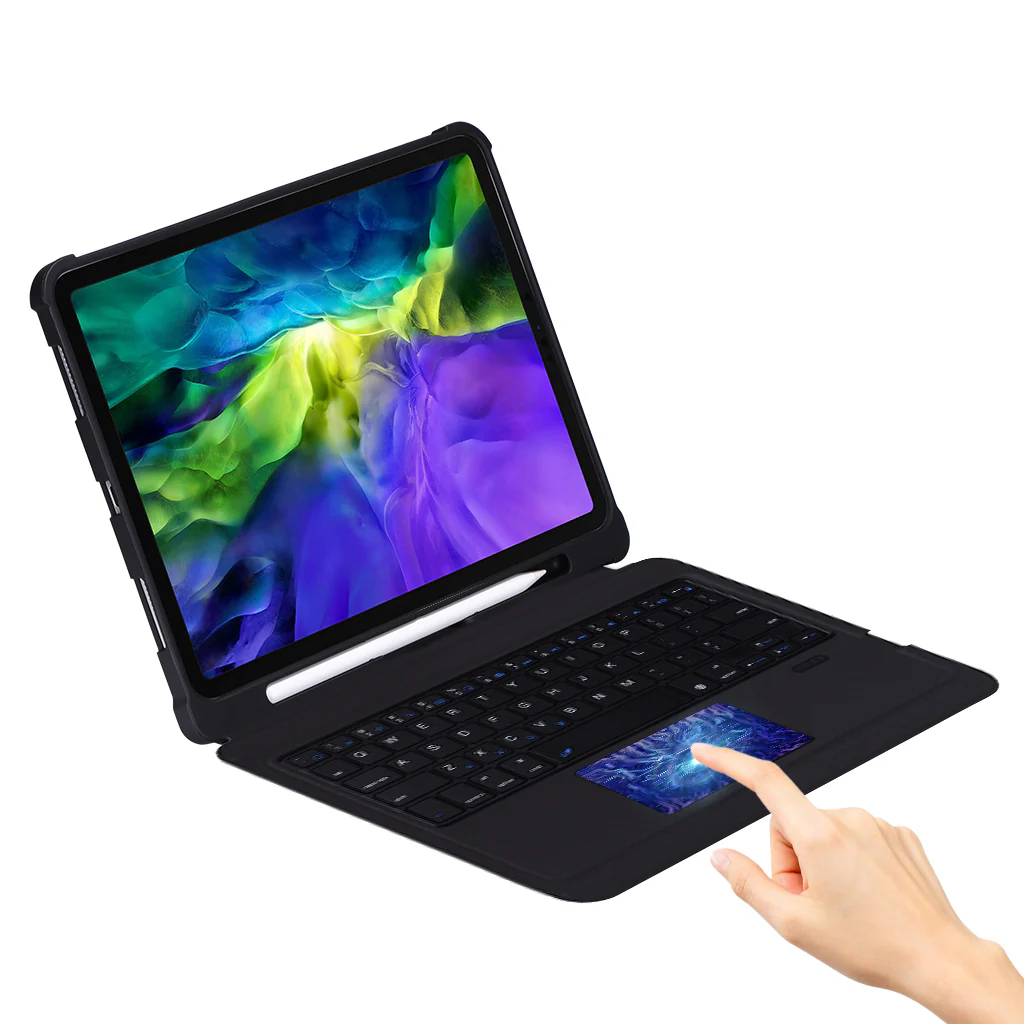
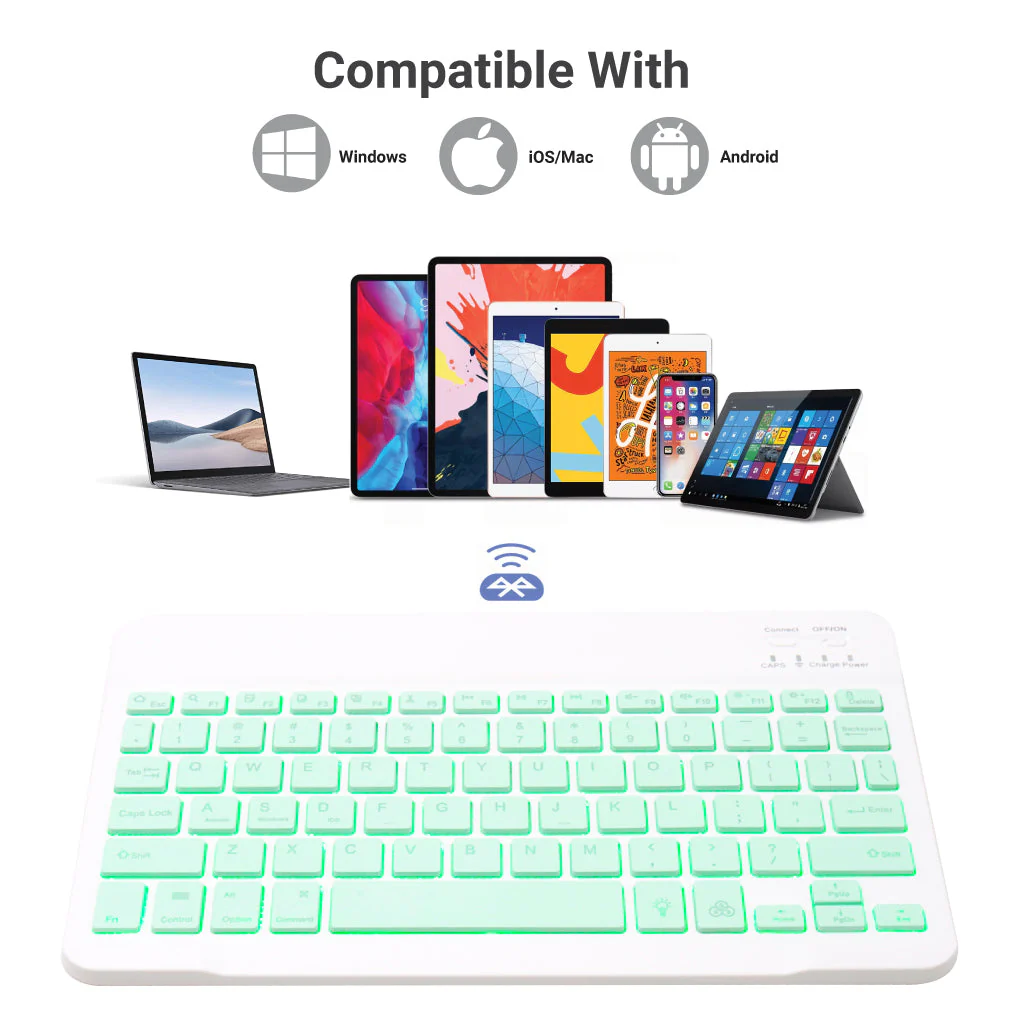
COMPATIBILITY: TECPHILE PS209T Wireless Keyboard Case is specifically designed to be compatible with the new iPad 10th Generation 10.9-inch 2022 (model numbers A2696, A2757, A2777). It is not compatible with any other devices, including the iPad Air 5th generation 2022 or the iPad Air (4th generation) 10.9” 2020.
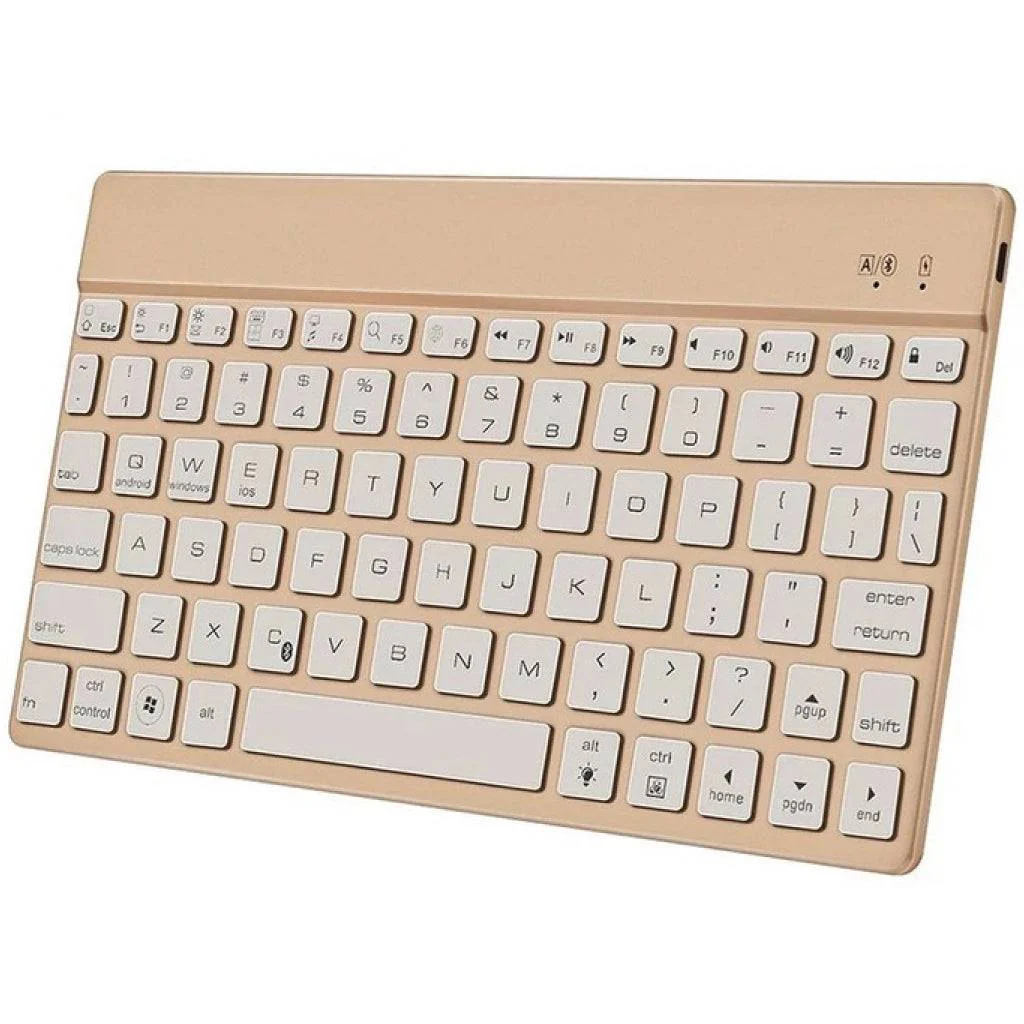
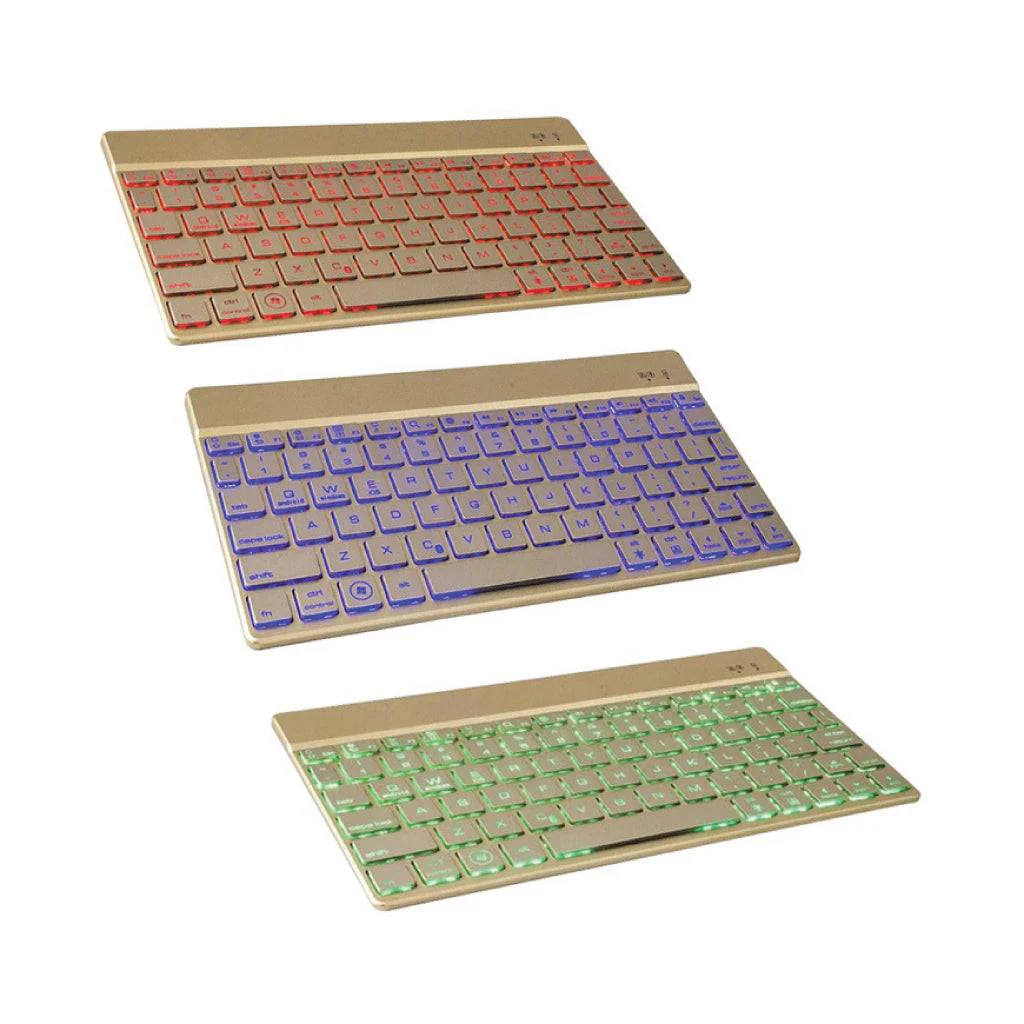
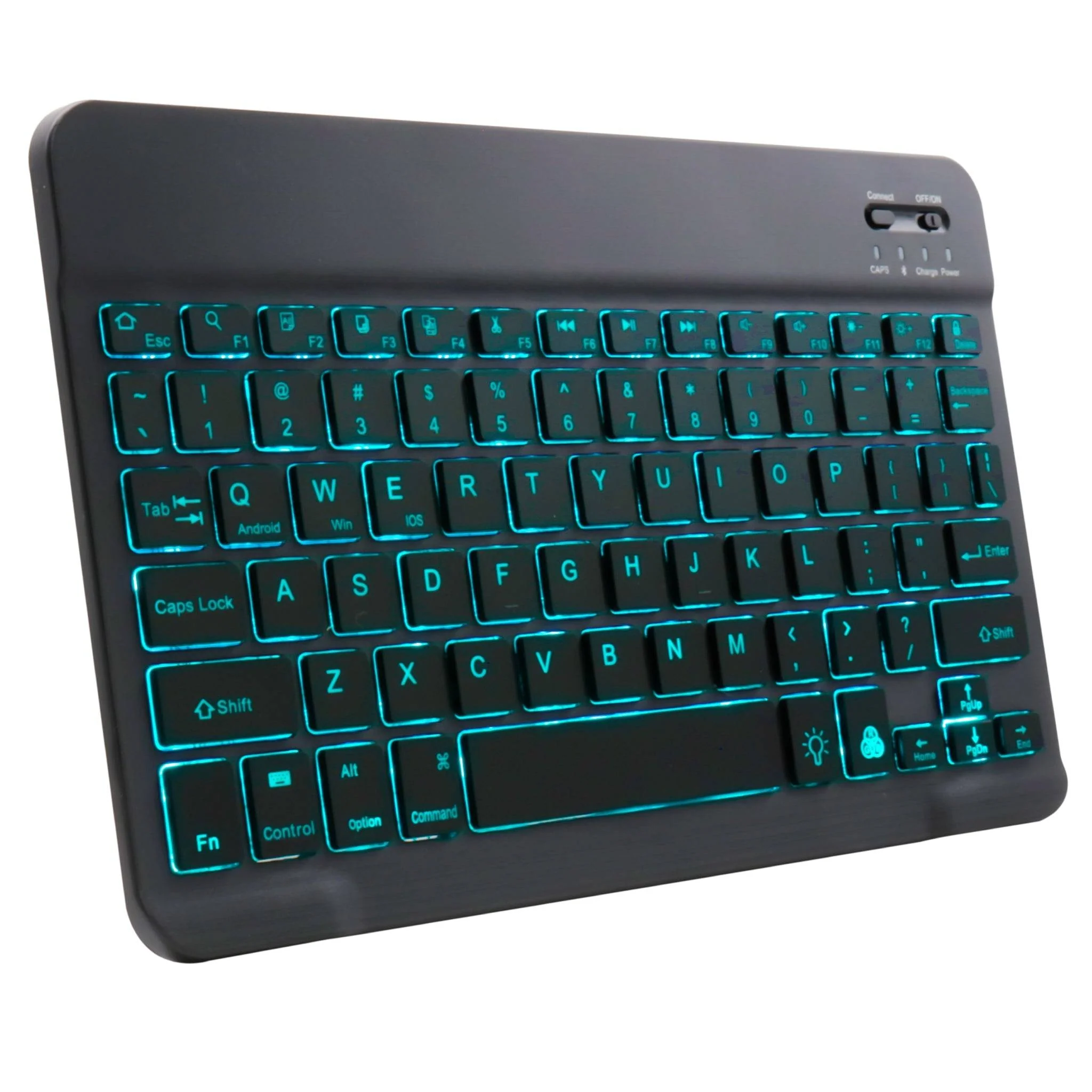
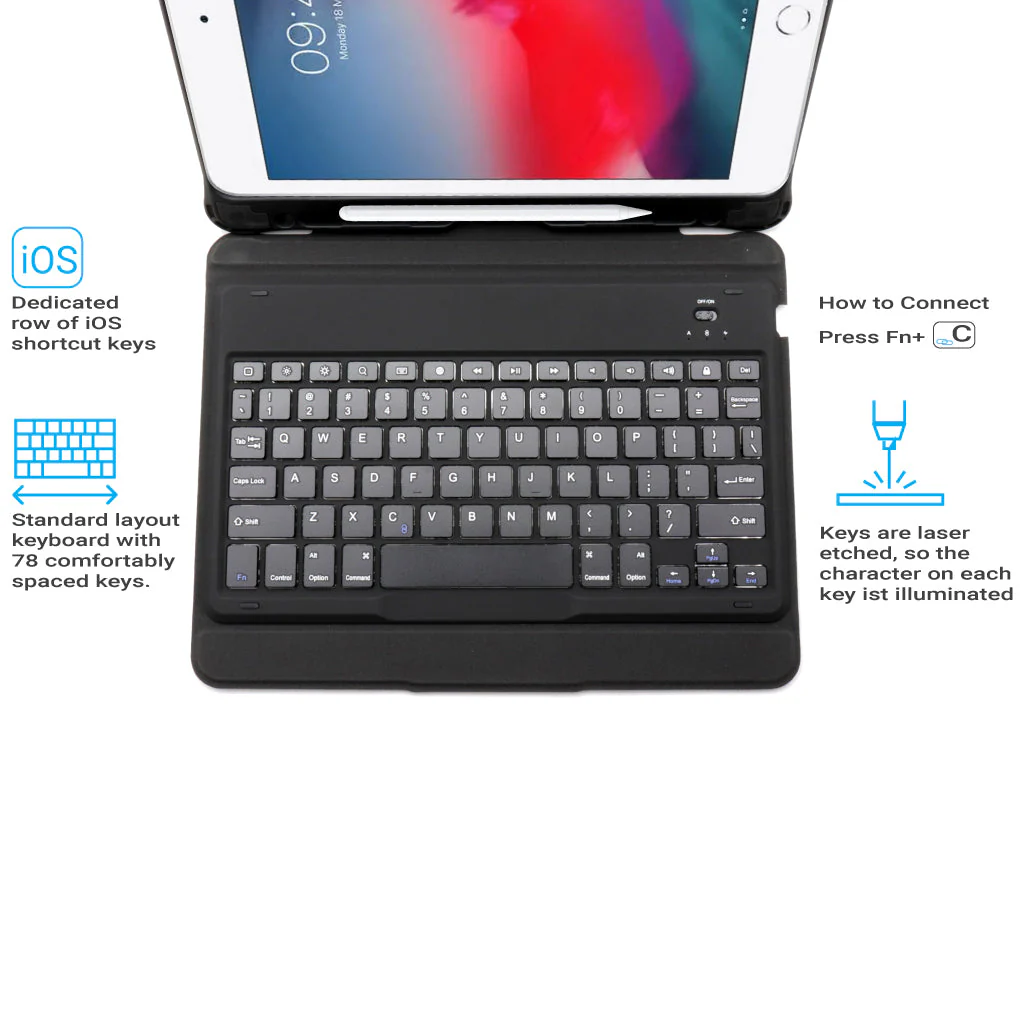
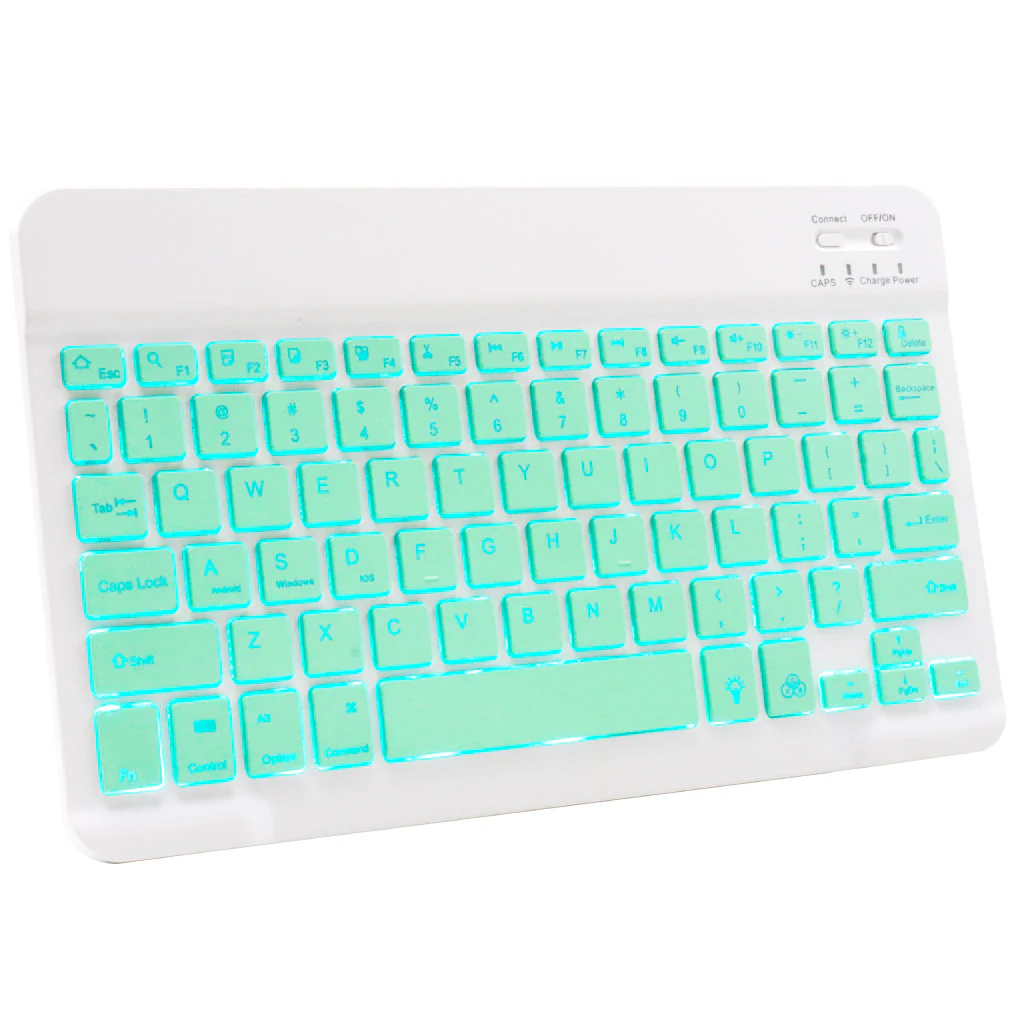
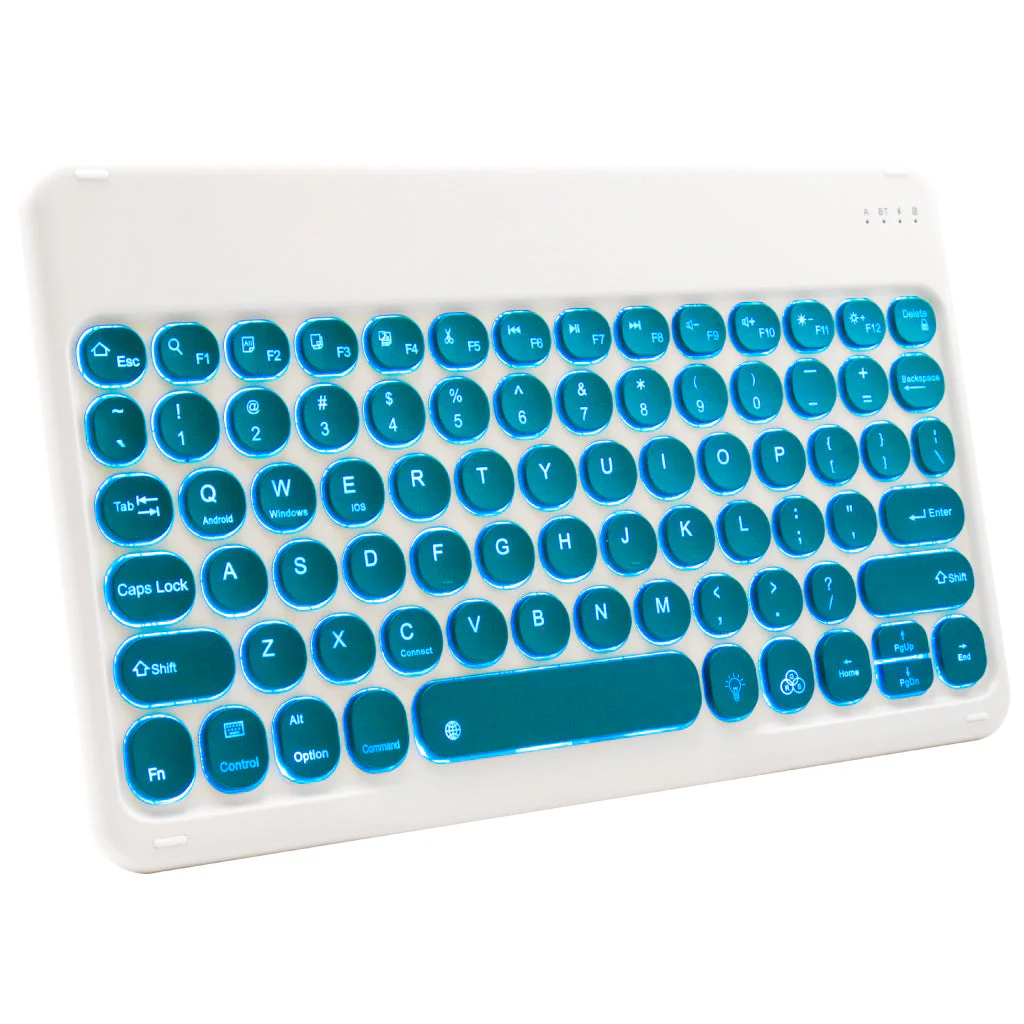
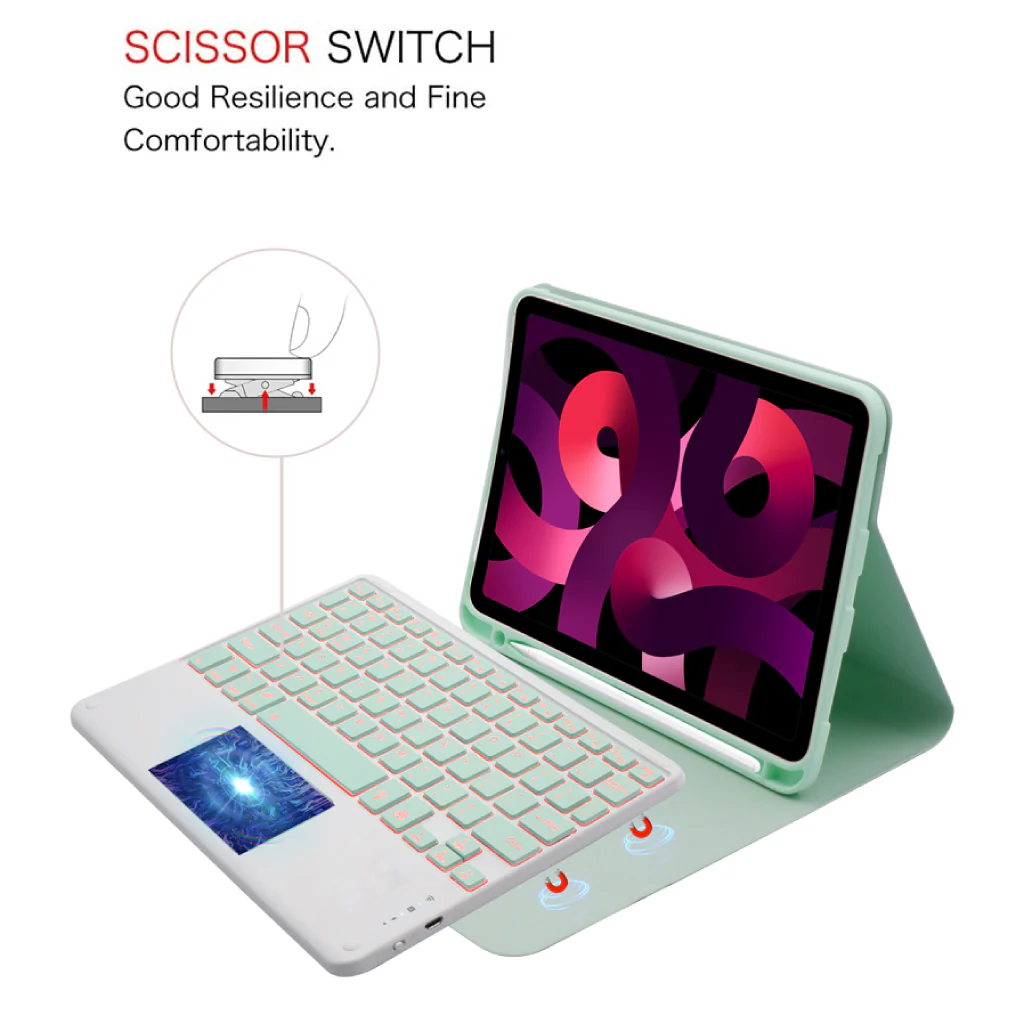
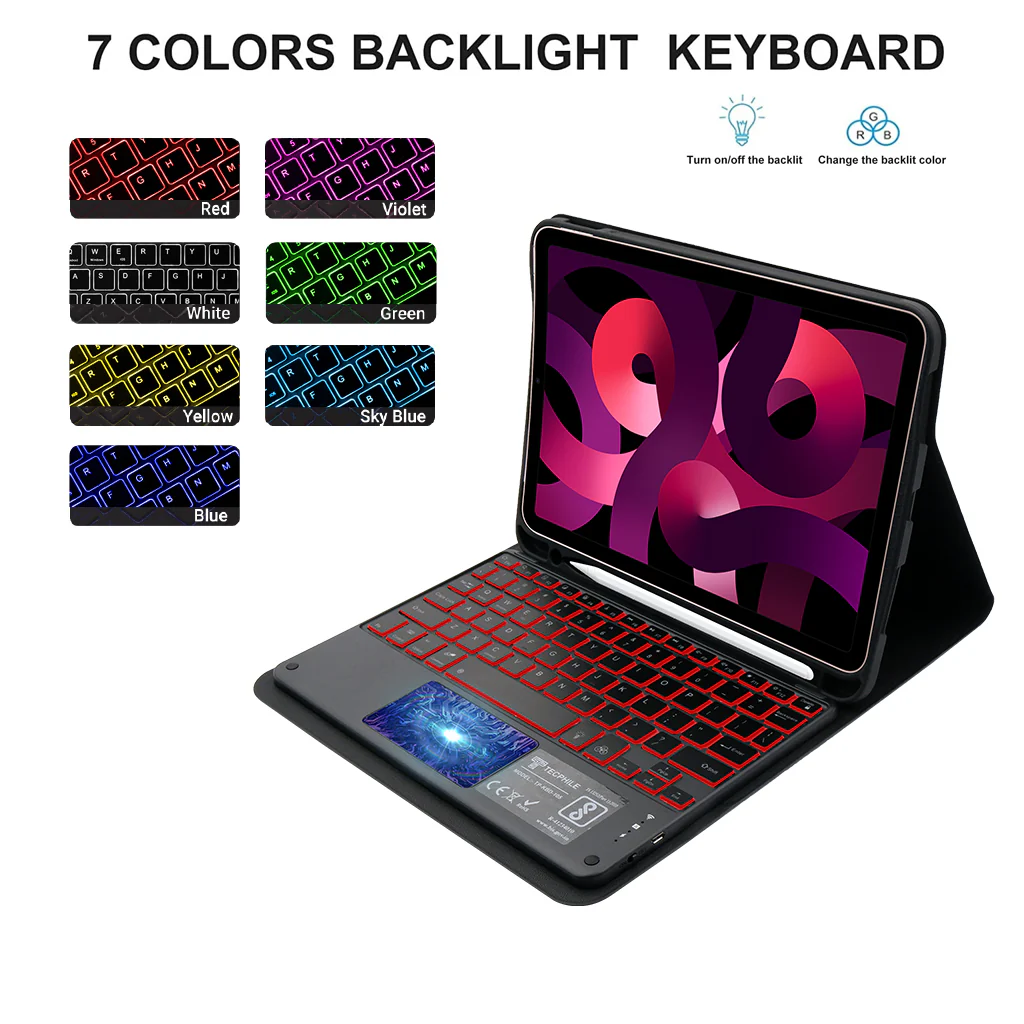
BACKLIGHT KEYBOARD FOR IPAD 10th Gen: PS209T has 3-level adjustable brightness and 7 pure led backlit, engaging yourself in a free and relaxed typing experience in any dim condition. The backlight will automatically turn off if you are not typing for over 30 sec to save power.
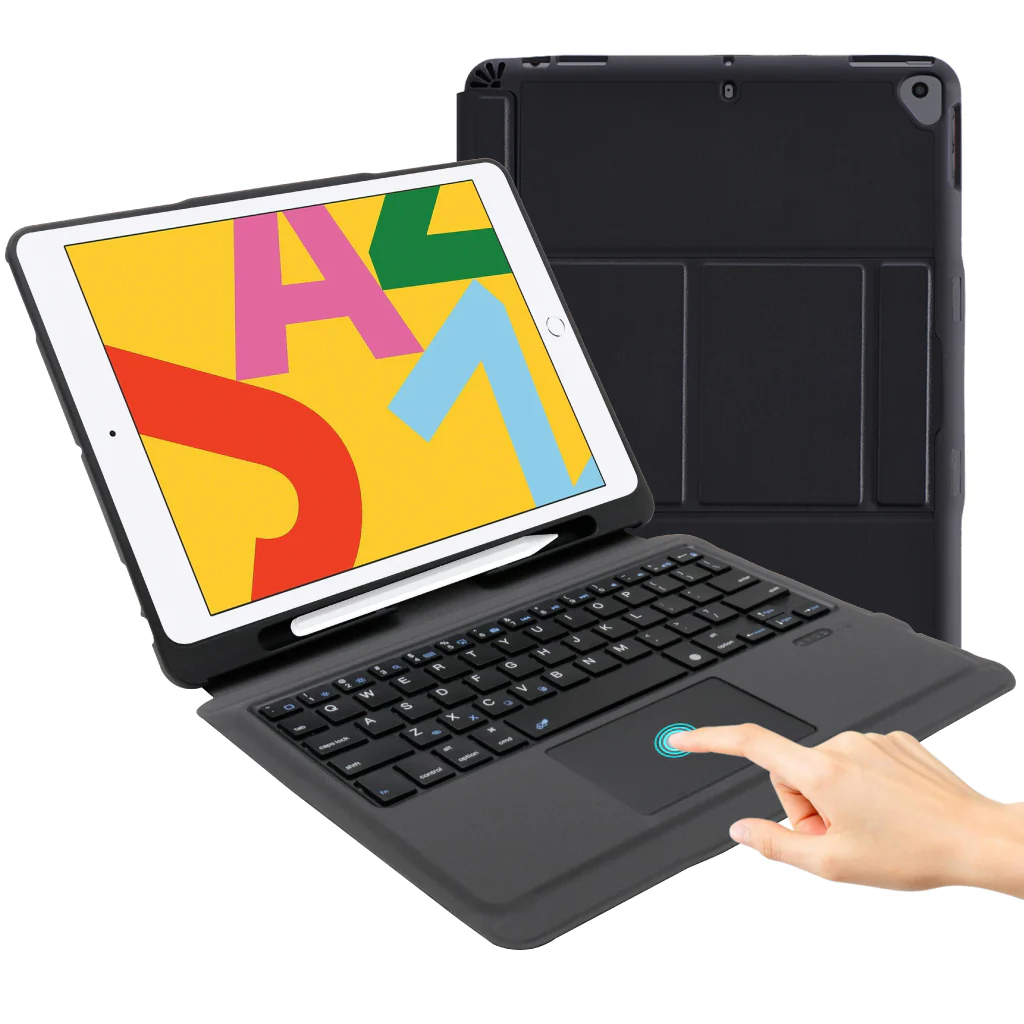
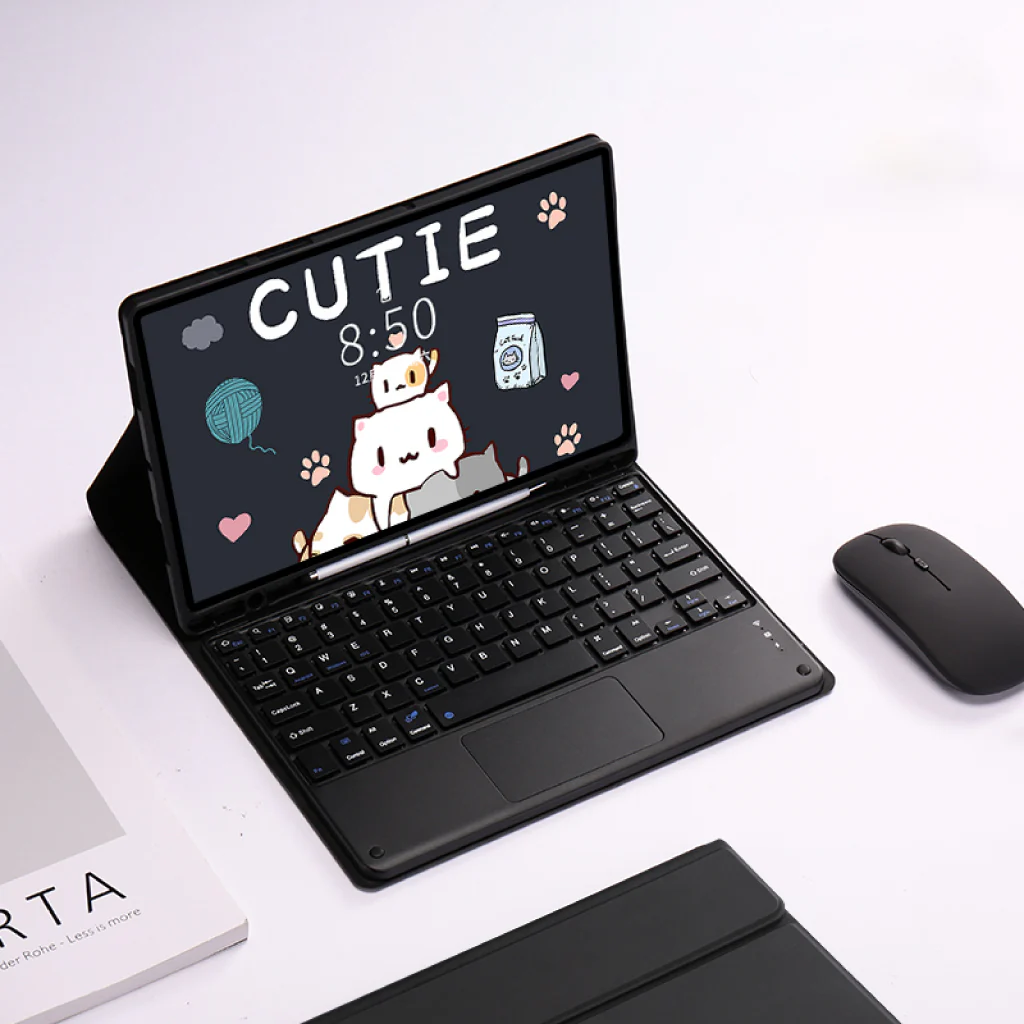
MULTI-TOUCH TRACKPAD: This keyboard case for iPad 10th generation has an integrated multi-touch touchpad that perfectly adapts to the IOS system, with various trackpad gestures, providing a comfortable usage experience while clicking, scrolling, and swiping through content effortlessly.
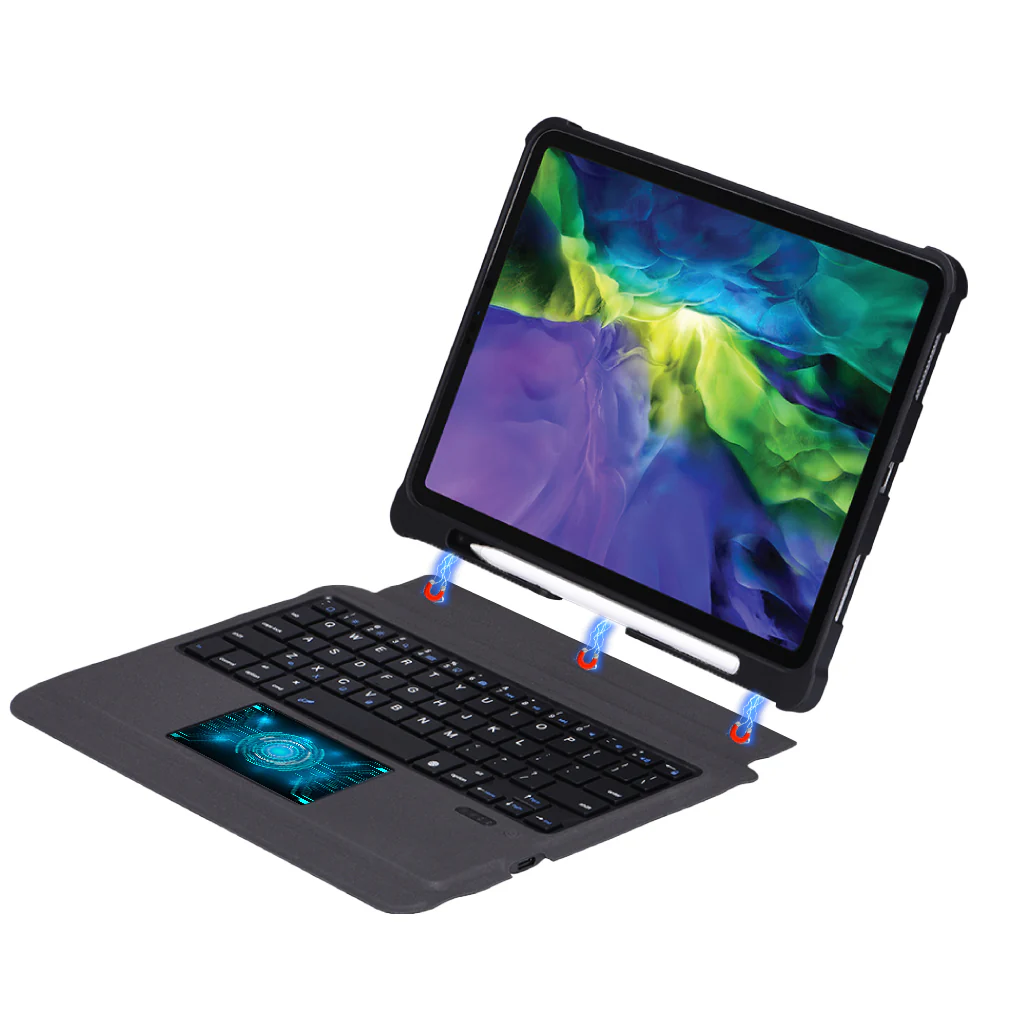
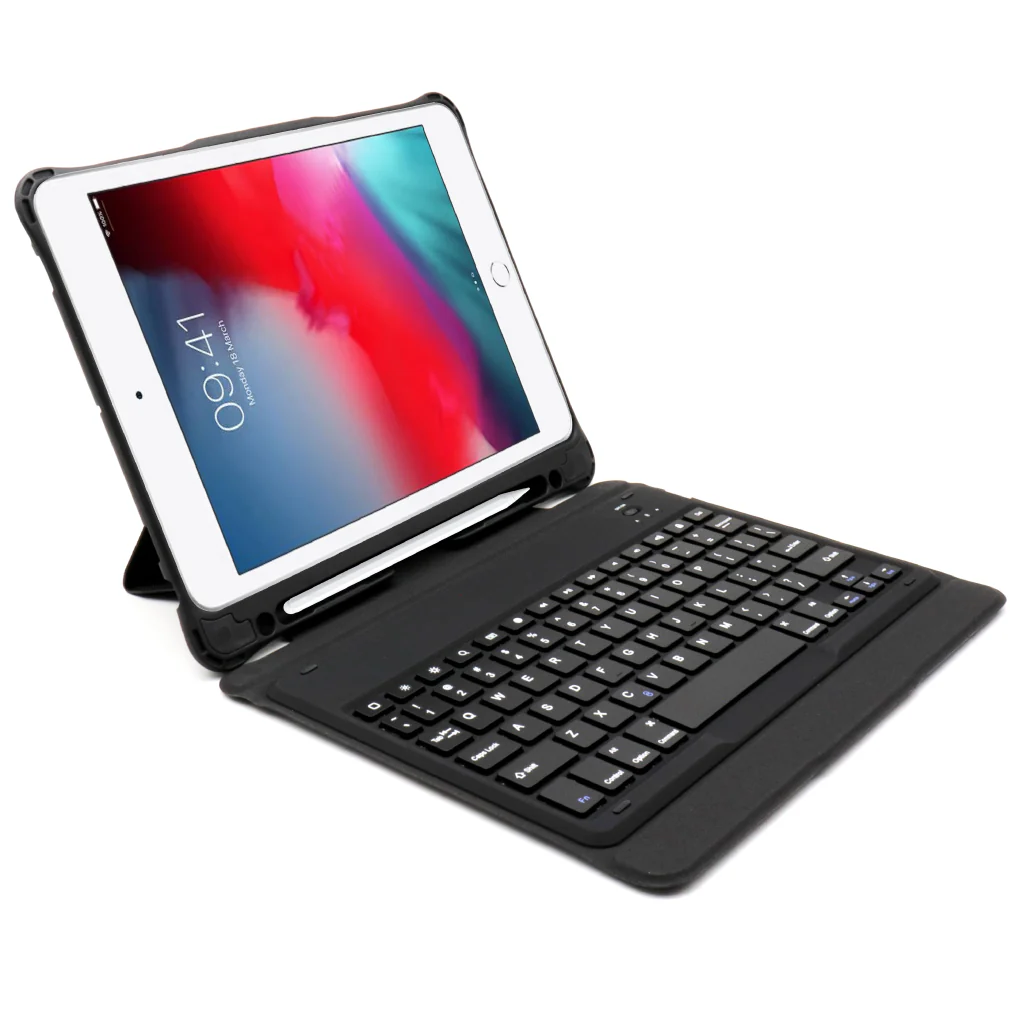
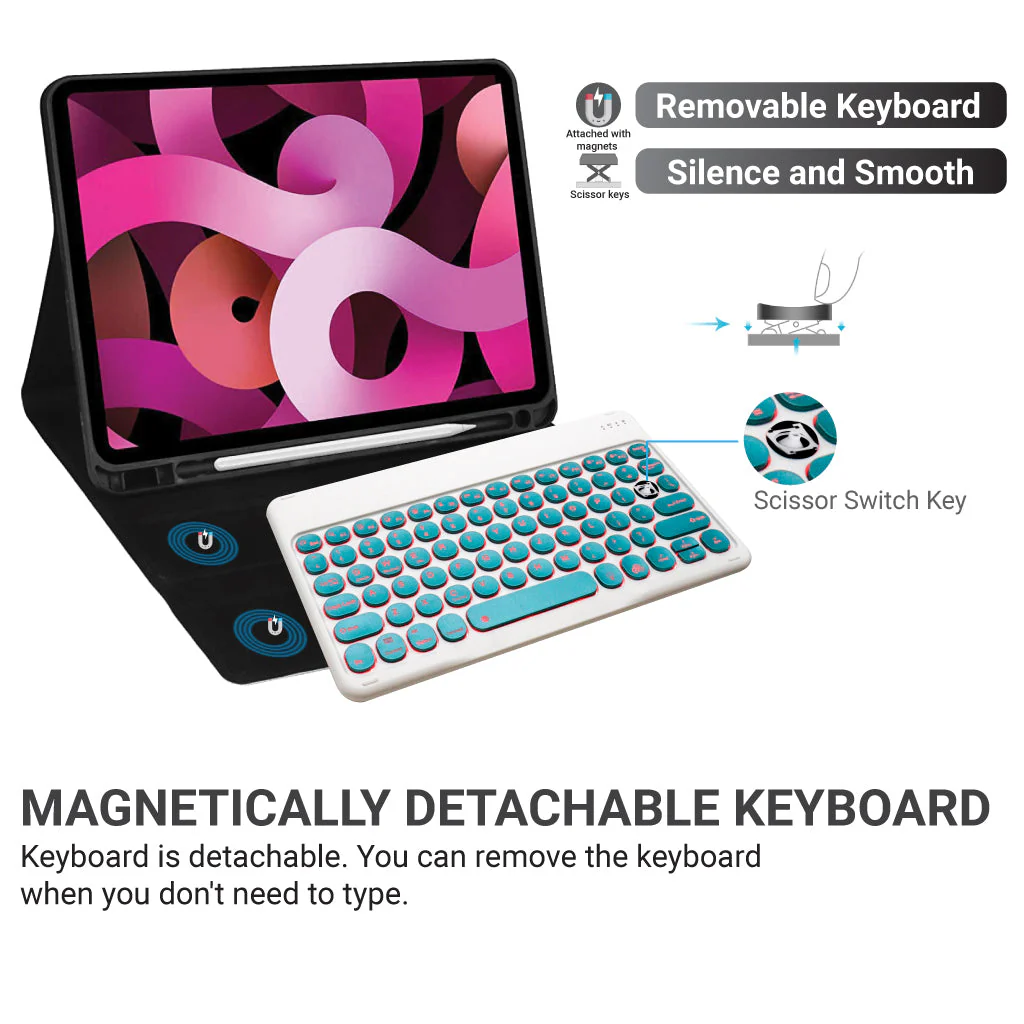
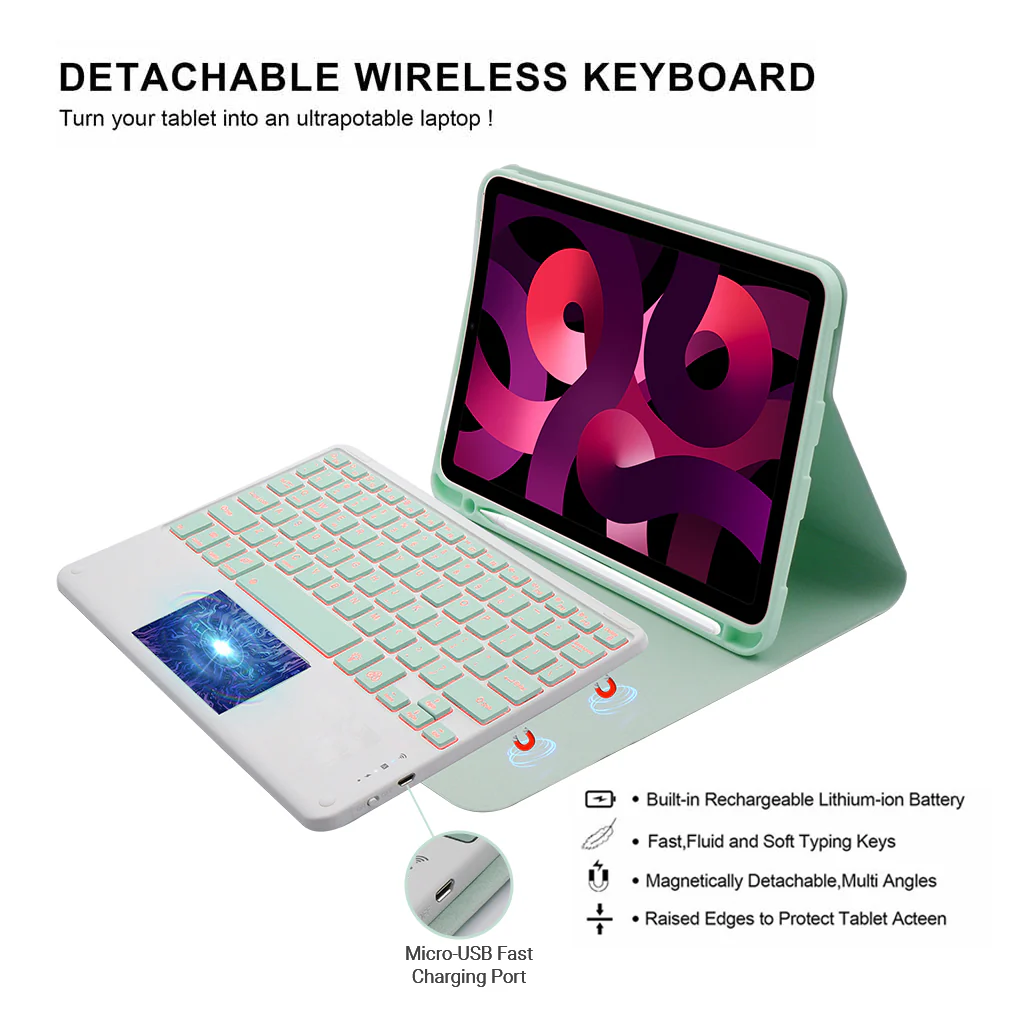
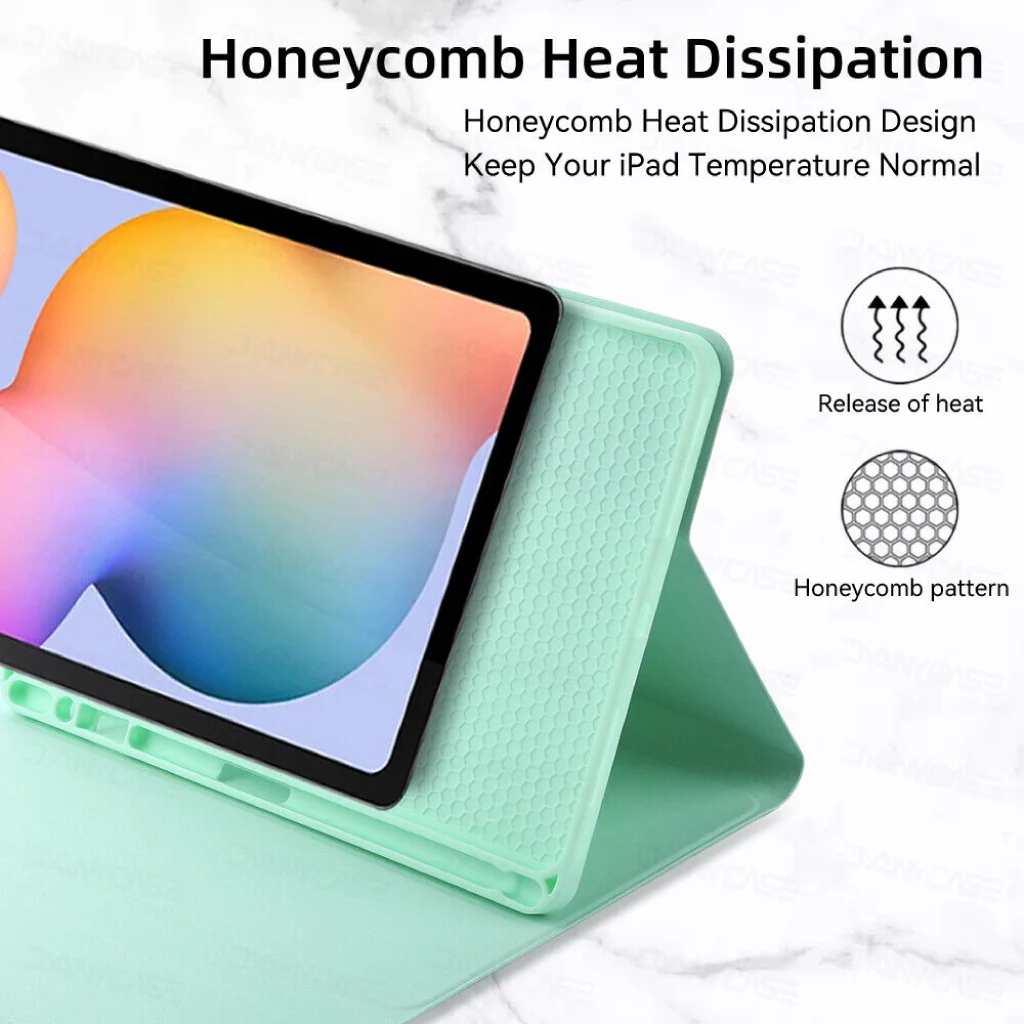
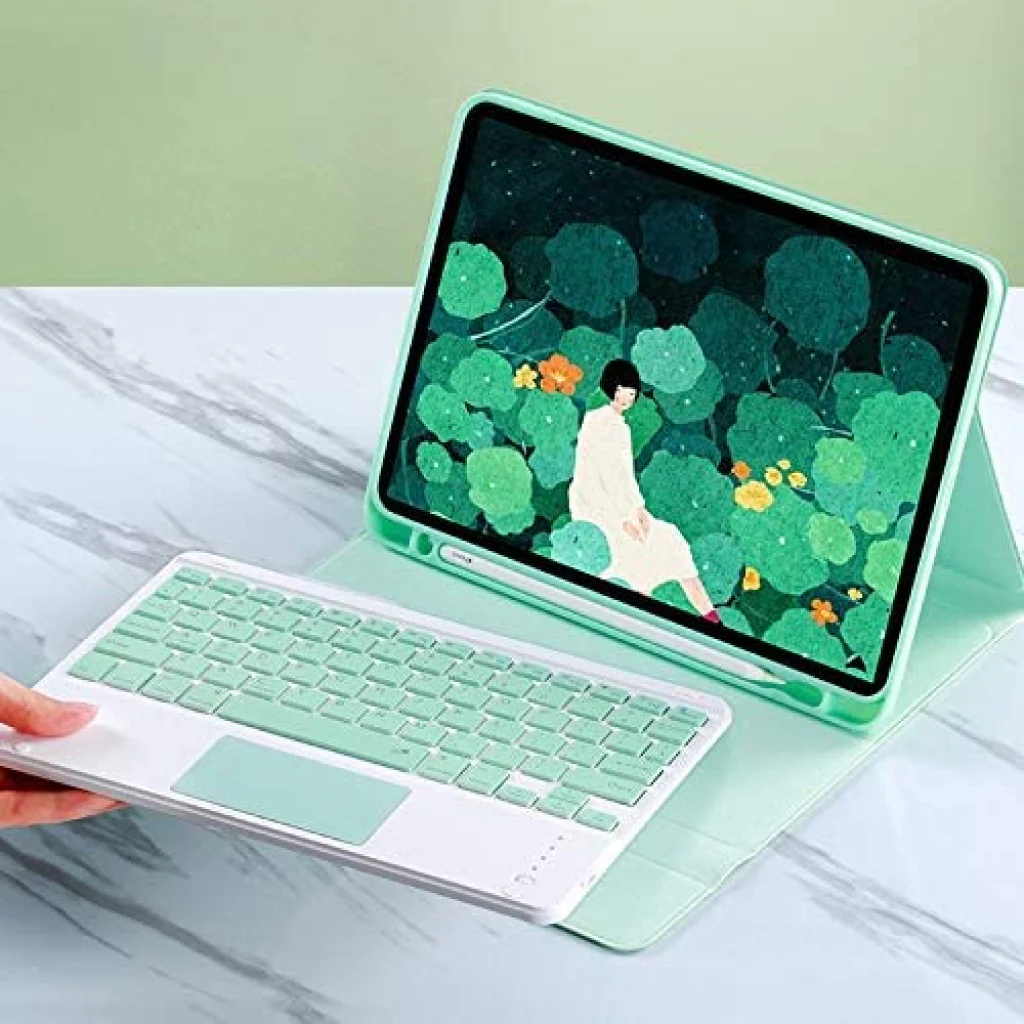
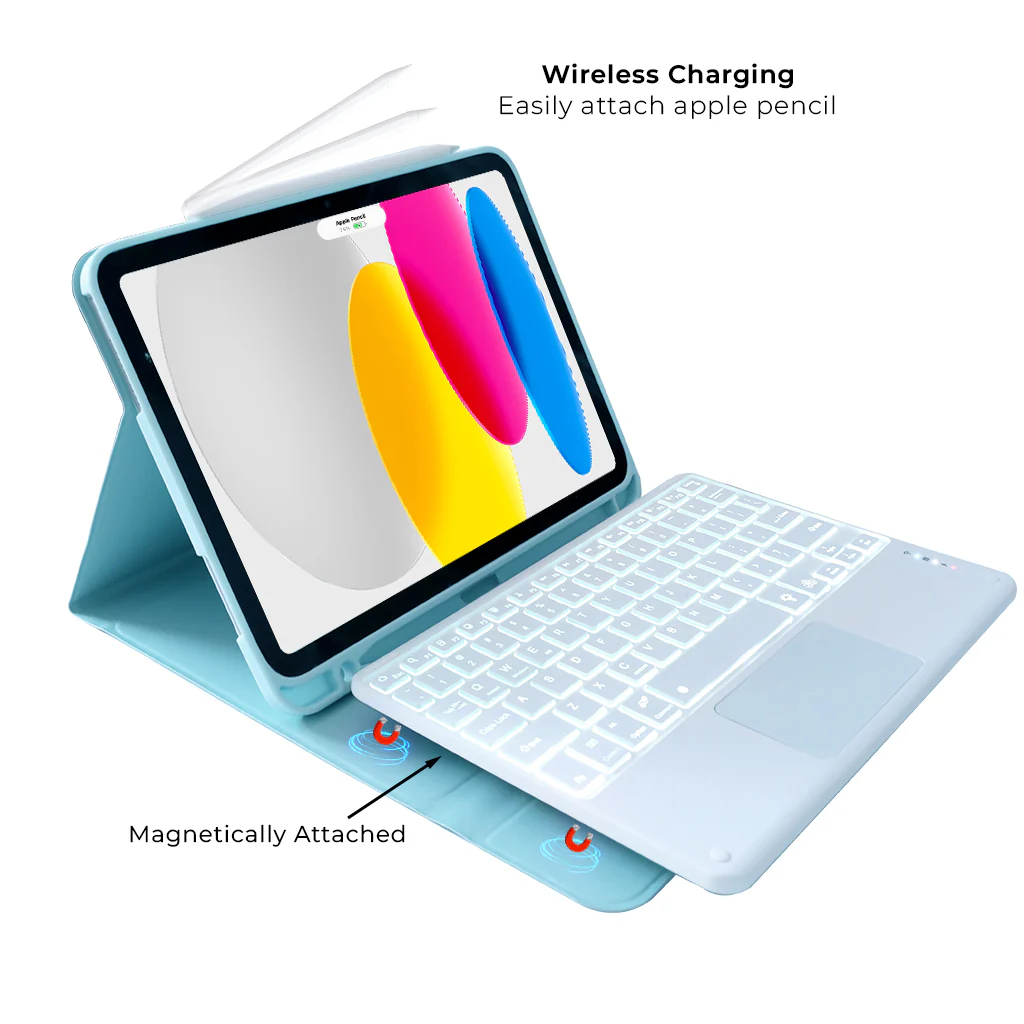
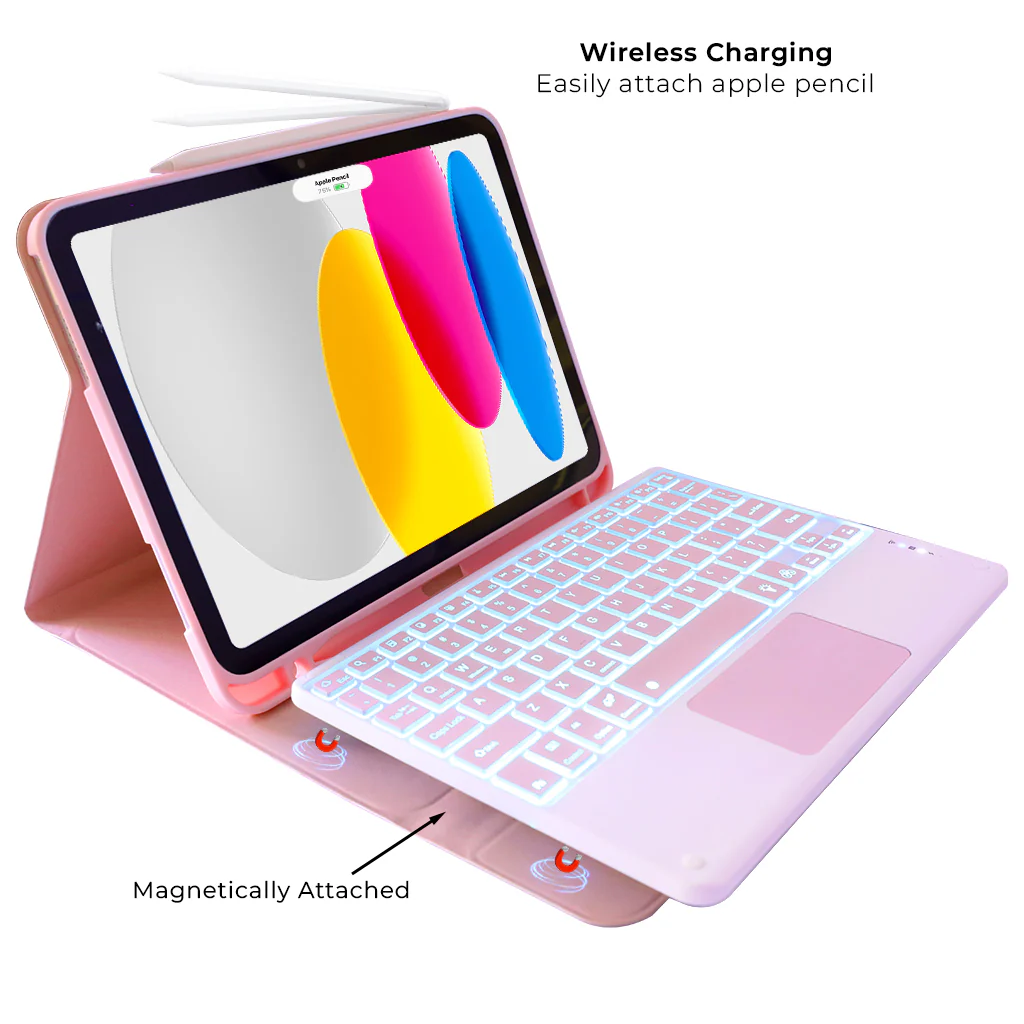
MULTIPLE VIEWING ANGLES AND PEN HOLDER: The iPad 10.9" 10th Gen keyboard is magnetically attached and very versatile and the thoughtful design easily adjusts to whatever comfortable angle suits you best. It's perfect for working, writing, taking notes, typing and editing or watching videos. Built-in Apple Pencil holder, cap & adapter slots, grab your Apple Pencil, easy to carry and use. Precise cutouts allow full access to all ports, sensors, speakers, microphones, and cameras.
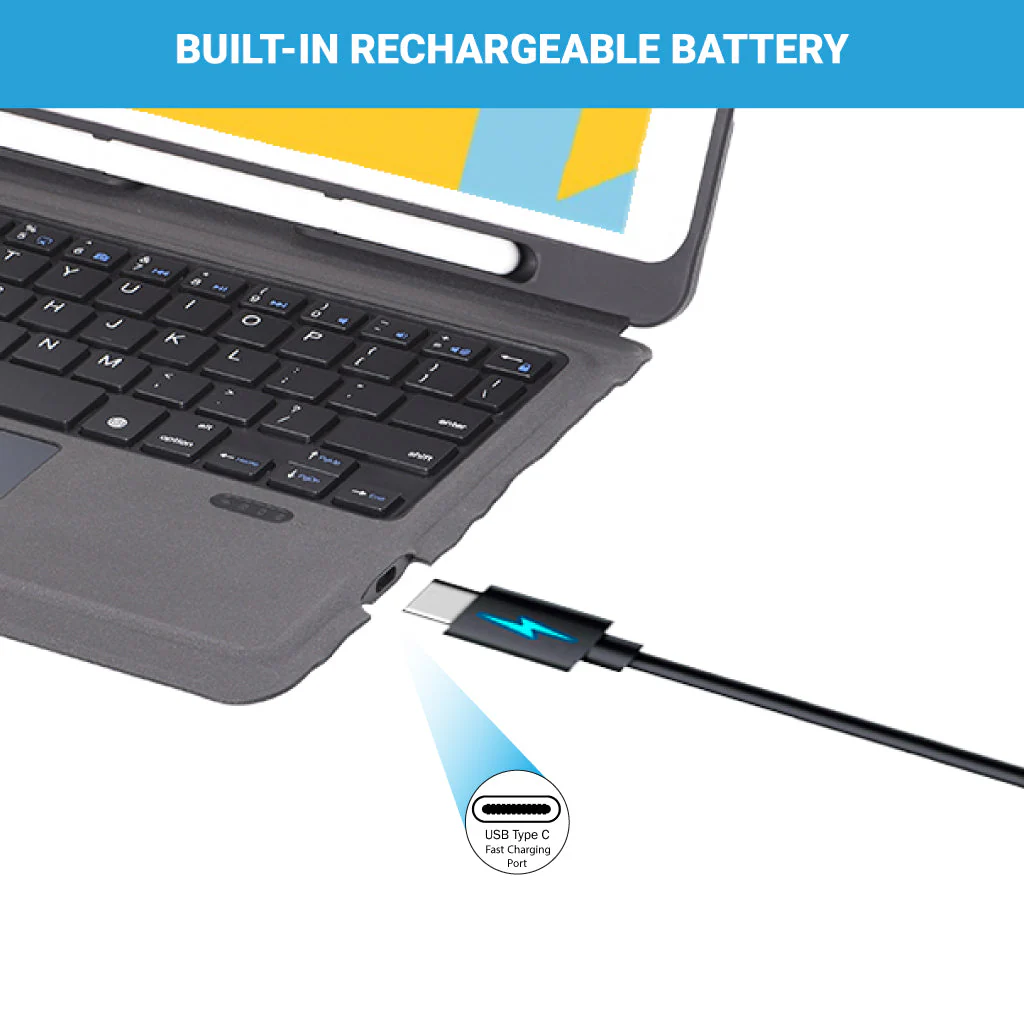
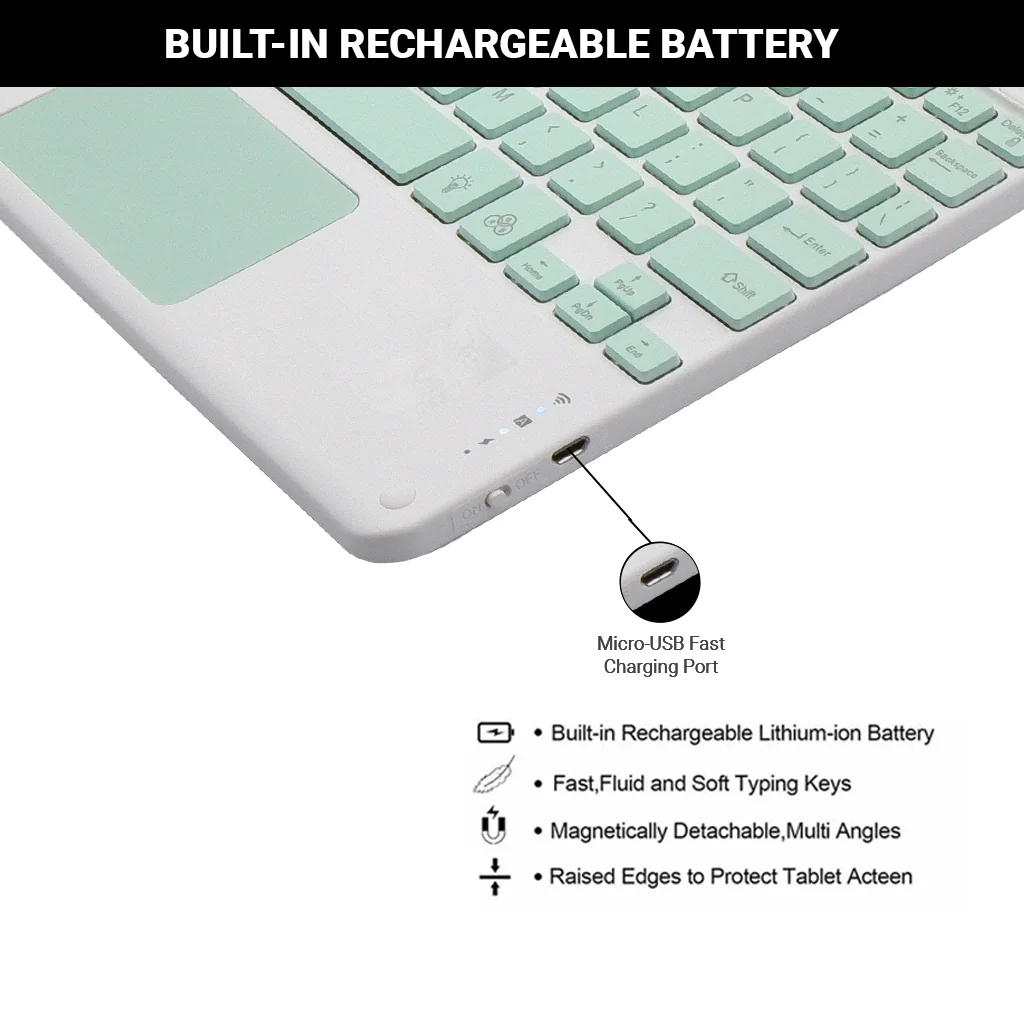
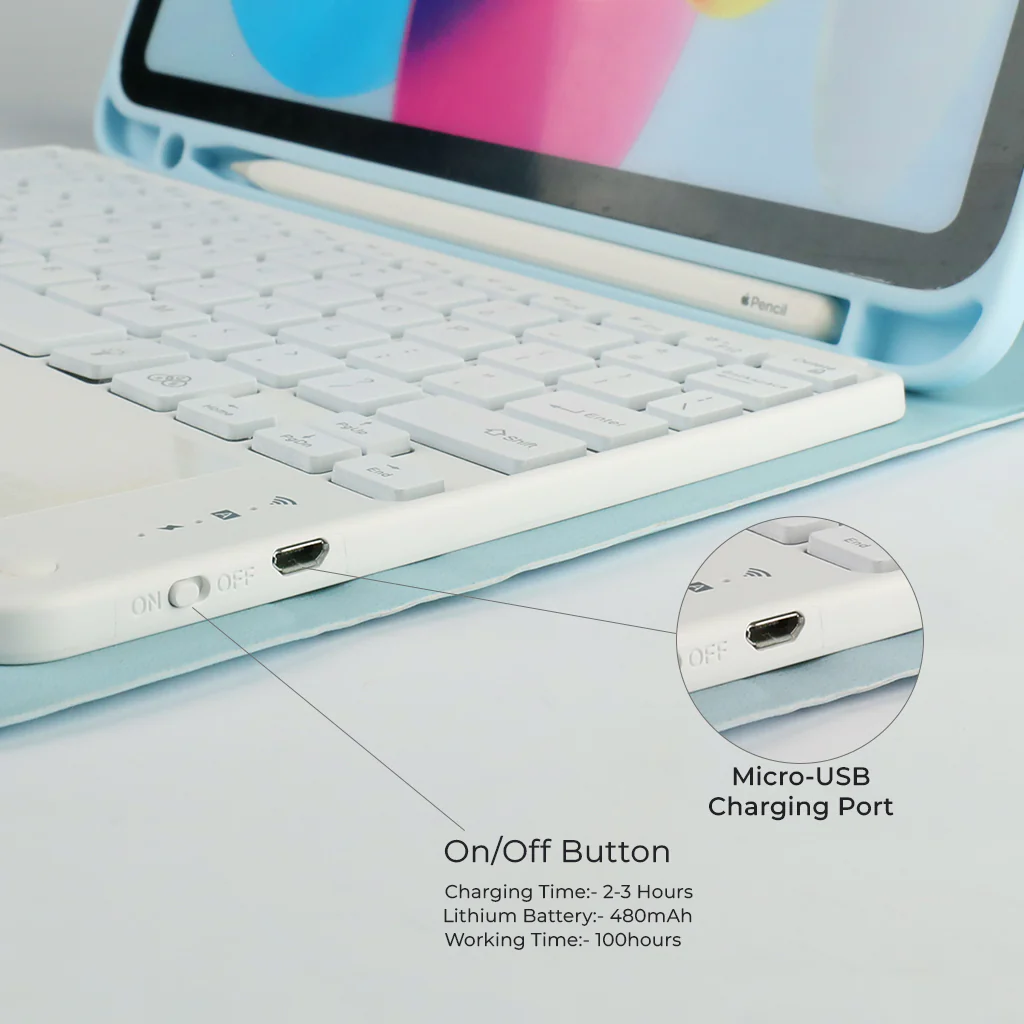
RECHARGEABLE BATTERY: Rechargeable iPad 10 keyboard brings a different experience to your work. You can charge your keyboard with the charging Micro cable that comes with it. Bluetooth keyboards for iPad built-in high stability lithium-ion battery with energy-saving mode.
HOW TO CONNECT:
Step 1: Before first use, we recommend charging the keyboard for a minimum of 4 to 6 hours.
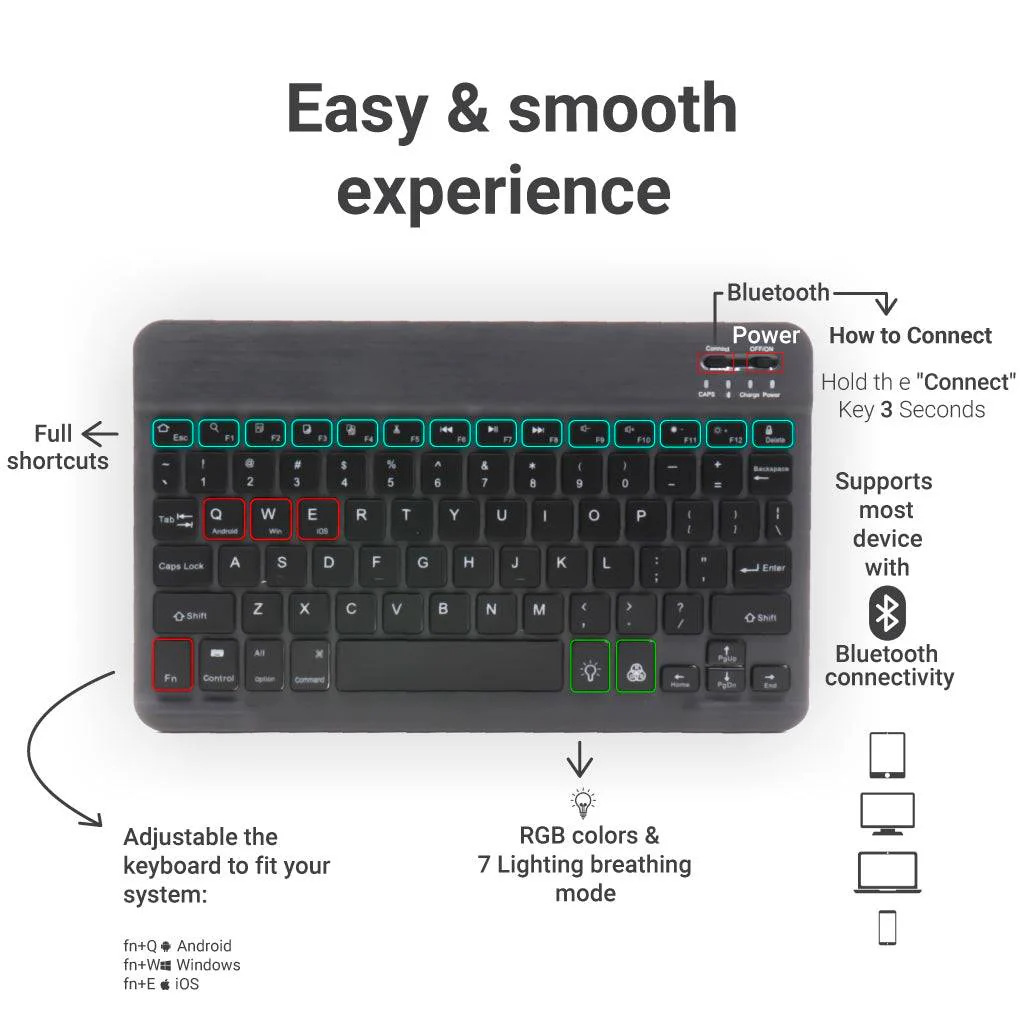
Step 2: Please press ‘Fn + C’ Keys to start pairing on the Keyboard. The Blue light will start blinking on the keyboard to show keyboard is in pairing mode.
Step 3: On your source device, select the ‘Settings’ icon.
Step 4: Navigate to ‘Bluetooth’ settings and turn on Bluetooth.
Step 5: Select ‘Refresh’ from the settings bar. Your keyboard (Bluetooth Keyboard) will show in the ‘Available Devices’ section.
Step 6: Select the keyboard and press Pair or hit enter. You are now connected!
DISCLAIMER: Kindly use the device with a 5V 1A power adapter only. It will improve the lifespan of your gear and their batteries.

Details & Craftsmanship
Every detail has been carefully considered to bring you the perfect product.
Details & Craftsmanship
Every detail has been carefully considered to bring you the perfect product.
Details & Craftsmanship
Every detail has been carefully considered to bring you the perfect product.
Details & Craftsmanship
Every detail has been carefully considered to bring you the perfect product.

Details & Craftsmanship
Every detail has been carefully considered to bring you the perfect product.
Details & Craftsmanship
Every detail has been carefully considered to bring you the perfect product.

Details & Craftsmanship
Every detail has been carefully considered to bring you the perfect product.
Details & Craftsmanship
Every detail has been carefully considered to bring you the perfect product.

Details & Craftsmanship
Every detail has been carefully considered to bring you the perfect product.

Details & Craftsmanship
Every detail has been carefully considered to bring you the perfect product.

Details & Craftsmanship
Every detail has been carefully considered to bring you the perfect product.

Details & Craftsmanship
Every detail has been carefully considered to bring you the perfect product.

Details & Craftsmanship
Every detail has been carefully considered to bring you the perfect product.

Details & Craftsmanship
Every detail has been carefully considered to bring you the perfect product.
Details & Craftsmanship
Every detail has been carefully considered to bring you the perfect product.
Details & Craftsmanship
Every detail has been carefully considered to bring you the perfect product.

Details & Craftsmanship
Every detail has been carefully considered to bring you the perfect product.

Details & Craftsmanship
Every detail has been carefully considered to bring you the perfect product.

Details & Craftsmanship
Every detail has been carefully considered to bring you the perfect product.

Details & Craftsmanship
Every detail has been carefully considered to bring you the perfect product.
Details & Craftsmanship
Every detail has been carefully considered to bring you the perfect product.

Details & Craftsmanship
Every detail has been carefully considered to bring you the perfect product.

Details & Craftsmanship
Every detail has been carefully considered to bring you the perfect product.

Details & Craftsmanship
Every detail has been carefully considered to bring you the perfect product.
Details & Craftsmanship
Every detail has been carefully considered to bring you the perfect product.

Details & Craftsmanship
Every detail has been carefully considered to bring you the perfect product.

Details & Craftsmanship
Every detail has been carefully considered to bring you the perfect product.

Details & Craftsmanship
Every detail has been carefully considered to bring you the perfect product.

Details & Craftsmanship
Every detail has been carefully considered to bring you the perfect product.
Details & Craftsmanship
Every detail has been carefully considered to bring you the perfect product.

Details & Craftsmanship
Every detail has been carefully considered to bring you the perfect product.

Details & Craftsmanship
Every detail has been carefully considered to bring you the perfect product.

Details & Craftsmanship
Every detail has been carefully considered to bring you the perfect product.

Details & Craftsmanship
Every detail has been carefully considered to bring you the perfect product.

Details & Craftsmanship
Every detail has been carefully considered to bring you the perfect product.

Details & Craftsmanship
Every detail has been carefully considered to bring you the perfect product.

Details & Craftsmanship
Every detail has been carefully considered to bring you the perfect product.
Description
COMPATIBILITY: TECPHILE PS209T Wireless Keyboard Case is specifically designed to be compatible with the new iPad 10th Generation 10.9-inch 2022 (model numbers A2696, A2757, A2777). It is not compatible with any other devices, including the iPad Air 5th generation 2022 or the iPad Air (4th generation) 10.9” 2020.
BACKLIGHT KEYBOARD FOR IPAD 10th Gen: PS209T has 3-level adjustable brightness and 7 pure led backlit, engaging yourself in a free and relaxed typing experience in any dim condition. The backlight will automatically turn off if you are not typing for over 30 sec to save power.
MULTI-TOUCH TRACKPAD: This keyboard case for iPad 10th generation has an integrated multi-touch touchpad that perfectly adapts to the IOS system, with various trackpad gestures, providing a comfortable usage experience while clicking, scrolling, and swiping through content effortlessly.
MULTIPLE VIEWING ANGLES AND PEN HOLDER: The iPad 10.9" 10th Gen keyboard is magnetically attached and very versatile and the thoughtful design easily adjusts to whatever comfortable angle suits you best. It's perfect for working, writing, taking notes, typing and editing or watching videos. Built-in Apple Pencil holder, cap & adapter slots, grab your Apple Pencil, easy to carry and use. Precise cutouts allow full access to all ports, sensors, speakers, microphones, and cameras.
RECHARGEABLE BATTERY: Rechargeable iPad 10 keyboard brings a different experience to your work. You can charge your keyboard with the charging Micro cable that comes with it. Bluetooth keyboards for iPad built-in high stability lithium-ion battery with energy-saving mode.
HOW TO CONNECT:
Step 1: Before first use, we recommend charging the keyboard for a minimum of 4 to 6 hours.
Step 2: Please press ‘Fn + C’ Keys to start pairing on the Keyboard. The Blue light will start blinking on the keyboard to show keyboard is in pairing mode.
Step 3: On your source device, select the ‘Settings’ icon.
Step 4: Navigate to ‘Bluetooth’ settings and turn on Bluetooth.
Step 5: Select ‘Refresh’ from the settings bar. Your keyboard (Bluetooth Keyboard) will show in the ‘Available Devices’ section.
Step 6: Select the keyboard and press Pair or hit enter. You are now connected!
DISCLAIMER: Kindly use the device with a 5V 1A power adapter only. It will improve the lifespan of your gear and their batteries.